
CodeFlask
A tiny, elegant code editor for the browser with syntax highlighting. Write and edit code in a clean, minimal interface.
About CodeFlask
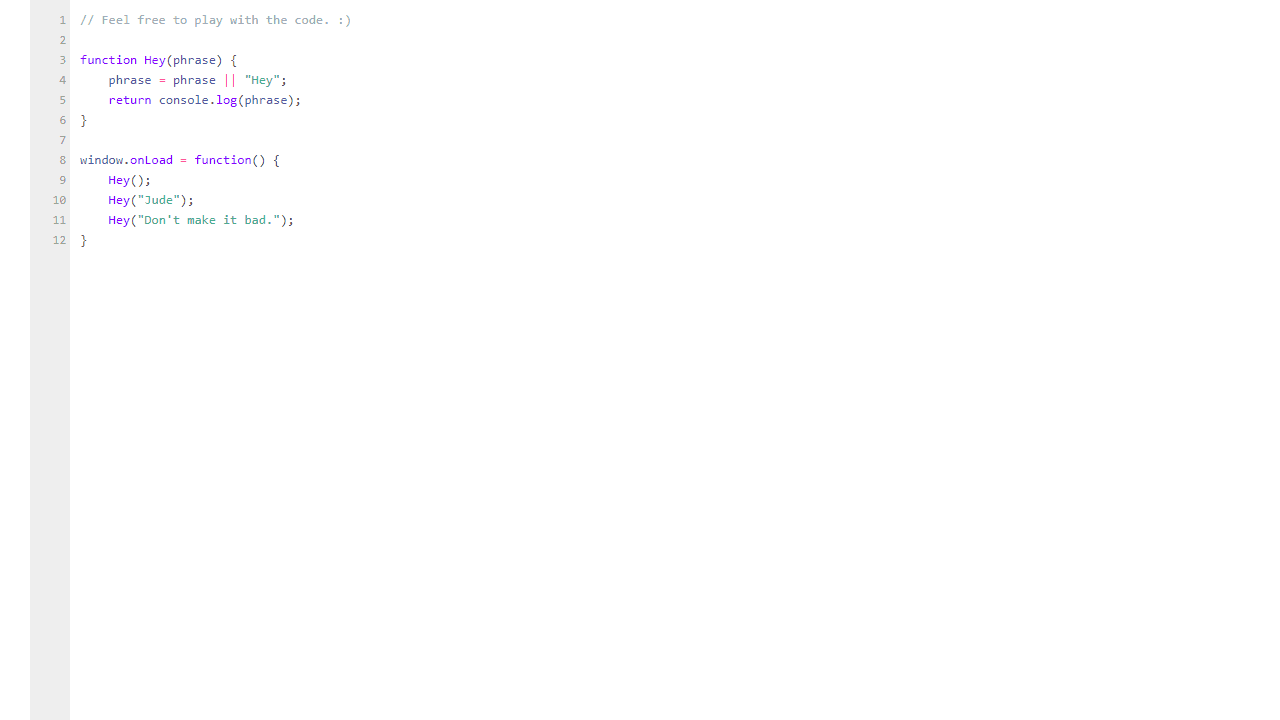
Type a few lines of JavaScript, Python, or any common language into the editor and watch syntax highlighting kick in immediately — no setup, no account, no configuration required. CodeFlask is a stripped-down browser-based code editor built for moments when you need a clean surface to write or tweak code without opening a full IDE. It's genuinely minimal, which is the point.
It fits naturally into the developer tools corner of the catalog, sitting alongside utilities built for quick, focused tasks. If you paste a snippet to test logic, sketch out a function, or share readable code with a colleague, the lightweight interface keeps the focus on the text rather than the tooling around it. For processing or transforming what you write next, CyberChef pairs well for encoding, hashing, and manipulation tasks.
CodeFlask works best on a desktop or laptop where a real keyboard is within reach — the editing experience on touchscreens is functional but limited, so plan accordingly.
Look inside
How to use
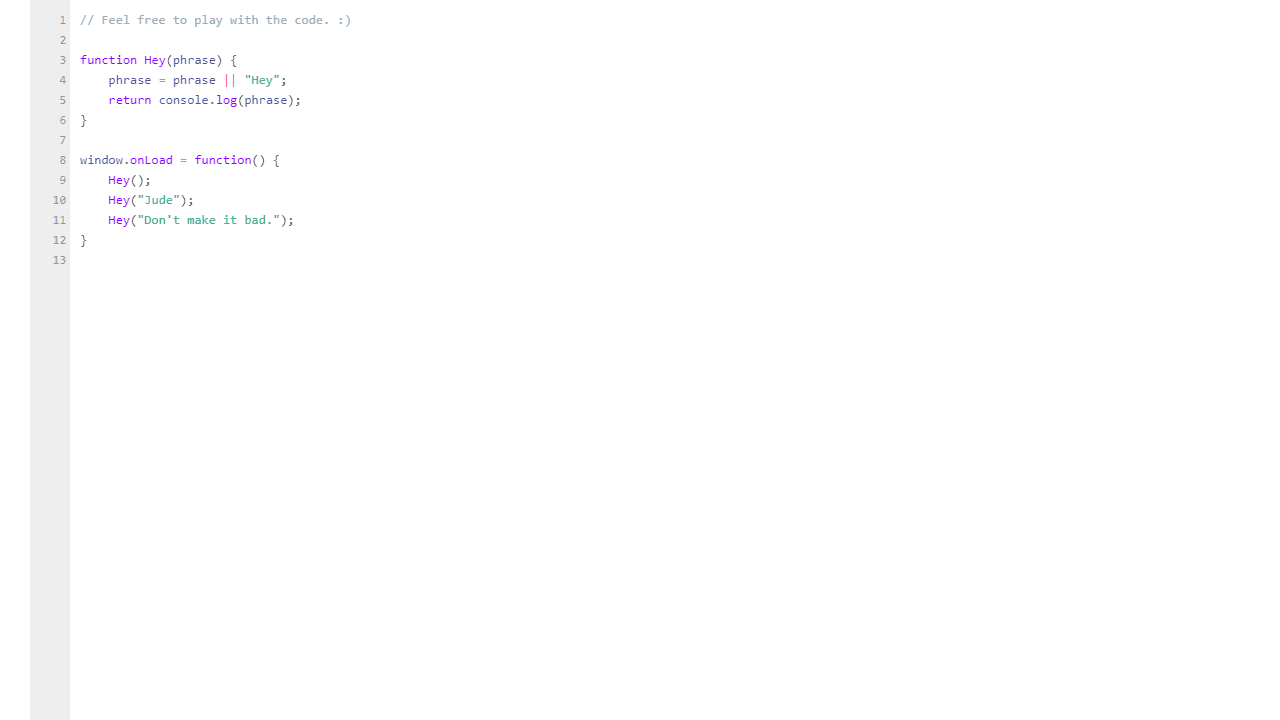
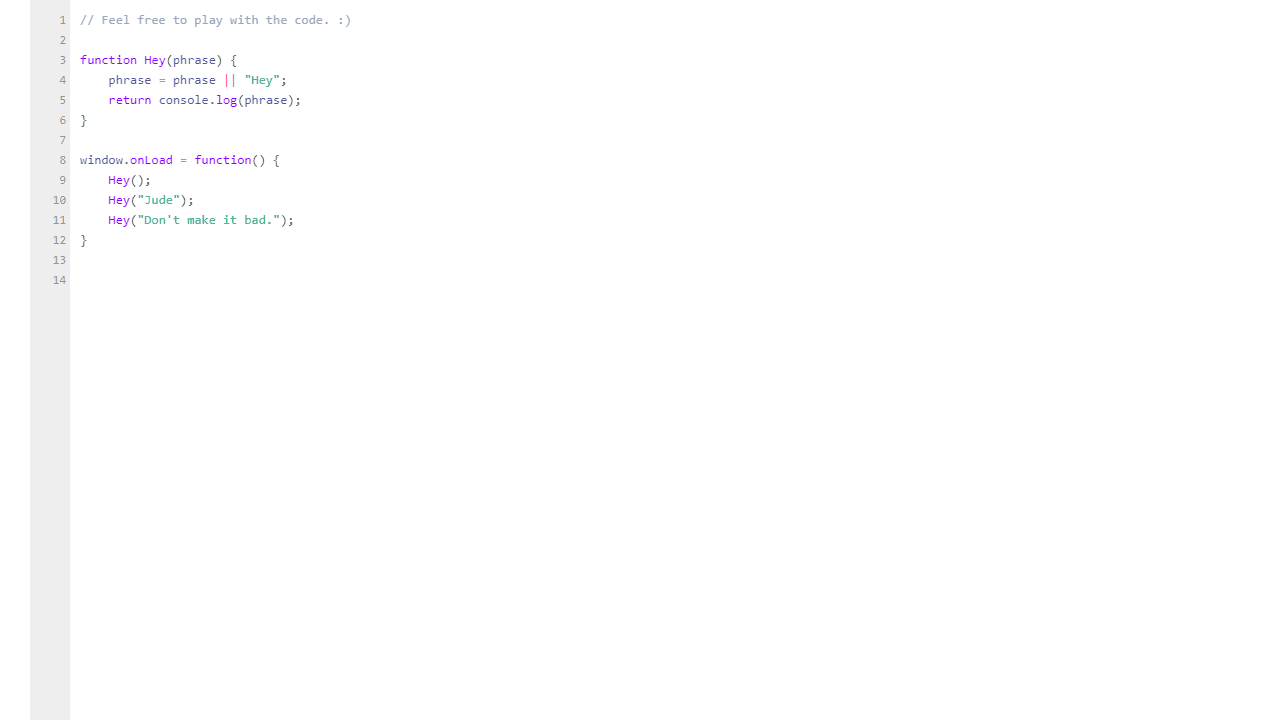
CodeFlask is a lightweight code editor that runs in your browser with syntax highlighting and line numbers. • Click anywhere in the code area to start editing • Type normally to write or modify code • Use Tab key to indent code (tab handling is enabled) • Use standard keyboard shortcuts like Ctrl+A to select all, Ctrl+C to copy, etc. • The editor automatically highlights syntax for JavaScript and other programming languages • Line numbers appear on the left side to help track your position • Code is automatically saved as you type - no need to manually save • You can scroll through longer code files using mouse wheel or arrow keys • The editor supports standard text selection with mouse click and drag • Right-click for context menu with copy/paste options The goal is to provide a simple, clean environment for writing and editing code directly in your browser with helpful features like syntax coloring and line numbering to make code more readable.
Reviews
No written reviews yet. Be the first!
More from Developer

Convert Scratch projects into standalone HTML files. Upload a Scratch project and download a self-contained web page you can share.
by SheepTester


