
CyberChef
The Cyber Swiss Army Knife: encoding, hashing, encryption, compression, and hundreds more operations.
About CyberChef
CyberChef turns raw data into something useful by chaining together operations — Base64-decode a string, strip whitespace, then AES-decrypt the result, all in one browser tab. You drag operations from a sidebar into a recipe, paste or type your input, and watch the output update in real time. There are over 300 operations covering encoding, hashing, compression, formatting, and cryptography, so most data-wrangling tasks you'd normally reach for a script to handle can be done here without writing a line of code.
It was built by GCHQ and released under the Apache-2.0 license. The source lives on GitHub and it runs entirely in the browser — nothing is sent to a server. That makes it a solid choice for sensitive material. If you work regularly with developer tools, it will slot in quickly alongside whatever else you already use.
Recipes can be saved and shared as URLs, which is handy for handing a repeatable decode step to a colleague. A larger screen helps here because the recipe column, input, and output all sit side by side and the layout gets cramped below about 1100px wide.
Look inside
How to use
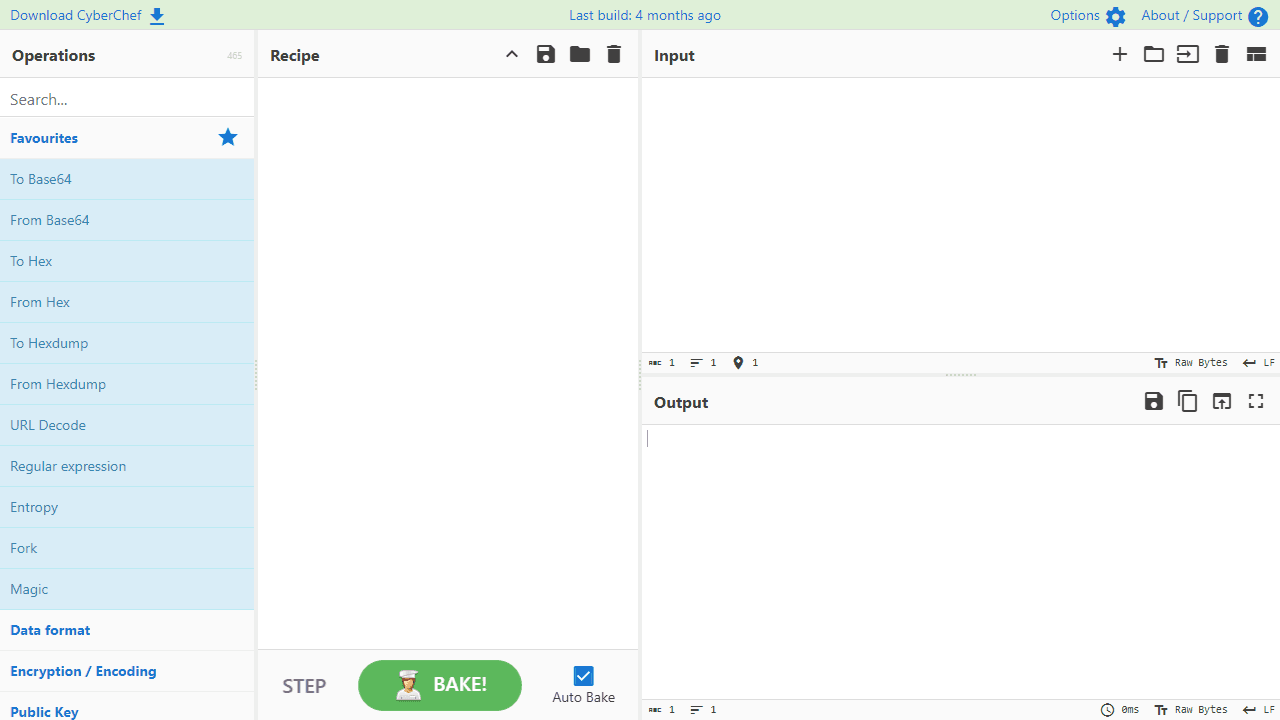
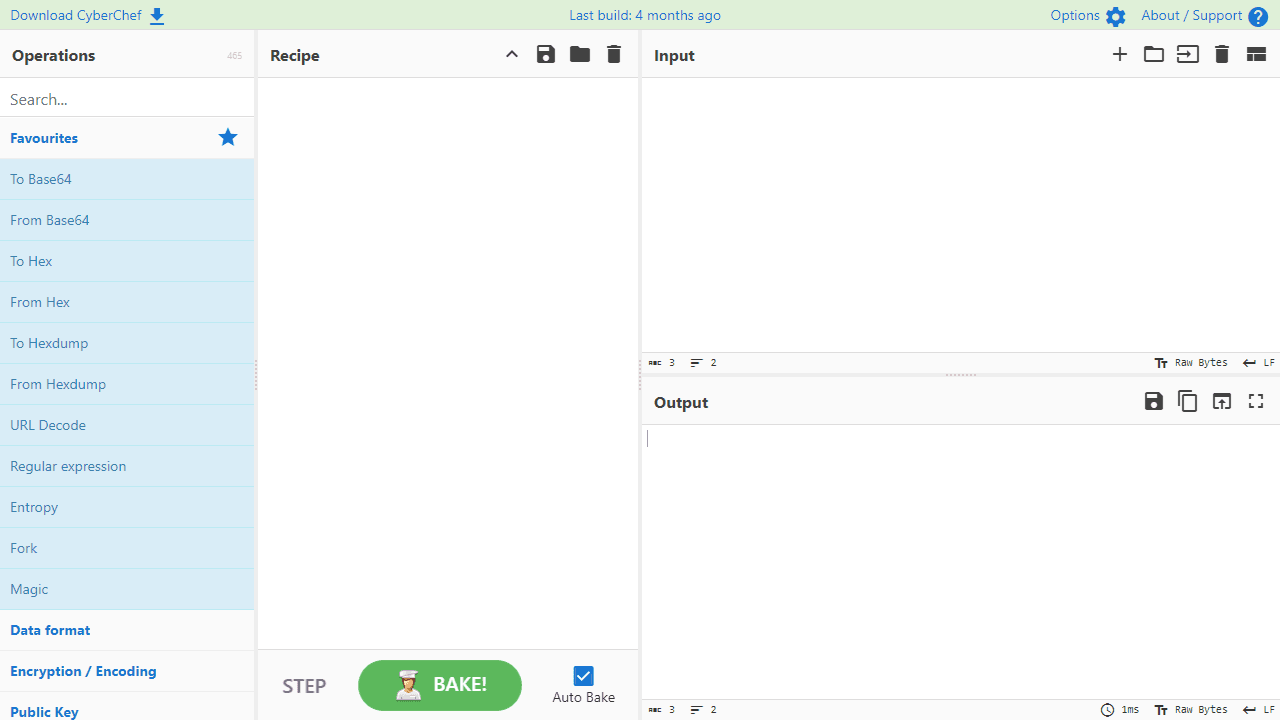
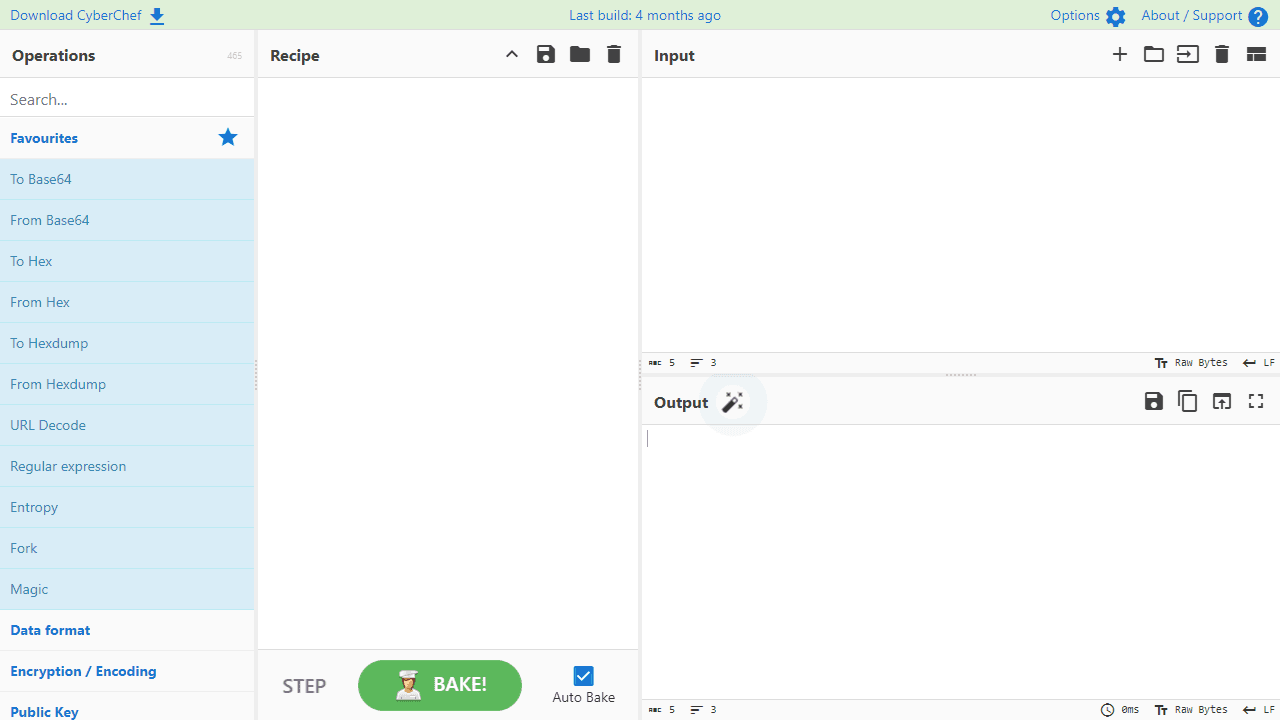
This tool processes and transforms data using various encoding, encryption, compression and analysis operations. • **Input area** (top right): Paste text, type, or drag files up to 2GB to process • **Operations list** (left): Browse categorized operations or use search box to find specific tools • **Recipe area** (center): Drag operations here to build your processing pipeline • **Output area** (bottom right): View processed results **Basic Usage:** 1. Enter data in input area or drag files into it 2. Search for or browse operations (Base64, AES, compression, etc.) 3. Drag desired operations into recipe area 4. Configure operation settings as needed 5. Results appear automatically in output (Auto Bake feature) **Key Features:** • Drag operations to reorder them in your recipe • Double-click operations to remove them • Set breakpoints to pause execution at specific steps • Use Step button to process one operation at a time • Save/load recipes for reuse • All processing happens locally in your browser - no data is sent to servers • Click magic wand icon if it appears to auto-detect encodings
Reviews
No written reviews yet. Be the first!
More from Developer

Convert Scratch projects into standalone HTML files. Upload a Scratch project and download a self-contained web page you can share.
by SheepTester


