
Gradient Designer
Design color gradients and export to CSS, SVG, Python, and more. Shareable via URL.
About Gradient Designer
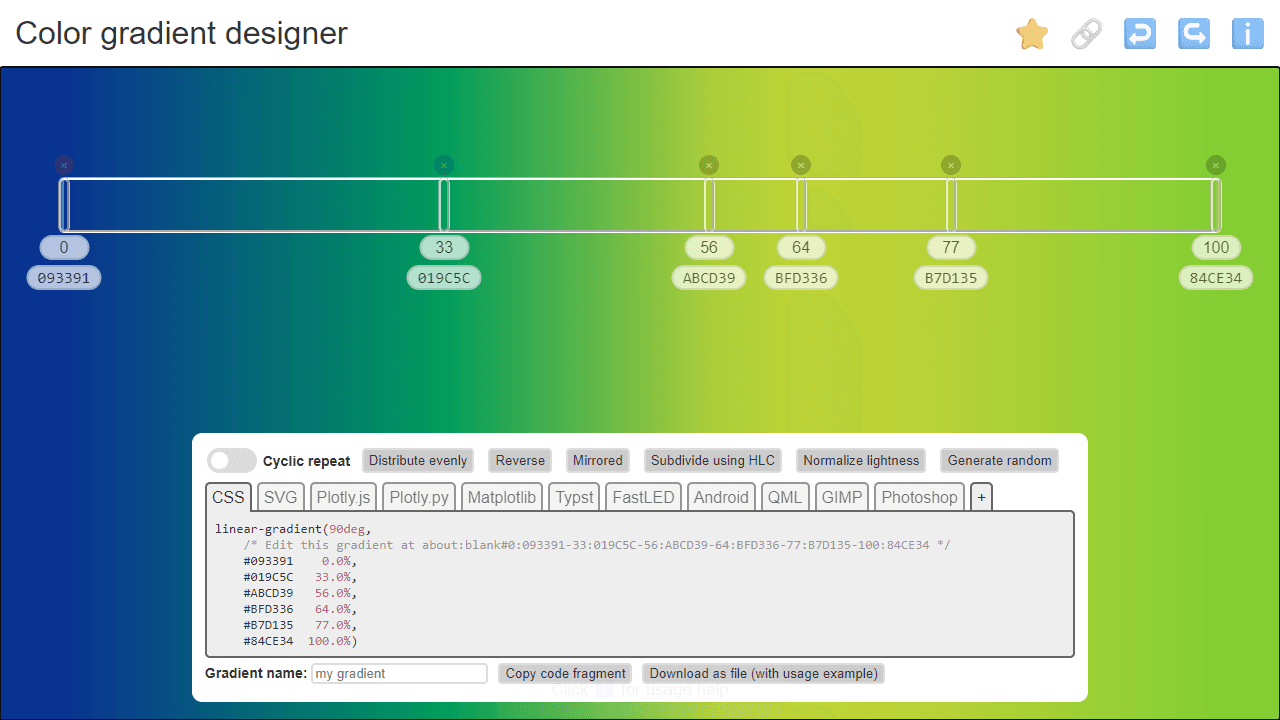
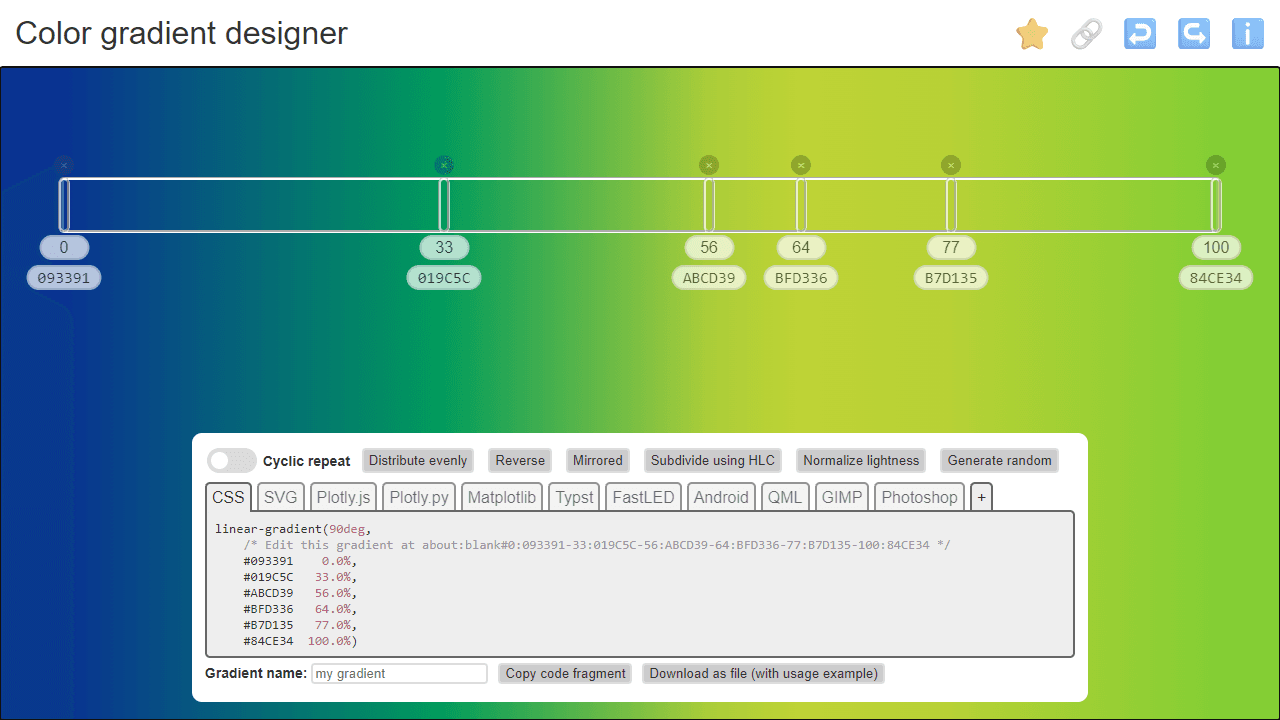
Pick two or more colors, drag the stops along the gradient bar, and watch the blend update in real time. Gradient Designer lets you fine-tune each stop's position and hue until the transition looks exactly right, then exports the result in whichever format your project needs — CSS linear-gradient, SVG, Python, and several others. Every gradient also gets a shareable URL, so you can send a link to a colleague and they'll open the exact same state without any file exchange.
It's a practical tool for anyone working on UI styling, data visualization, or generative graphics who needs to iterate quickly. If you find yourself reaching for more than gradients, Color Scheme Generator covers similar ground but focuses on full palettes built around the OKLCH color model with ready-to-paste CSS variables. Both live in the broader developer tools category.
The app runs entirely in the browser with no sign-in required, and because your gradient is encoded in the URL, bookmarking it is all the saving you need.
Look inside
How to use
Create and customize color gradients for your development projects. The tool generates code in multiple formats including CSS, SVG, Python, and more. **Basic Controls:** • Click anywhere on the gradient bar to add a new color node • Drag nodes left/right to adjust their positions • Click a node to select it and choose colors using the picker • Enter specific position values (0-100%) in the input field • Delete nodes by dragging them off the bar **Adjusting Colors:** • Use the color picker for visual selection • Enter hex codes directly (#FF0000, FE5310) • Input RGB values as 255,128,0 or 0.1,0.5,1 **Gradient Tools:** • Toggle "Cyclic repeat" for seamless looping gradients • Use "Distribute evenly" to space nodes equally • "Reverse" flips the gradient direction • "Mirrored" creates symmetrical gradients **Export Options:** • Select your desired format from the tabs (CSS, SVG, Python, etc.) • Click the code box to copy to clipboard • Use "Download as file" for complete examples with usage instructions • Name your gradient for better organization **Sharing:** • Copy permalink to share gradients via URL • Use the star icon to save favorites locally
Reviews
No written reviews yet. Be the first!
More from Developer

Convert Scratch projects into standalone HTML files. Upload a Scratch project and download a self-contained web page you can share.
by SheepTester


