
HTML5 Element Showcase
A page displaying every standard HTML5 element. Great for testing CSS themes, browser rendering, and learning HTML5 tags.
About HTML5 Element Showcase
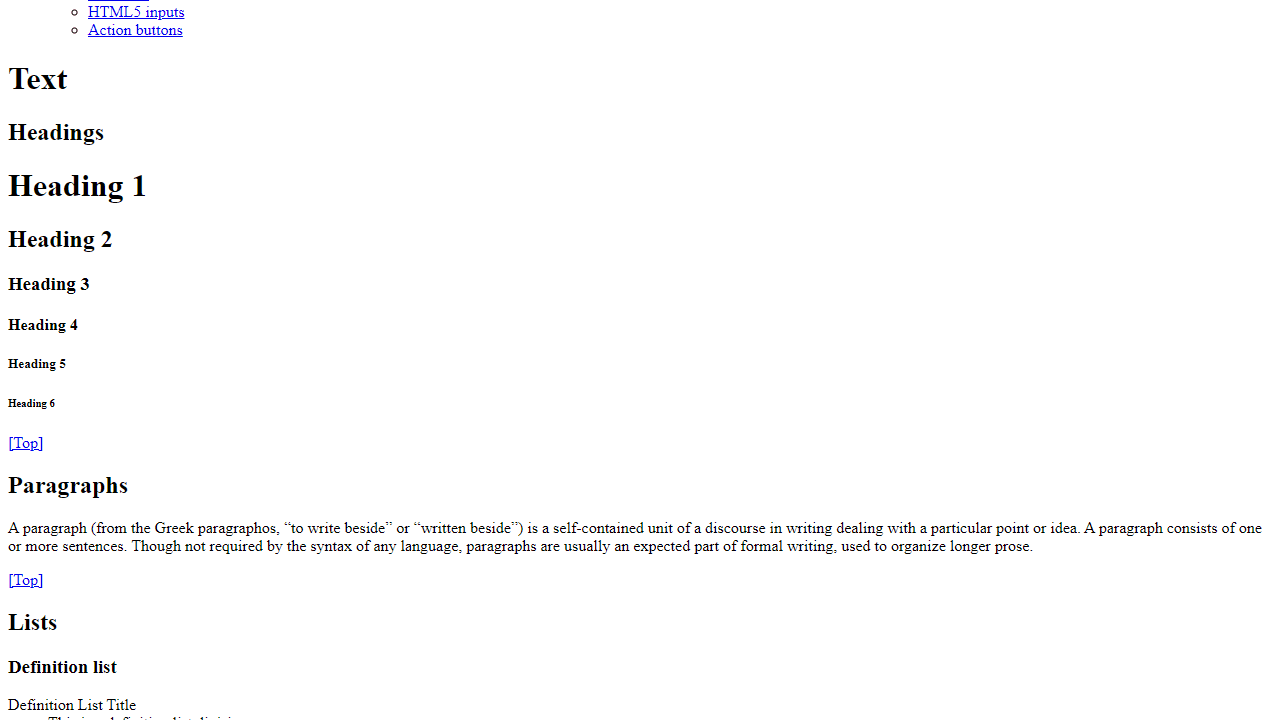
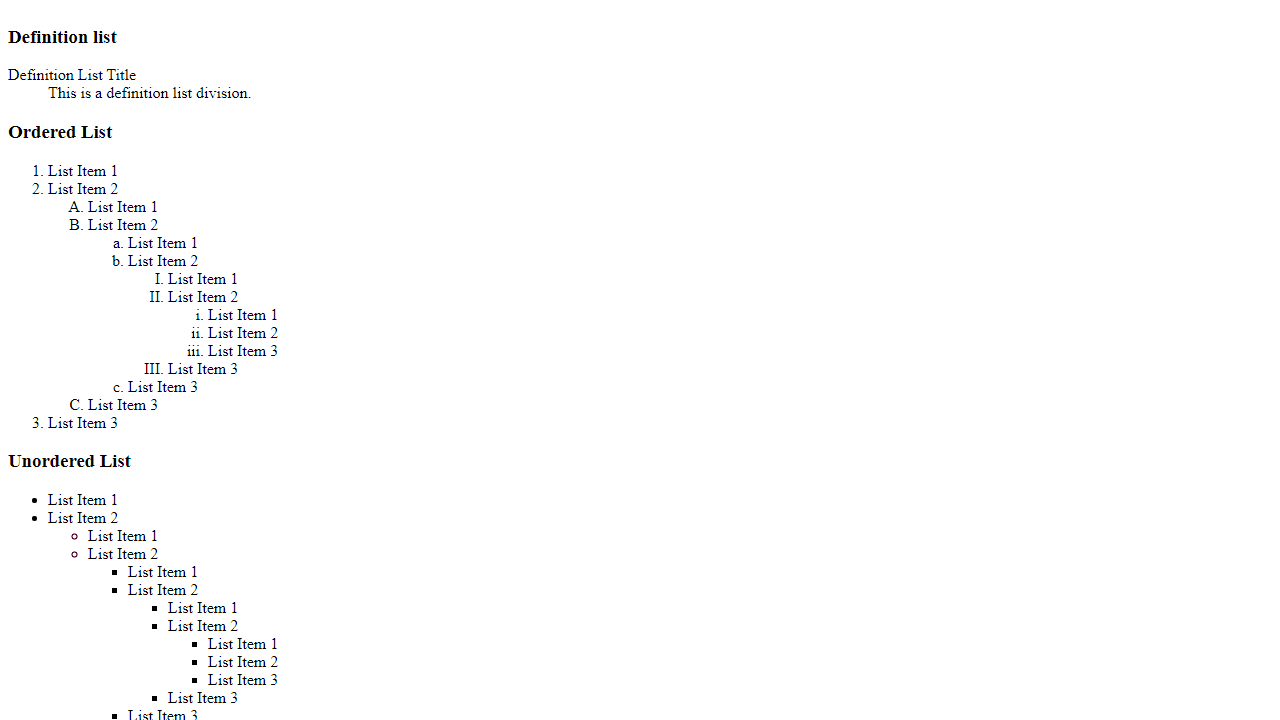
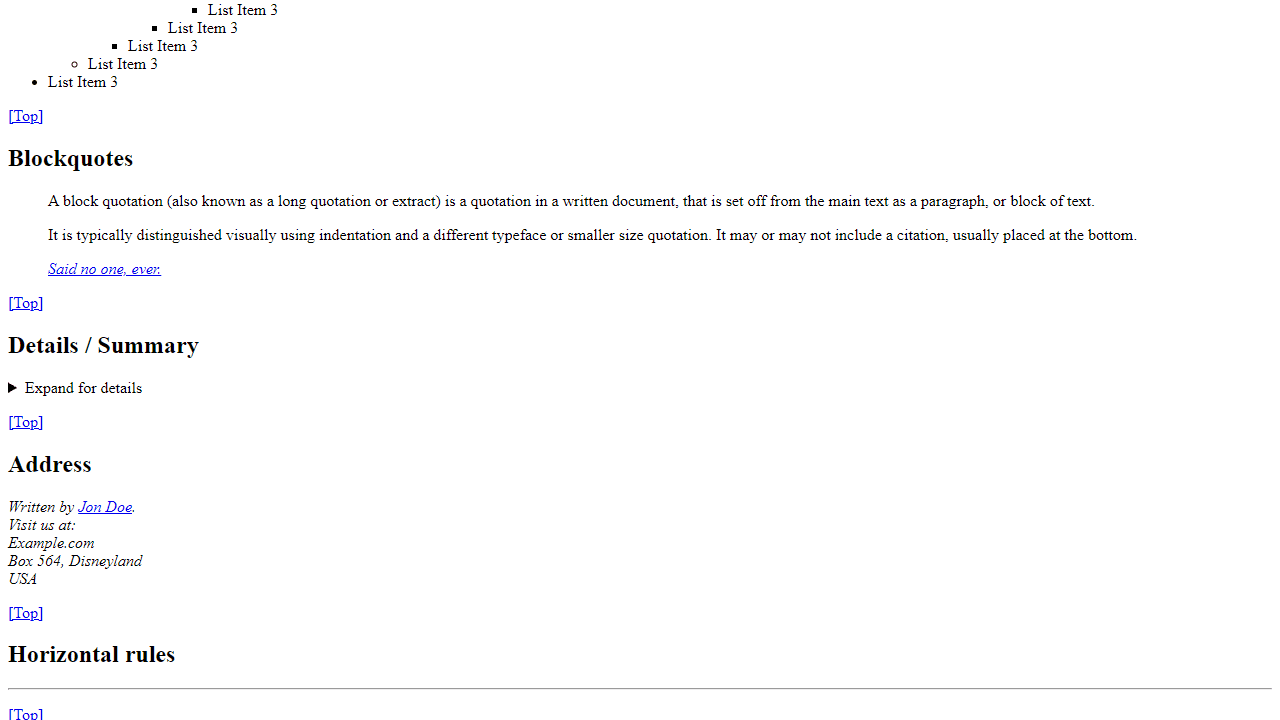
Every standard HTML5 element, rendered on a single scrollable page. Headings, paragraphs, blockquotes, tables, forms, media elements, code blocks — it's all here, in one place, so you can see exactly how a browser or stylesheet handles each tag without hunting through documentation or building a test file from scratch.
This is a practical tool for developer workflows: drop in a new CSS theme and immediately see how it affects every corner of the spec. It's equally useful for checking cross-browser rendering quirks, validating a reset stylesheet, or just getting a quick visual reference when you can't remember whether <kbd> and <samp> look different in your current setup. If you're building something that processes HTML, CyberChef pairs well for encoding and inspecting the output.
No interaction required beyond scrolling — load it, point your stylesheet at it, and you'll know within seconds whether your CSS is handling the edge cases.
Look inside
How to use
This developer tool displays a comprehensive collection of HTML5 elements to help you test CSS styles and frameworks. • Use your mouse to scroll through the page and view different HTML elements • Click navigation links in the top menu to jump to specific sections: Text, Embedded Content, and Form Elements • Click "[Top]" links at the bottom of each section to return to the navigation menu • Interactive elements work normally - click buttons, fill out forms, play audio/video • Details/Summary sections can be expanded by clicking on them • All form inputs are functional for testing purposes The tool organizes HTML elements into three main categories: - Text: headings, paragraphs, lists, tables, code blocks - Embedded Content: images, audio, video, SVG, iframes - Form Elements: input fields, buttons, checkboxes, select menus Perfect for web developers who need to see how their CSS affects common HTML elements across a website.
Reviews
No written reviews yet. Be the first!
More from Developer

Convert Scratch projects into standalone HTML files. Upload a Scratch project and download a self-contained web page you can share.
by SheepTester


