
Code Playground
Write HTML, CSS, and JavaScript with instant live preview. A lightweight CodePen-style editor in your browser.
About Code Playground
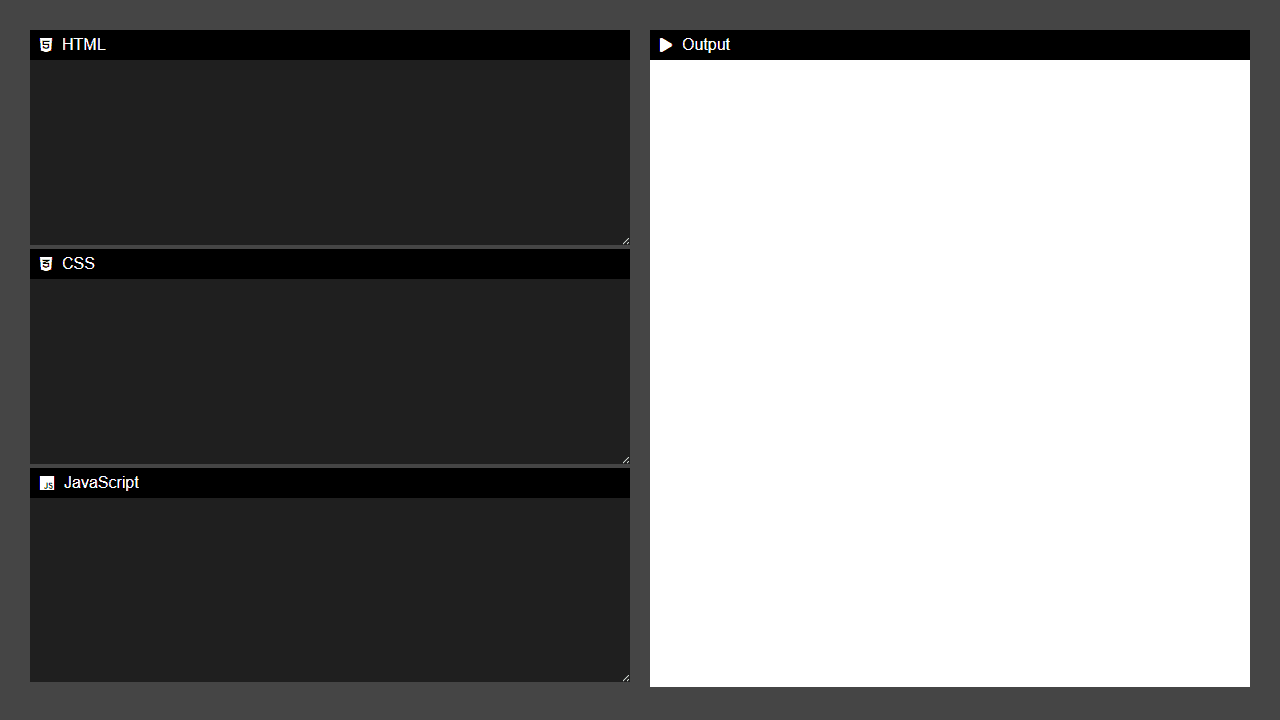
Type HTML, CSS, and JavaScript into three side-by-side panes and watch the result render live in a fourth panel — no build step, no account, no setup. It's a lightweight browser-based editor in the spirit of CodePen, useful for sketching out a layout idea, testing a CSS trick, or walking someone through a snippet without spinning up a local project.
It's a natural fit for quick experiments that don't justify opening a full IDE. If you find yourself wanting to validate a gradient before dropping it into real code, Gradient Designer goes in a different direction — it generates the CSS for you visually. For anything else in this space, the broader developer tools category has more options worth browsing.
The live preview updates as you type, so a keyboard and a reasonably wide screen help — the three editor panes get cramped on a phone but feel comfortable on a tablet or desktop.
Look inside
How to use
This is a live web development editor that lets you write HTML, CSS, and JavaScript code and see the results instantly. **Basic Controls:** • Type code directly into the three text areas on the left side • HTML section for webpage structure and content • CSS section for styling and layout • JavaScript section for interactive functionality **How It Works:** • The output panel on the right automatically updates as you type • Changes in HTML and CSS code trigger immediate preview updates • JavaScript code runs when executed in the preview • No save button needed - everything updates in real-time **Getting Started:** 1. Start with basic HTML in the first box (try: <h1>Hello World</h1>) 2. Add styling in the CSS box (try: h1 { color: blue; }) 3. Add interactivity with JavaScript if desired 4. Watch your webpage come to life in the output panel **Tips:** • Use standard web development syntax • The editor includes automatic indentation • Perfect for testing code snippets, learning web development, or prototyping ideas
Reviews
No written reviews yet. Be the first!
More from Developer

Convert Scratch projects into standalone HTML files. Upload a Scratch project and download a self-contained web page you can share.
by SheepTester


