
Color Scheme Generator
Generate harmonious color schemes using the OKLCH color model with CSS variable output.
About Color Scheme Generator
Pick a base color, choose a harmony mode — complementary, triadic, analogous — and watch a full palette generate in real time using the OKLCH color model. Unlike older HSL-based tools, OKLCH keeps perceived lightness consistent across hues, so your swatches actually look balanced on screen rather than just measuring balanced on paper.
Every palette comes out as ready-to-paste CSS custom properties, which means dropping the result straight into a stylesheet takes seconds. It's the kind of tool that fits naturally into the developer tools workflow: less tab-switching, more shipping. If you also need gradients between those colors, Gradient Designer picks up right where this leaves off.
It runs entirely in the browser with no sign-in required — open it alongside your code editor on a wide monitor and you'll get the most out of the side-by-side comparison between the live preview and the generated variables.
Look inside
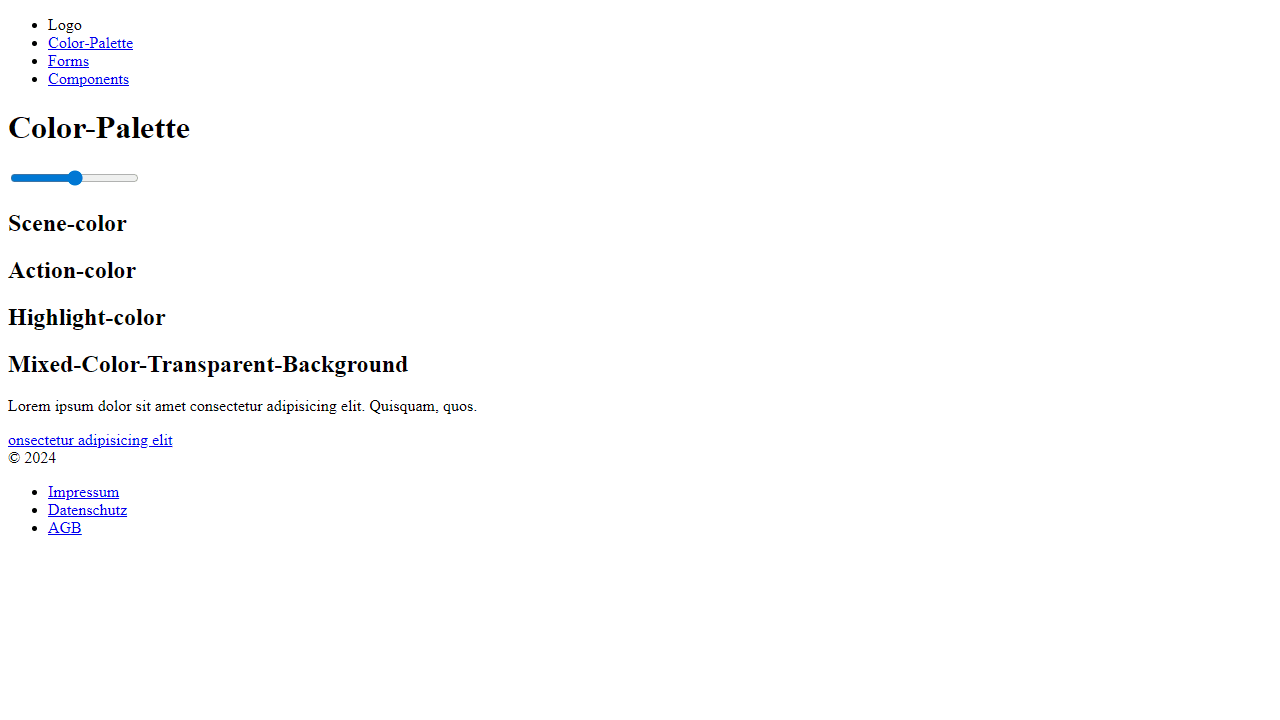
How to use
• This tool generates complete color schemes for web development projects • Drag the hue slider at the top to select your base color - this automatically creates three complementary colors: Scene (primary), Action (secondary), and Highlight (tertiary) • Each color generates 11 shades from lightest to darkest, displayed in rows below the slider • Click on any color shade to copy its hex code to your clipboard for use in your projects • Navigate between "Color-Palette" and "Forms" pages using the top menu to see how your color scheme looks on different UI components • Your selected color scheme automatically saves to your browser and persists between sessions • The tool uses the OKLCH color model for consistent brightness across all generated shades • Colors adapt to your system's dark/light mode preference • Use the generated color variables in your CSS by referencing the primary, secondary, and tertiary color classes shown in the interface
Reviews
No written reviews yet. Be the first!
More from Developer

Convert Scratch projects into standalone HTML files. Upload a Scratch project and download a self-contained web page you can share.
by SheepTester


