
Mandala Draw
Draw beautiful symmetrical mandalas with adjustable mirror segments. Relaxing creative tool with touch support.
About Mandala Draw
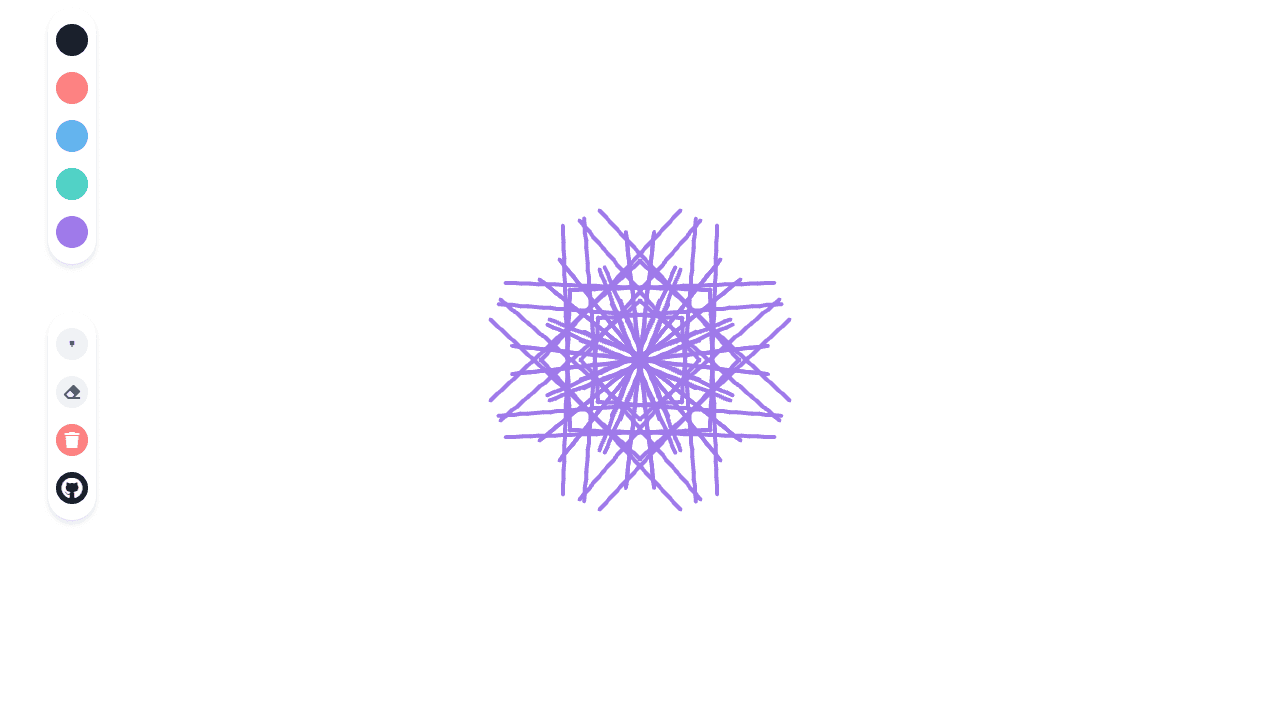
Pick a segment count, touch the canvas, and watch a kaleidoscopic pattern bloom outward in real time. Mandala Draw mirrors every stroke across however many axes you choose — typically anywhere from 4 to 16 — so even a wobbly line becomes part of something that looks intentional. There's no pressure to plan ahead; the symmetry does the heavy lifting.
It's a genuinely calming way to spend ten minutes, whether you're killing time or actively winding down. If you enjoy hands-on creative apps that reward experimentation over precision, this sits comfortably in that space. Fans of structured coloring might also appreciate Classic Paint by Numbers as a companion experience.
Works best on a touchscreen — a tablet gives you the most control — but mouse drawing on desktop is responsive too. Sessions can be as short as two minutes or stretch as long as you like; there's no save mechanism, so screenshot your favorite results before closing the tab.
Look inside
How to use
Create beautiful symmetrical mandala patterns by drawing on the canvas. Whatever you draw will be automatically mirrored to create radial symmetry. • Click and drag your mouse on the canvas to draw • Your strokes will be duplicated in a symmetrical pattern around the center • Click color buttons on the left to change your drawing color (dark gray, red, blue, green, purple) • Click the brush button repeatedly to cycle through different brush sizes (small to extra large) • Click the eraser button to switch to eraser mode for removing parts of your mandala • Click the trash button to clear the entire canvas and start over • The goal is to create visually pleasing mandala artwork through the automatic symmetry effect • Experiment with different colors and brush sizes to build up layers and details in your design
Reviews
No written reviews yet. Be the first!
More from Creative

A casual chiptune loop maker. Tap cells, pick a vibe, share remixable 16-step loops in under a minute.
by Launch Arcade


