
Piano
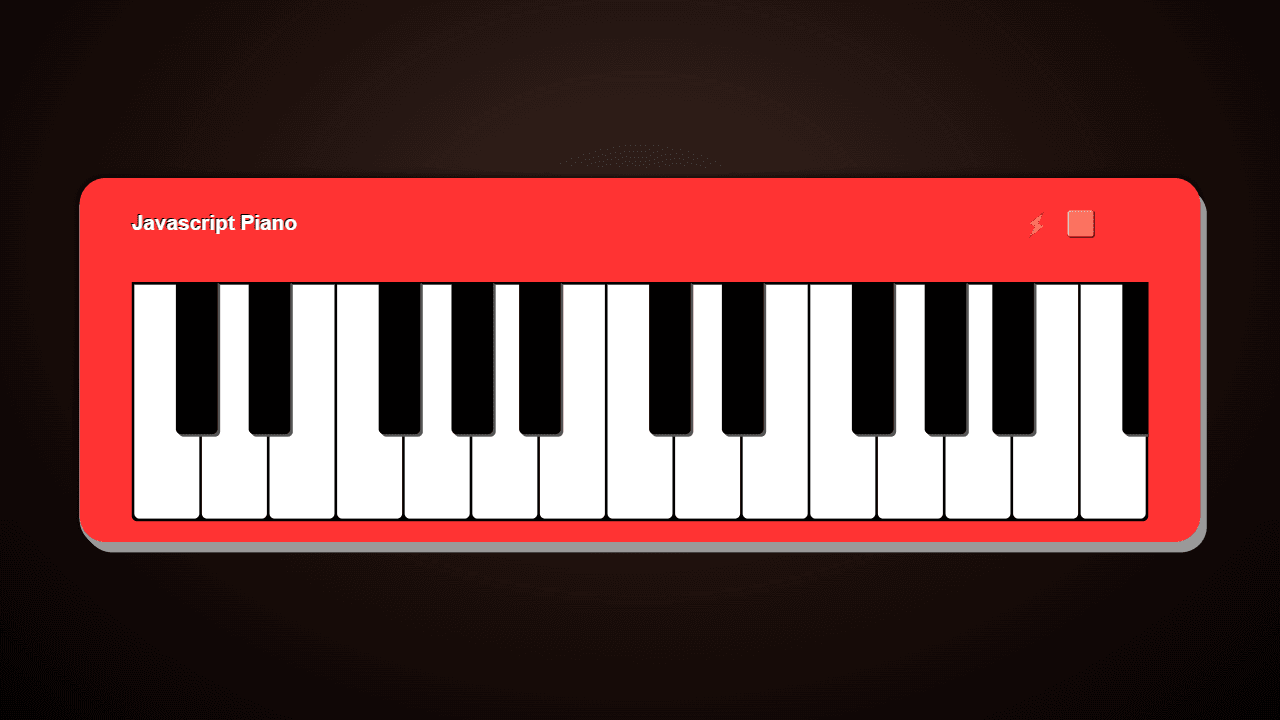
A browser piano that synthesizes all sounds on-the-fly - no samples, no downloads. Keyboard playable with a looper, visual waveform mode, and multiple synth styles.
About Piano
Press a key — any key — and a piano note rings out instantly, synthesized from scratch in your browser. No samples are loading in the background, no files to download. Every sound is generated on-the-fly, which means the tone is cleaner and more responsive than most browser instruments you've tried before. Switch between synth styles to move from a warm acoustic feel to something sharper and more electronic.
The built-in looper is where things get genuinely fun. Record a phrase, let it cycle, then layer more notes on top. A visual waveform display tracks what you're playing in real time, so even if you can't read sheet music you get immediate feedback on the shape of your sound. It fits naturally alongside other creative tools for anyone who likes to make things with their hands — or in this case, their keyboard.
Your laptop's letter keys map directly to notes, so no MIDI controller or touchscreen is required — just sit down and start playing. Short noodling sessions work well, but the looper rewards longer exploration.
Look inside
How to use
• Play piano notes using your keyboard's home row keys (ASDF...) and the row above (QWER...) • Click piano keys with your mouse to play notes • Use comma (,) and period (.) keys to change which keyboard keys are playable • Use left and right arrow keys to shift the keyboard octave up or down • Press 0 to toggle the help menu with synth settings and sound options • Press C to toggle colorful visual effects • Press M to activate demo mode for automatic playing • Press 8 to enable visual waveform mode • Press 9 to activate the looper for recording and playing back sequences • Experiment with different synth sounds and decay settings from the settings panel • Create musical sequences by combining notes and using the looper to layer sounds
Reviews
More from Creative

A casual chiptune loop maker. Tap cells, pick a vibe, share remixable 16-step loops in under a minute.
by Launch Arcade


