
Blip
A casual chiptune loop maker. Tap cells, pick a vibe, share remixable 16-step loops in under a minute.
About Blip
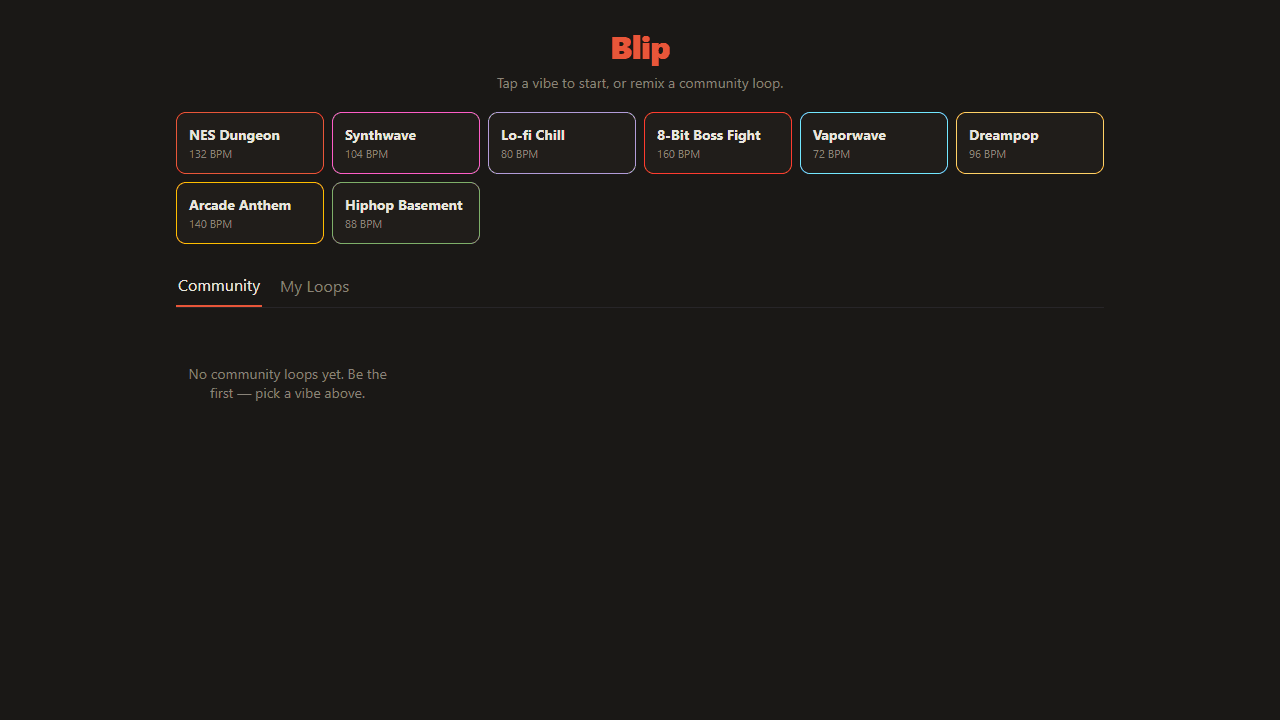
Tap a cell, hear a note. That's the whole loop — Blip gives you a 16-step chiptune sequencer where each row is an instrument and each column is a beat. Pick a vibe preset to set the tempo and tone, then tap around until something clicks. Most people have a shareable loop in under a minute.
It sits squarely in the creative apps corner of Launch Arcade — less about technical music theory, more about happy accidents. The grid is small enough that one misplaced tap changes the whole feel, which is half the fun. Every loop you publish comes out as a remixable link, so other players can pull it apart and rebuild it from your starting point.
If you want something with more drum-machine depth, Pocket Operator goes in a different direction with custom samples and pattern chaining. Blip itself works best on a phone held in landscape — the full 16-step grid fits cleanly across the screen without scrolling.
Look inside
How to use
Tap cells on the grid to build a 16-step loop across 4 tracks: lead, harmony, bass, and drums. Pick a vibe preset at the top to lock the scale and feel — everything you tap will sound good. Hit 🎲 for a random pattern or 🗑 to clear. Save & Share creates a remix link anyone can open and modify.
Reviews
No written reviews yet. Be the first!
More from Creative

A meditative falling-sand toy that doubles as a generative instrument. Pour coloured sand, water, fire, and seeds into a glass vessel and watch them fall, pile, and avalanche — and because every grain that settles plays a note, building your sand-art bottle quietly composes its own ambient music. Tilt to pour, swap palettes, vessels, and soundpacks, or just leave it be and let the scene drift.
by Archvile


