
Color Palette Builder
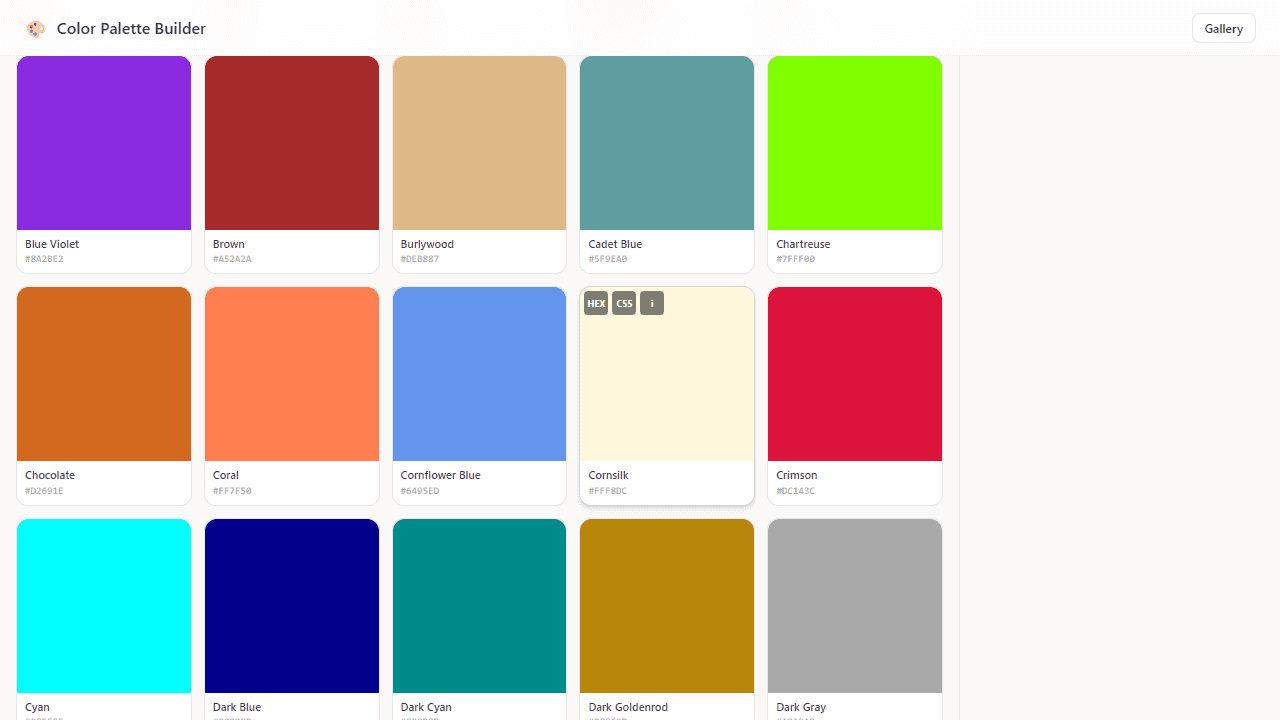
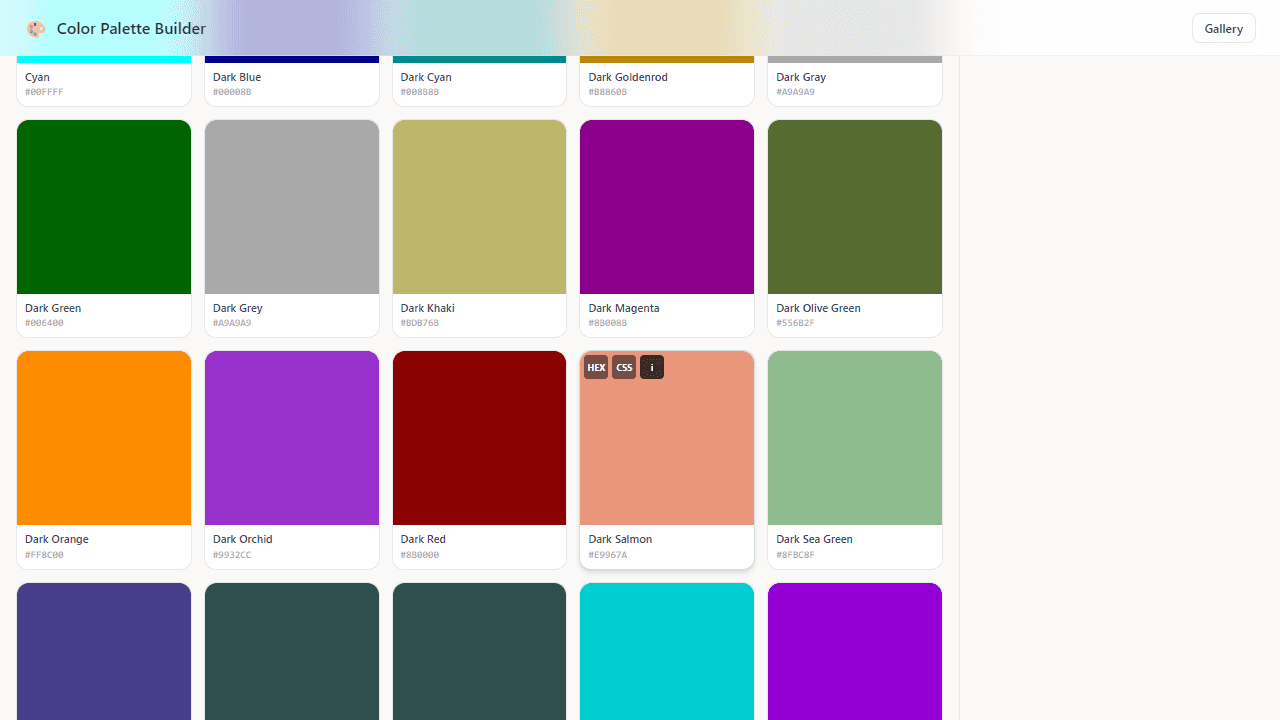
Browse 148 named CSS colors, build palettes, save them to the cloud, and share to a community gallery. Filter by hue, sort by lightness, and export as CSS custom properties.
About Color Palette Builder
Pick a color from the full library of 148 named CSS colors, drop it into a working palette, and watch the hex values and variable names fill in automatically. You can filter by hue or sort by lightness to narrow things down fast — useful when you're chasing a specific mood rather than scrolling through every shade of slate and teal. Palettes save to the cloud, so your work is there on any device.
The export step is where it earns its place in a real workflow. One click gives you a block of CSS custom properties ready to paste straight into a stylesheet — no reformatting, no manual typing. A shareable link pushes your palette to the community gallery, which is a low-friction way to get outside eyes on a color direction before committing to it.
If building with color pulls you toward visual output, Pixel Art Editor goes in a different direction but lets you put those palettes to immediate use on a canvas. Color Palette Builder is part of the creative tools collection. It works best on a wider screen, where the full color grid and palette tray sit side by side without overlap.
Look inside
How to use
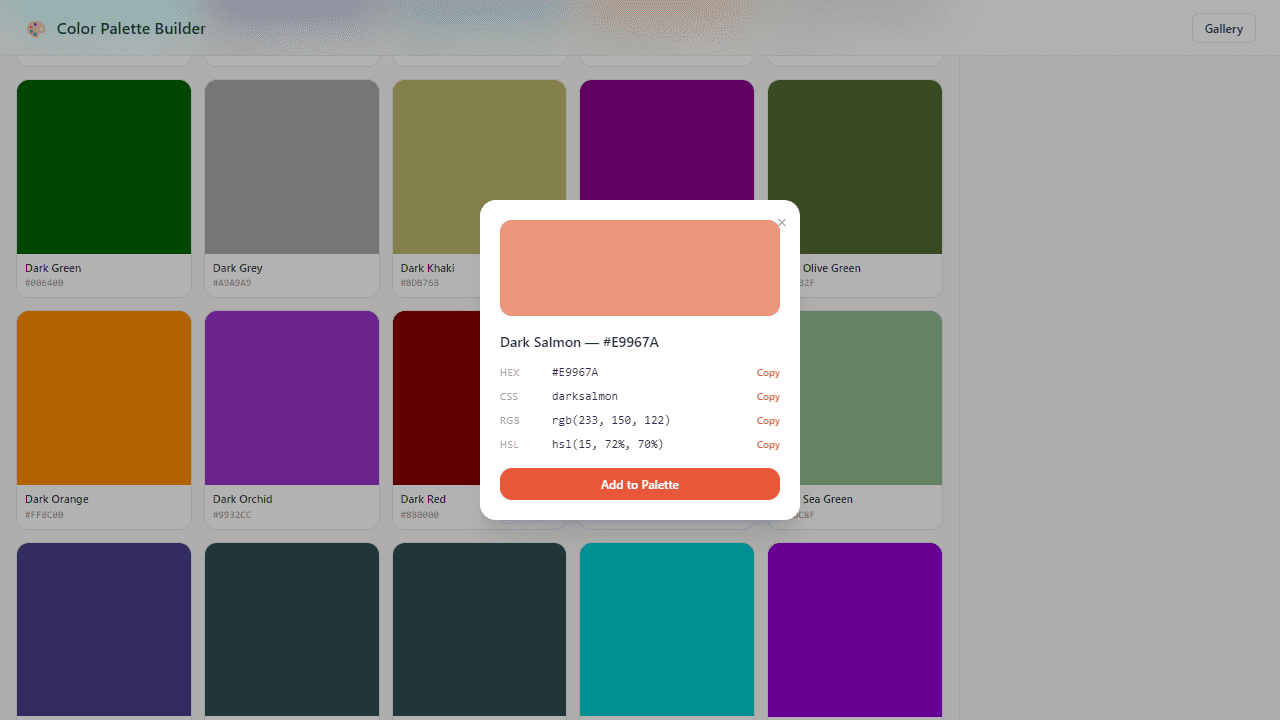
Create custom color palettes by adding colors and organizing them for design projects. • Browse colors in the left panel using search or hue/lightness filters • Click any color to view details and add it to your palette • Click "Add to Palette" in the color detail popup to include colors • Drag colors within your palette to reorder them • Click the X on palette colors to remove them • Enable "Show color harmonies" to see complementary, analogous, and triadic color relationships highlighted with colored borders • Use hue filter pills (red, blue, green, etc.) to narrow down color options • Search by color names in the search bar • Save your palette with the Save button • Export in different formats: CSS variables, Tailwind colors, or plain hex codes • Share palettes using the Share or Copy Link buttons • Publish palettes to the community gallery • View community palettes in the Gallery • Edit palette names by clicking on them • Create new palettes with the "+ New" button • Access saved palettes from the right panel
Reviews
No written reviews yet. Be the first!
More from Creative

A casual chiptune loop maker. Tap cells, pick a vibe, share remixable 16-step loops in under a minute.
by Launch Arcade


