
Pocket Operator
A browser simulation of the Teenage Engineering PO-20 drum machine. Load custom samples and compose beats with the built-in sequencer.
About Pocket Operator
Tap a grid of 16 buttons to program drum patterns, load your own audio samples, and watch the sequencer step through your beat in real time. Pocket Operator is a faithful browser simulation of the Teenage Engineering PO-20 arcade drum machine — the same compact, quirky interface, now playable without any hardware. You get full control over pattern length, tempo, and per-step parameter locks, so a four-bar groove can get surprisingly intricate fast.
It fits naturally alongside other tools in creative apps, but it leans harder into sound design than most. If you want something simpler to start with, Blip offers a more casual chiptune loop maker with less to configure. Pocket Operator rewards a bit more patience but gives back proportionally more depth.
Works best on desktop with a keyboard shortcut workflow; touch input on mobile is functional but tight given the small button grid.
Look inside
How to use
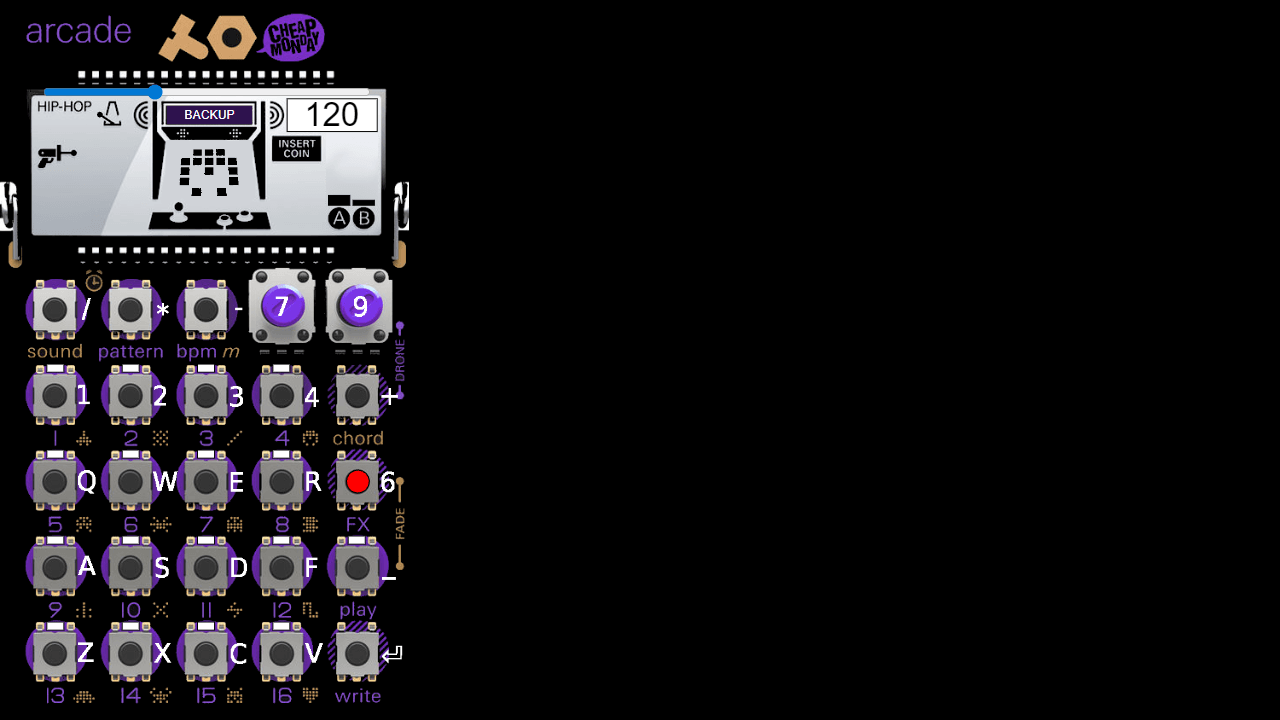
• This is a virtual music sequencer that mimics a pocket synthesizer device • Use mouse to click the grid buttons to create drum patterns and sequences • Each row represents a different drum sound (kick, snare, hi-hat, etc.) • Each column represents a beat in the sequence • Click cells to turn beats on/off - lit cells will play that sound on that beat • Press spacebar or click the play button to start/stop playback • Use the BPM slider to adjust tempo speed • Use A and B sliders to control sound parameters and effects • The sequence will loop continuously once started • Combine different patterns across rows to build complex rhythms • Experiment with different combinations to create unique beats • Your patterns play in real-time as you edit them
Reviews
No written reviews yet. Be the first!
More from Creative

A casual chiptune loop maker. Tap cells, pick a vibe, share remixable 16-step loops in under a minute.
by Launch Arcade


