
Pixel Art Wall
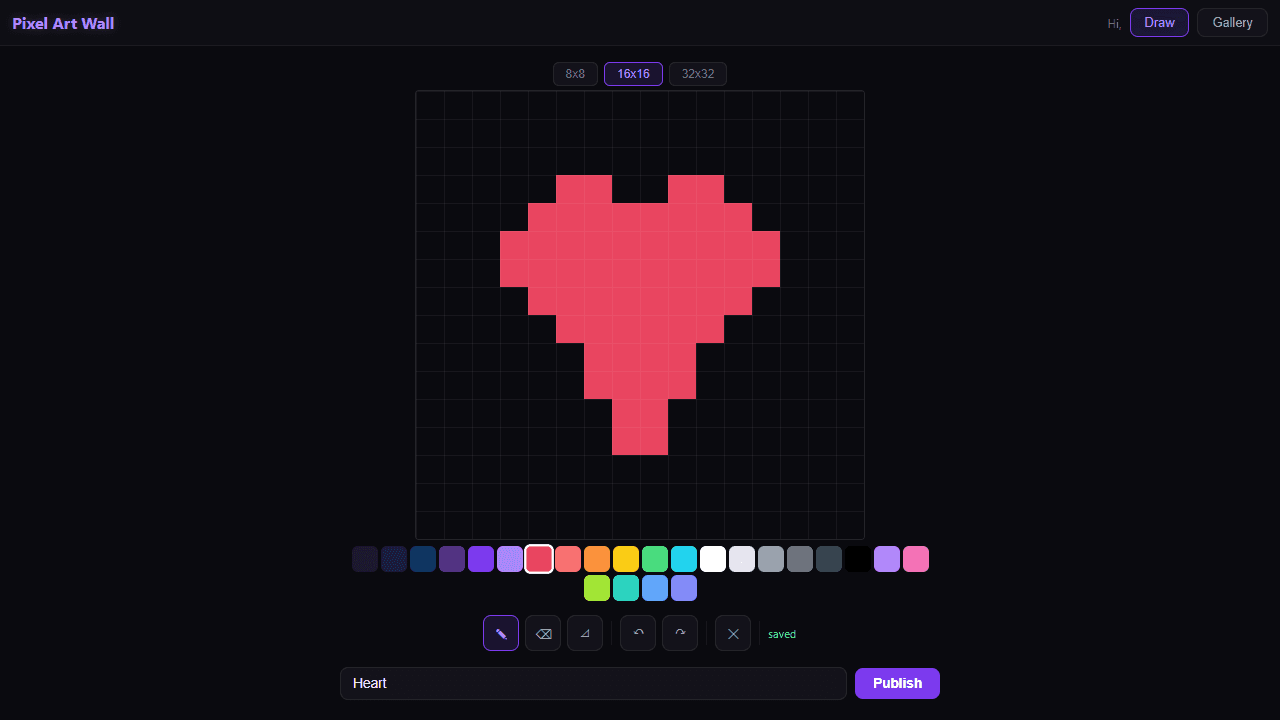
Create pixel art on a grid canvas and publish to the community wall. Draw with 24 colors, use fill and eraser tools, undo/redo, and choose from 8x8, 16x16, or 32x32 grids. Your work-in-progress saves to the cloud automatically.
About Pixel Art Wall
Pick a grid size — 8×8 for a tight icon, 16×16 for a sprite, 32×32 for something with real detail — then start placing pixels one tap or click at a time. A palette of 24 colors covers the essentials, and the fill tool makes background work fast. Mistakes undo cleanly, and your canvas saves to the cloud as you go, so closing the tab mid-session doesn't cost you anything.
Finished pieces publish to a shared community wall, which makes it genuinely motivating to actually complete something rather than leave it half-done. Seeing what other people pull off in 64 pixels is its own kind of inspiration. If you're browsing for more ways to make things, the creative apps section has plenty of company.
If you'd rather work without a grid and with a fuller toolset, JS Paint is worth a look. For Pixel Art Wall itself, a larger screen helps most at 32×32 — the full grid needs room to stay legible, and on a phone the individual cells get small enough to make precise work fiddly. A mouse or stylus beats a finger for detail.
Look inside
How to use
Draw: Click or tap on the grid to place pixels. Use the color palette to pick colors. Tools: B=draw, E=erase, F=fill. Ctrl+Z to undo, Ctrl+Y to redo. Choose grid size (8x8, 16x16, 32x32). Your work saves automatically to the cloud. When finished, give it a title and click Publish to share it on the community wall. Switch to Gallery tab to browse everyone's creations.
Reviews
More from Creative

A casual chiptune loop maker. Tap cells, pick a vibe, share remixable 16-step loops in under a minute.
by Launch Arcade


