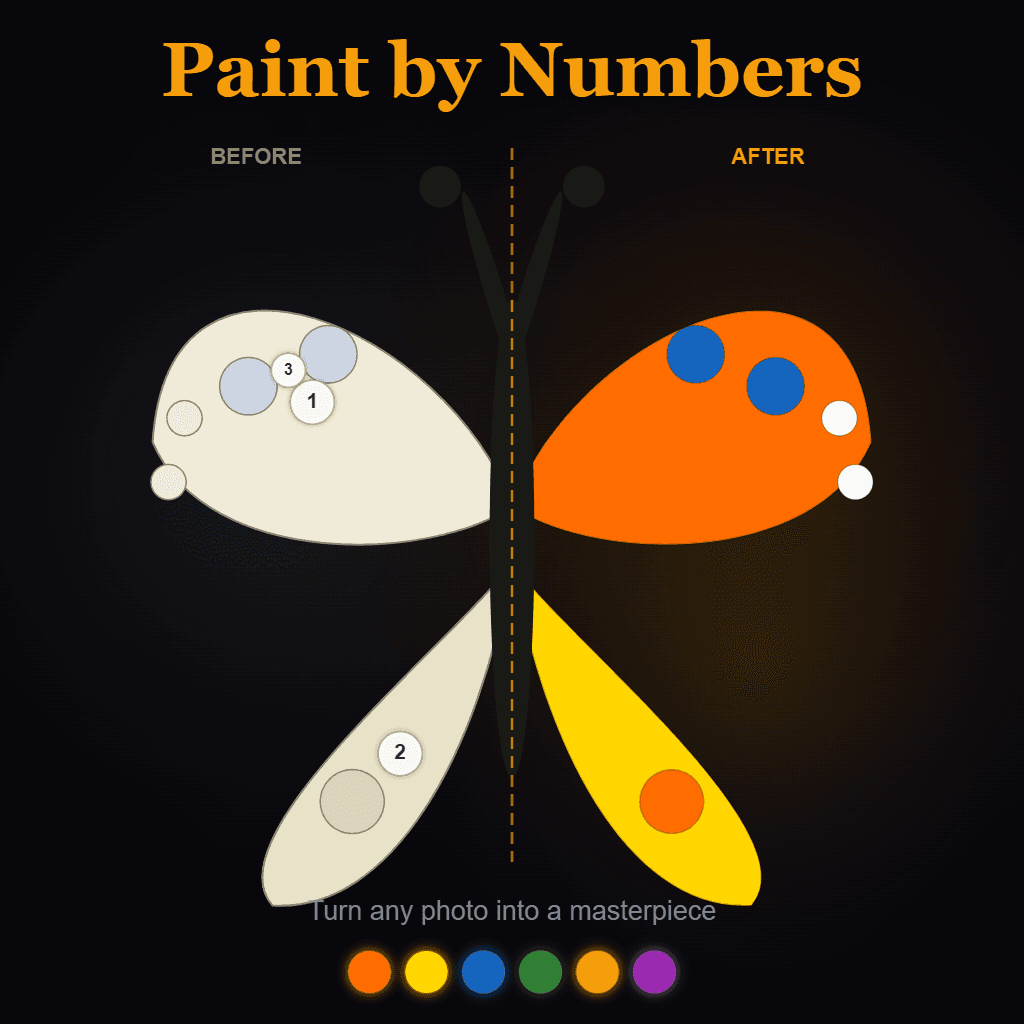
Classic Paint by Numbers
A classic paint by numbers app for kids and adults. Multiple difficulty settings, options for the number of colors, and the ability to upload your own pictures to create and share with friends.
About Classic Paint by Numbers
Pick a section, check the number, fill it with the matching color — that's the loop at the heart of Classic Paint by Numbers. You work through a numbered canvas region by region, watching a picture gradually emerge from what looked like a jumbled grid. Difficulty settings let you keep the color count low for younger players or push it up when you want something that actually takes concentration.
One feature worth calling out: you can upload your own photos and the app converts them into a paint-by-numbers template, which makes it easy to create something personal to share with friends. If you enjoy working with color more broadly, the creative apps catalog has plenty of related tools. Color Palette Builder is worth a look if you find yourself drawn to thinking about which colors work together before you ever pick up the virtual brush.
The app works on any screen, but the larger the display the better — a complex template can have dozens of tiny numbered cells, and a phone screen makes them genuinely hard to distinguish.
Look inside
How to use
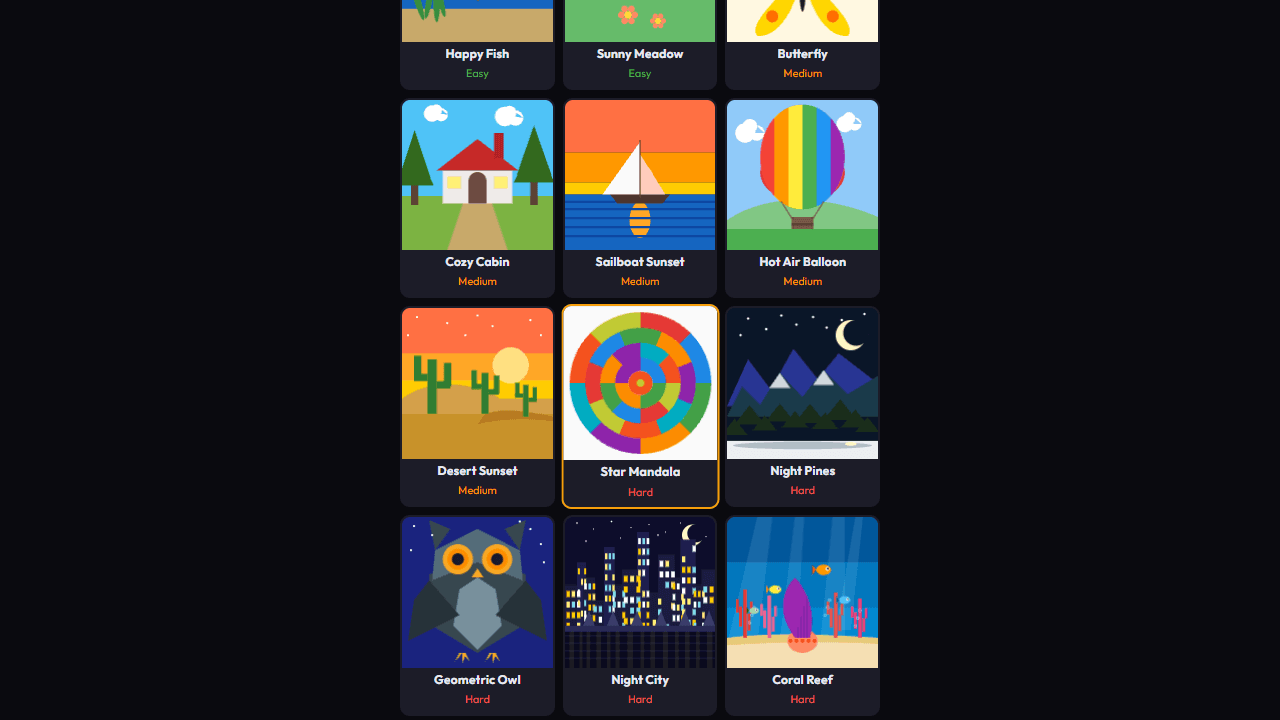
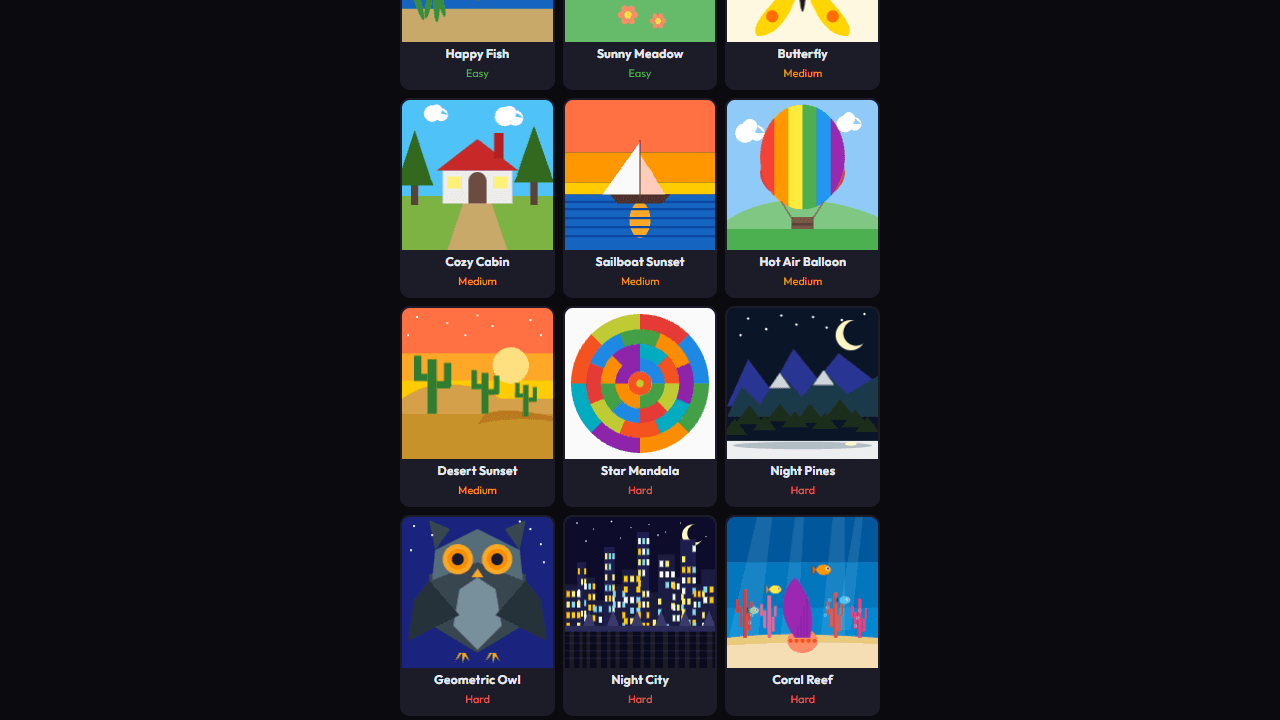
1. Upload your own photo or select from the fun options provided 2. Choose the maximum number of colors you'd like to have in your picture 3. Select what color you'd like to start painting with and click or tap on the corresponding numbered areas. 4. Fill out your masterpiece 5. Share with friends!
Reviews
More from Creative

A casual chiptune loop maker. Tap cells, pick a vibe, share remixable 16-step loops in under a minute.
by Launch Arcade


