
JSON Editor
Edit, format, validate, and explore JSON with tree and code views.
About JSON Editor
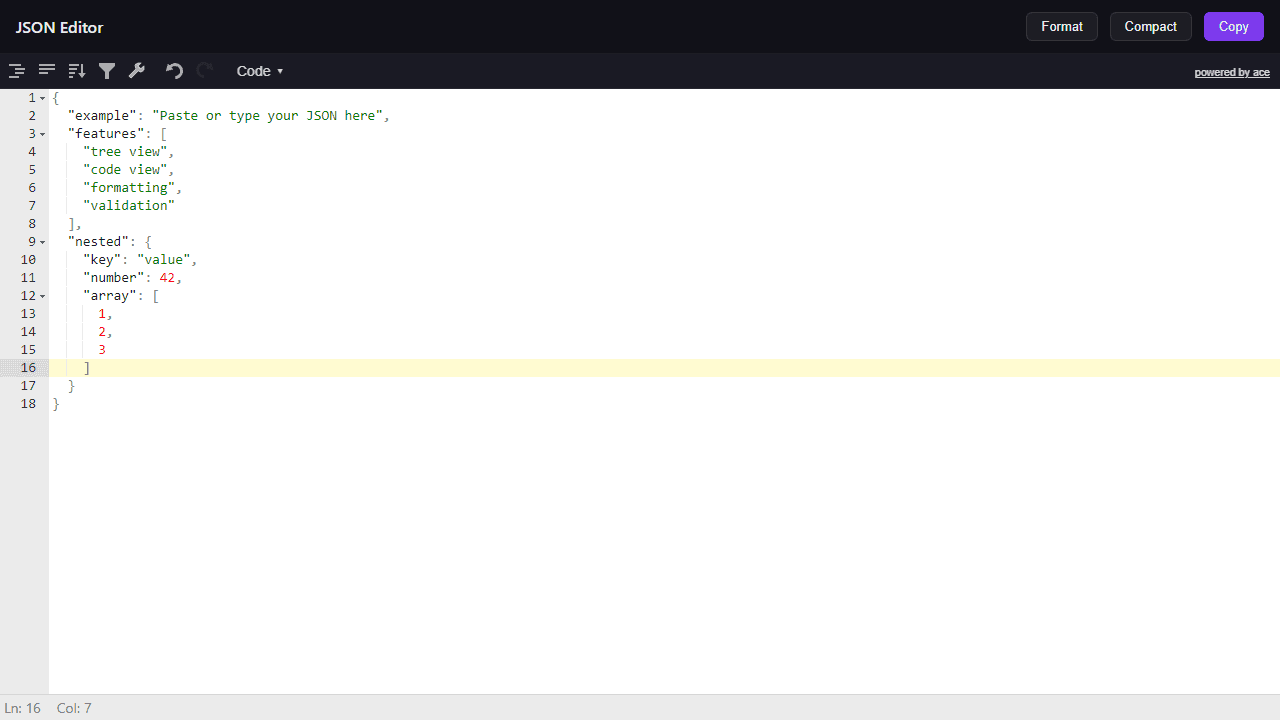
Paste a block of JSON and the editor immediately splits it into a navigable tree on one side and raw code on the other. You can expand and collapse nested objects, edit values in place, and catch syntax errors before they cause problems downstream. The formatter cleans up minified output in one click, which is handy when you're inspecting an API response and the whole thing arrives as a single unreadable line.
It belongs squarely in the developer tools category, sitting alongside formatters and validators aimed at people who work with data regularly. If you sometimes need to compare two versions of a JSON payload, Text Diff is worth a look for spotting exactly what changed between responses.
The tree view earns its place on a larger screen because deeply nested structures can run five or six levels wide, and having that full hierarchy visible without scrolling horizontally saves real time. Keyboard navigation works throughout, so you can move between nodes without reaching for the mouse.
Look inside
How to use
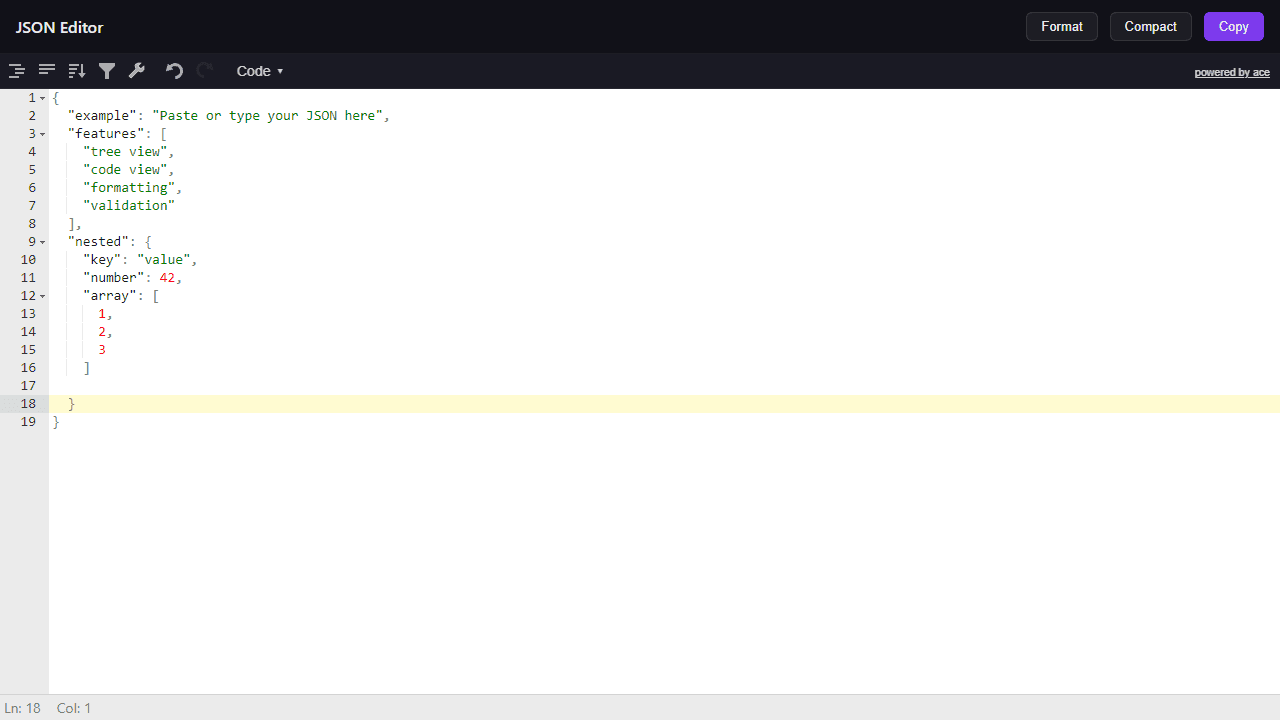
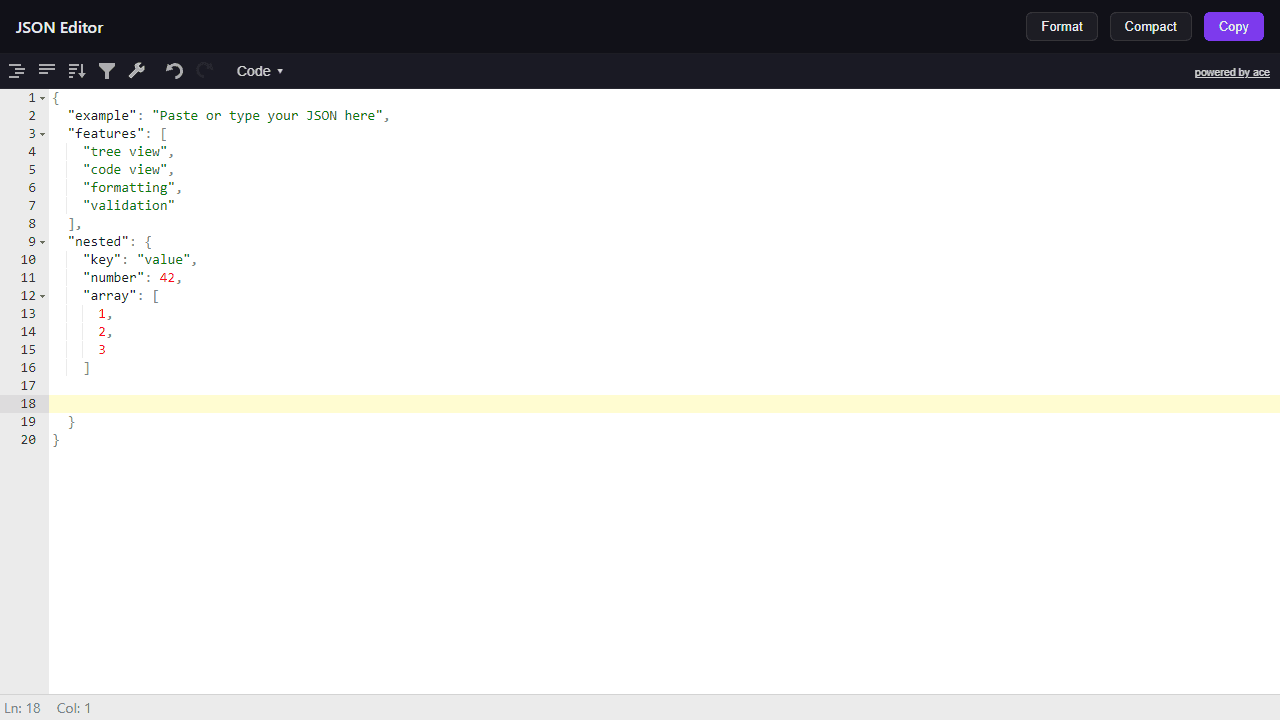
This is a JSON data editor and formatter for developers. View, edit, and validate JSON data in multiple formats. • Click in the main editor area to start typing or paste your JSON data • Use the mode selector at the top of the editor to switch between views: - Code: Raw JSON text with syntax highlighting - Tree: Expandable/collapsible hierarchical view - Form: Editable form fields - View: Read-only formatted display • Click "Format" to properly indent and structure your JSON • Click "Compact" to remove all whitespace and minimize file size • Click "Copy" to copy the current JSON to your clipboard • In tree mode, click arrows to expand/collapse objects and arrays • Right-click items in tree mode for context menu options • The editor automatically validates JSON syntax and highlights errors • Invalid JSON will show error messages when using toolbar buttons Perfect for debugging APIs, formatting configuration files, or cleaning up messy JSON data.
Reviews
No written reviews yet. Be the first!
More from Developer

Convert Scratch projects into standalone HTML files. Upload a Scratch project and download a self-contained web page you can share.
by SheepTester


