
JS Sandbox Console
An interactive JavaScript console. Type JavaScript, see results instantly. Perfect for experimenting and learning.
About JS Sandbox Console
Type a JavaScript expression into the console and the result appears immediately — no setup, no build step, no browser tab juggling. JS Sandbox Console gives you a live REPL right in your browser, so you can test a quick Array.reduce(), debug a regex, or poke at an unfamiliar API method in seconds. It persists your history within the session, so earlier outputs stay visible as you iterate.
It's genuinely useful for developer tools work: prototyping a snippet before dropping it into a real project, double-checking operator precedence, or just confirming that typeof null still returns "object" after all these years. If you end up turning a useful snippet into a bookmarklet, Bookmarklet Maker picks up right where this leaves off.
Works best on desktop with a full keyboard; the console input handles multiline code if you use Shift+Enter to insert line breaks.
Look inside
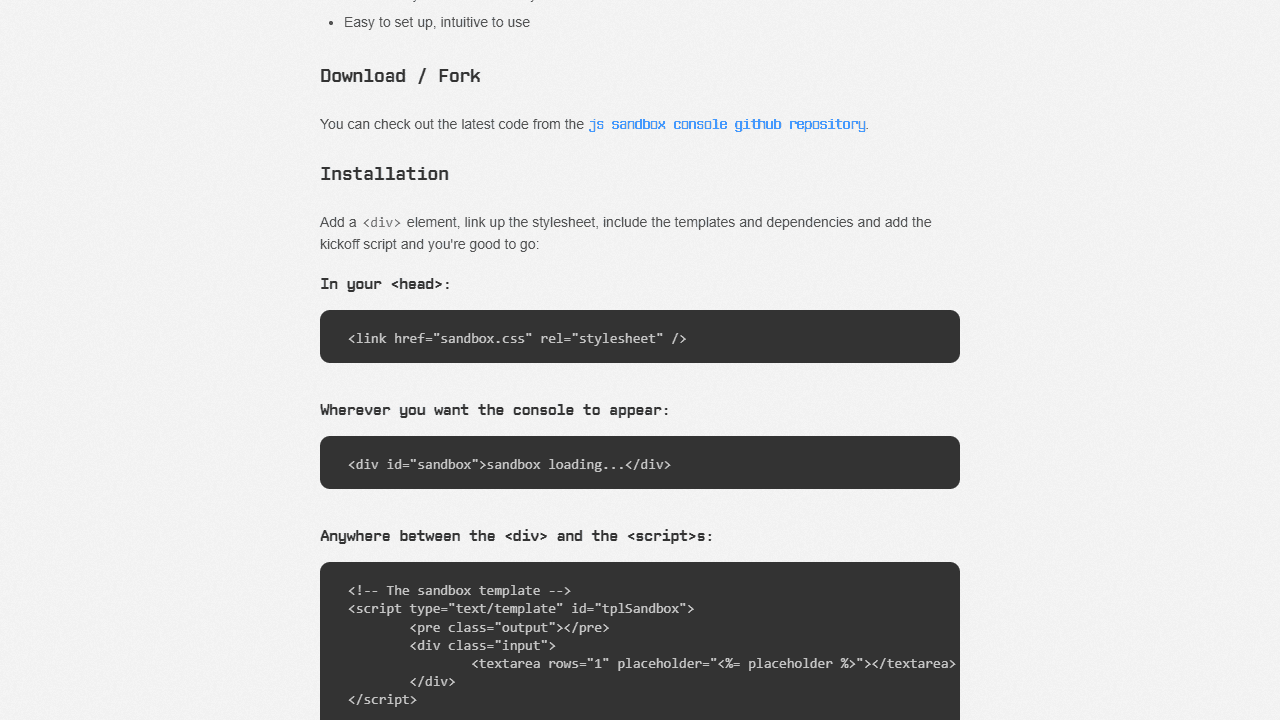
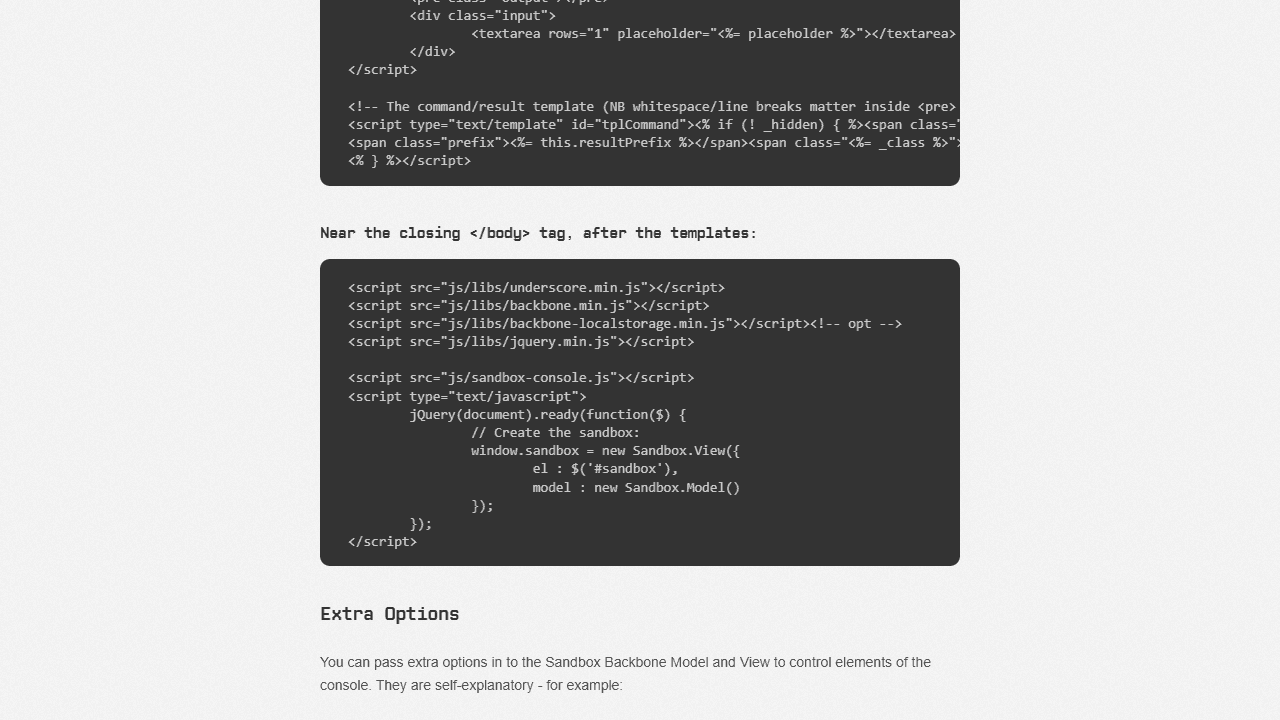
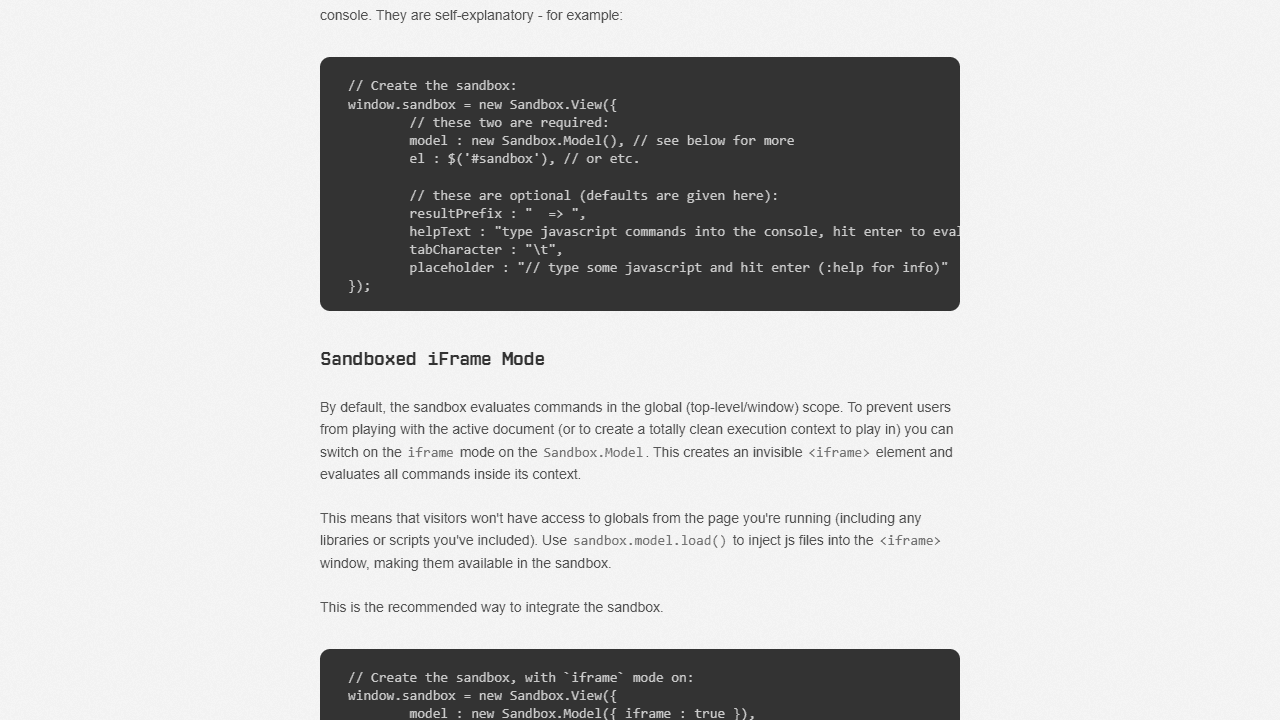
How to use
This is a JavaScript playground/testing environment for experimenting with code: • Type JavaScript commands in the input box at the bottom and press Enter to execute them • Results appear above your input with a "=>" prefix • Use Up/Down arrow keys to scroll through your command history • Alt + Enter creates a new line for multi-line code blocks • Alt + Up/Down navigates history while in multi-line mode Special commands start with a colon: • :help - shows help information • :clear - clears the console output and history • :load [URL] - loads external JavaScript files into the sandbox The console evaluates code in real-time and displays: • Returned values and expressions • Error messages with basic syntax highlighting • Object data in readable format Your command history automatically saves and persists between sessions. The sandbox provides a safe environment to test JavaScript code, experiment with functions, and try out libraries without affecting the main page. Perfect for learning JavaScript, testing code snippets, or exploring new programming concepts interactively.
Reviews
No written reviews yet. Be the first!
More from Developer

Convert Scratch projects into standalone HTML files. Upload a Scratch project and download a self-contained web page you can share.
by SheepTester


