
Whiteboard
A freeform drawing canvas with pen, shapes, colors, and eraser. Save your drawings as PNG.
About Whiteboard
Pick up a virtual pen and start drawing — freeform, no grid, no rules. Whiteboard gives you a blank canvas with pen tools, basic shapes, a color picker, and an eraser, so you can sketch out ideas, doodle, or map something on the fly without launching heavy software. It's the kind of tool that's always useful and never gets in the way.
It fits naturally alongside other creative apps for visual thinkers, and if you want something more structured, JS Paint is worth a look for its classic toolbar and unlimited undo. Whiteboard keeps things simpler on purpose — fewer menus, more canvas.
When you're done, save your work as a PNG with one click. It runs best on a tablet or touchscreen where you can draw directly with a finger or stylus, though mouse drawing works fine for diagrams and rough sketches.
Look inside
How to use
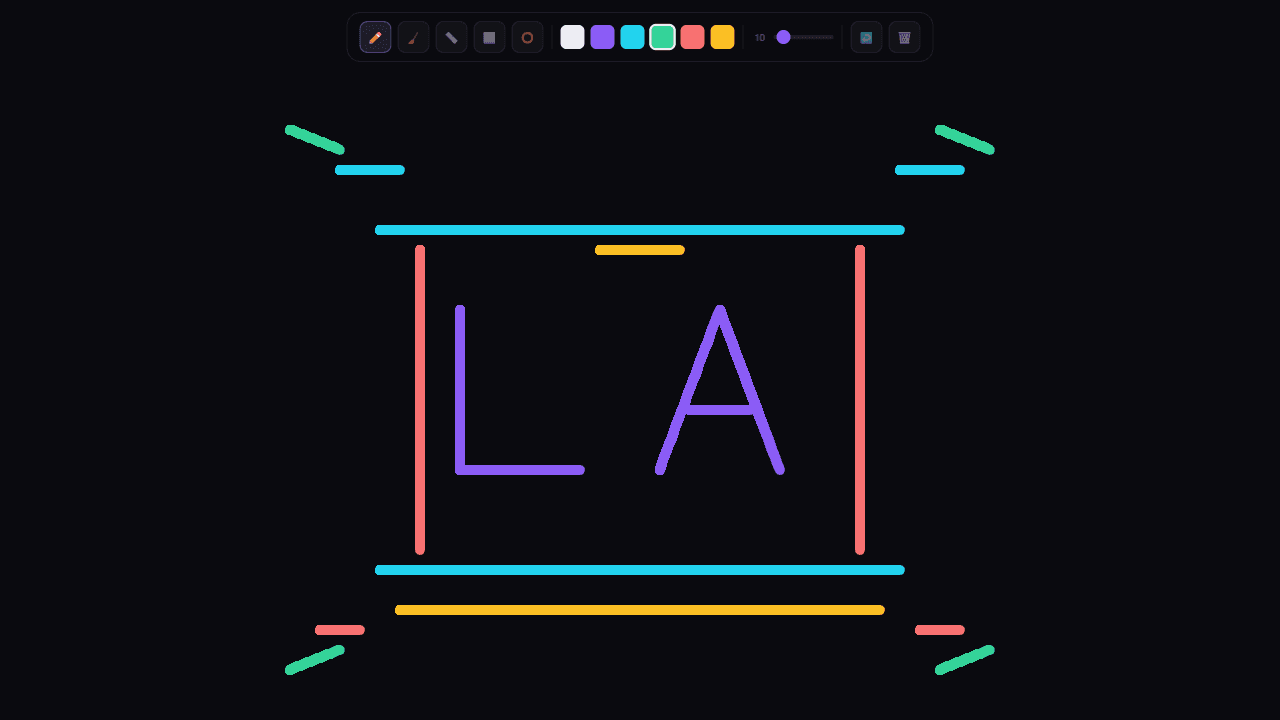
This is a digital drawing canvas for creating artwork and sketches. **Drawing:** • Click and drag on the canvas to draw • Works with mouse or touch on mobile devices **Tools (top toolbar):** • Pen - freehand drawing • Eraser - removes strokes (uses larger brush size) • Line - draw straight lines by dragging between two points • Rectangle - drag to create rectangle outlines • Circle - drag from center to edge to create circles **Customization:** • Click colored circles to change drawing color • Use slider to adjust brush thickness (1-30 pixels) • Current brush size displays next to slider **Canvas Management:** • Undo arrow - removes last action • Trash can - clears entire canvas • Canvas automatically resizes with browser window **Tips:** • For shapes (line, rectangle, circle), drag from start point to end point • Eraser tool uses 3x the selected brush size for easier cleanup • Your drawing history is saved for undo functionality Start drawing immediately - the pen tool is selected by default.
Reviews
No written reviews yet. Be the first!
More from Creative

A casual chiptune loop maker. Tap cells, pick a vibe, share remixable 16-step loops in under a minute.
by Launch Arcade


