
Analog Synthesizer
Virtual analog synthesizer with oscillators, filters, envelopes, and effects. Built with the Web Audio API.
About Analog Synthesizer
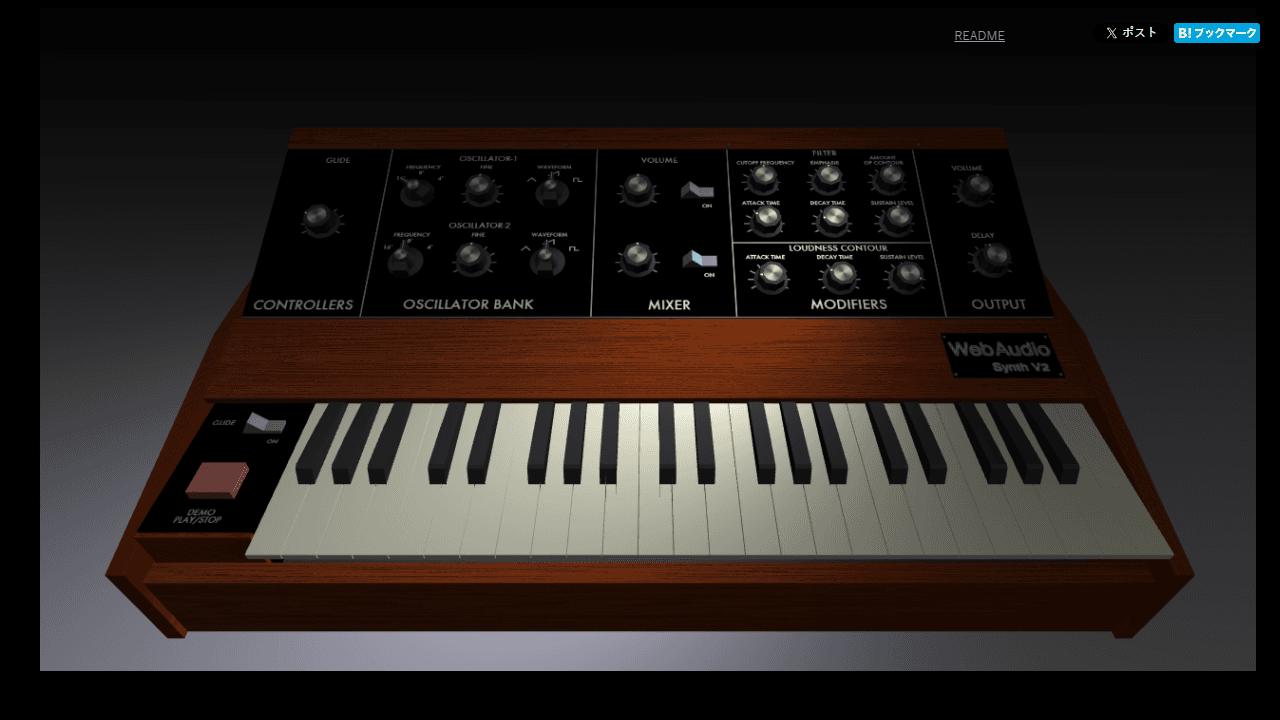
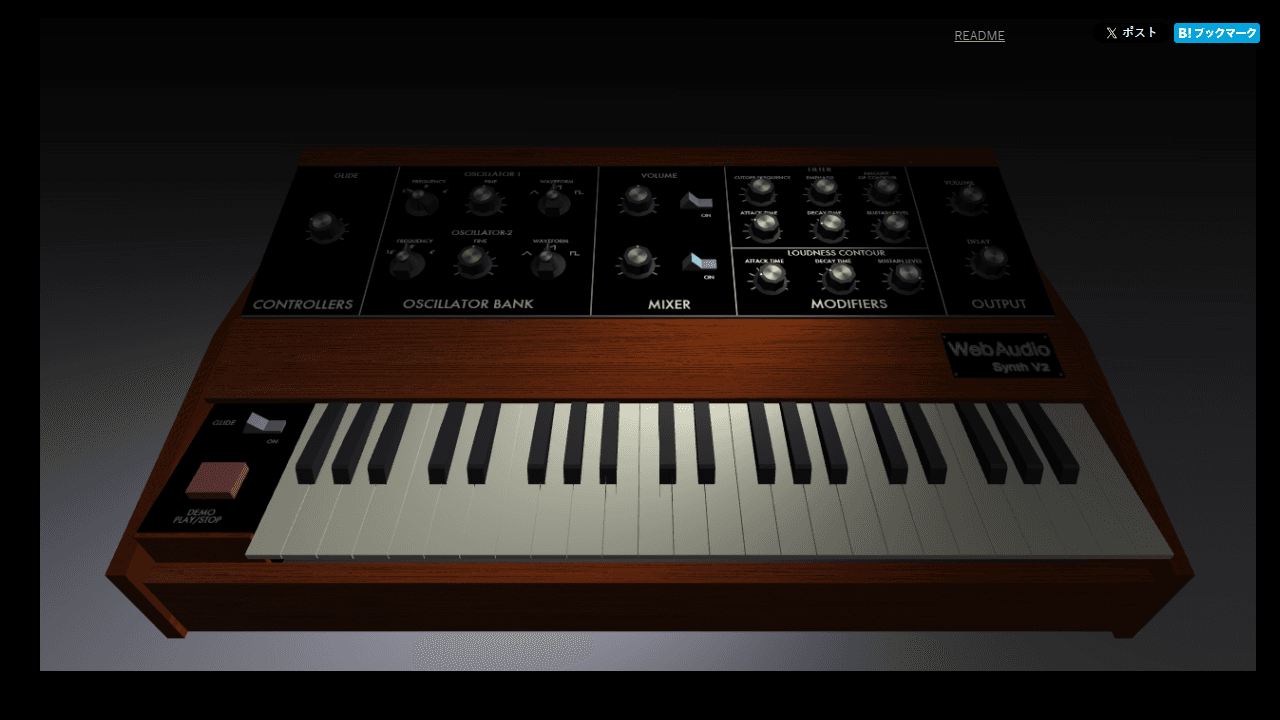
Twist virtual knobs, shape oscillator waveforms, carve frequencies with a resonant filter, and sculpt attack and release curves until a patch sounds exactly right. Analog Synthesizer puts a full signal chain in your browser — two oscillators, an ADSR envelope, filter cutoff and resonance, plus onboard effects — all running in real time through the Web Audio API with no downloads required.
It rewards curiosity. Nudge the filter cutoff while holding a note and you hear the classic sweep. Stack oscillators a few cents apart for a thick, beating unison. Every parameter responds immediately, so experimenting costs nothing and teaches a lot about how synthesis actually works. It's a genuine tool for creative music-making, not a toy demo.
If you want a more structured rhythmic context for your sounds, Pocket Operator pairs well as a drum machine companion. Analog Synthesizer works best on desktop where a full keyboard gives you comfortable note access and both hands free for the controls.
Look inside
How to use
Create electronic music using this browser-based analog synthesizer with a 3D interface. • Click and drag knobs on the synthesizer panel to adjust sound parameters like oscillator frequency, filter cutoff, and envelope settings • Play notes using your computer keyboard as a piano (QWERTY keys correspond to musical notes) • Connect a MIDI keyboard for more precise control and performance • Use the mouse to rotate and zoom the 3D view of the synthesizer for better access to controls • Adjust the oscillator waveforms, filter resonance, and ADSR envelope to shape your sound • Experiment with the glide control to create smooth pitch transitions between notes • All changes are heard in real-time as you manipulate the controls • The goal is to explore sound design and create music by tweaking the various synthesizer parameters • Works best in Chrome or Safari browsers for full functionality
Reviews
No written reviews yet. Be the first!
More from Creative

A casual chiptune loop maker. Tap cells, pick a vibe, share remixable 16-step loops in under a minute.
by Launch Arcade


