
Video to Pixel Art
Transform your webcam or video feed into pixel art in real-time using WebGL shaders. Adjust pixelation, colors, and effects.
About Video to Pixel Art
Point your webcam at anything — your face, a houseplant, a busy street — and watch it dissolve into chunky pixel blocks in real time. Video to Pixel Art uses WebGL shaders to crunch your live video feed down to a retro grid, and you control how far it goes. Crank the pixelation slider for fat 8-bit squares or ease it back for something closer to a mosaic portrait.
Beyond pixelation, you can push the color count down to a tight palette, layer on extra effects, and experiment until the output looks like it escaped from a 1985 arcade cabinet. It's genuinely satisfying to drag a slider and see the whole image restructure itself with zero lag. If you enjoy this kind of live visual tinkering, there's plenty more to explore in creative apps on Launch Arcade.
If you want to take your pixel work further after playing with live video, Pixel Art Wall lets you draw frame by frame on a grid and share finished pieces with the community. Works best with a good light source — a bright window or desk lamp makes the pixelation effect pop far more than a dim room will.
Look inside
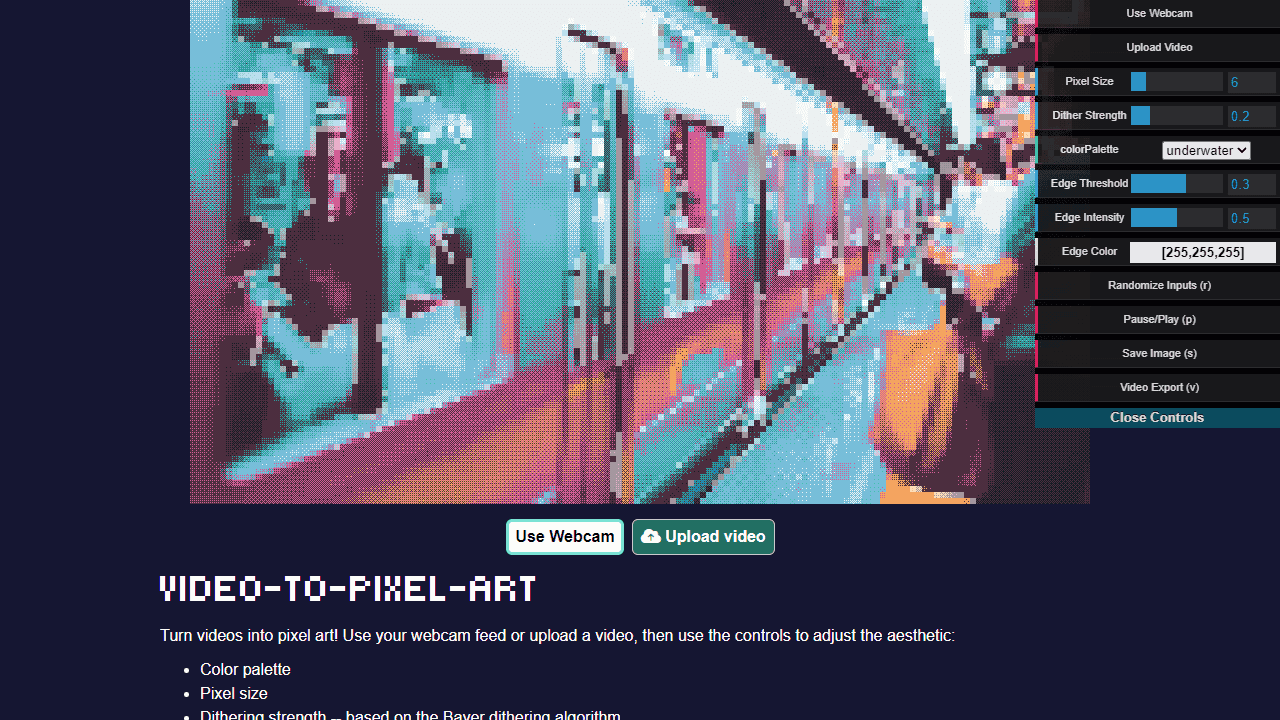
How to use
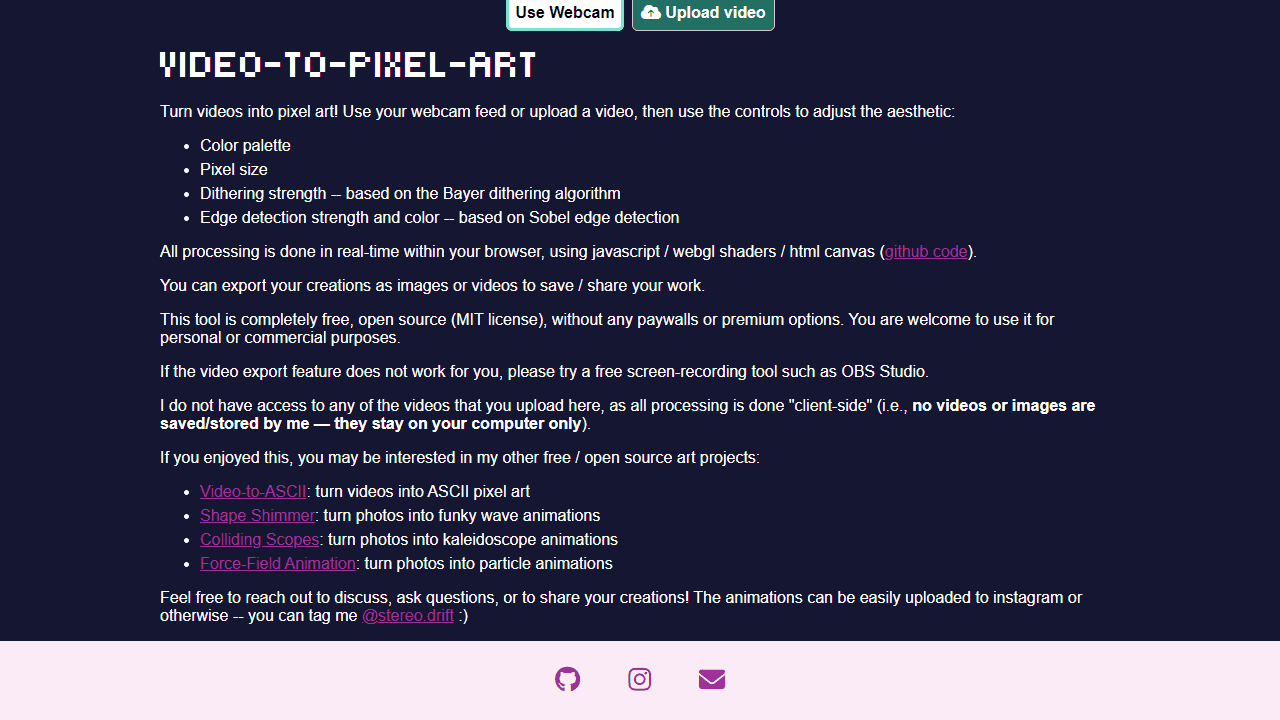
1. Choose your video source by clicking "Use Webcam" to use your camera feed, or "Upload video" to select a video file from your device 2. Use the control panel (appears on screen) to adjust the pixel art effect: • Change color palette for different artistic styles • Adjust pixel size to make blocks larger or smaller • Modify dithering strength for texture and grain effects • Control edge detection strength and color for outlines 3. Click and drag within the control panel to fine-tune settings in real-time 4. Press "v" on your keyboard to start/stop video recording of your pixel art creation 5. Use the export options in the control panel to save your work as an image or video file The tool converts your video into pixel art animation in real-time. All processing happens in your browser, so your videos stay on your device. Experiment with different combinations of settings to create unique artistic effects.
Reviews
No written reviews yet. Be the first!
More from Creative

A casual chiptune loop maker. Tap cells, pick a vibe, share remixable 16-step loops in under a minute.
by Launch Arcade


