
Spirograph
Interactive spirograph drawing with nested spinning circles on HTML5 canvas.
About Spirograph
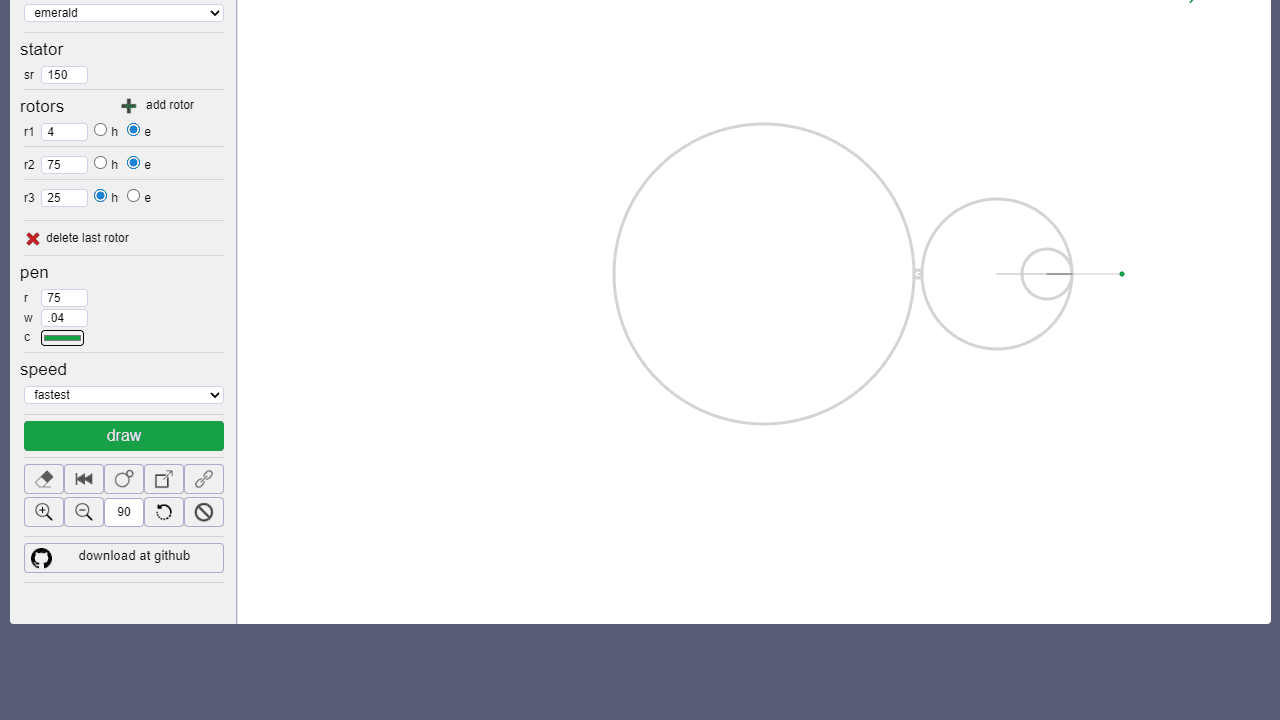
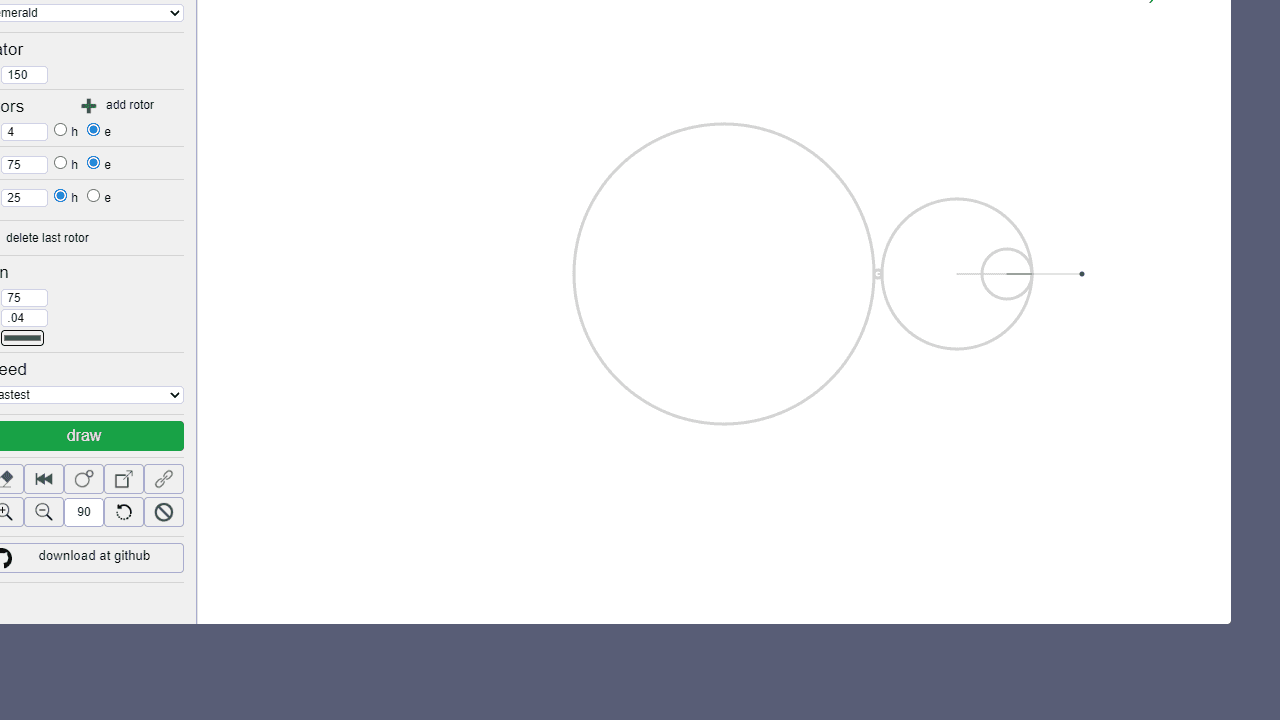
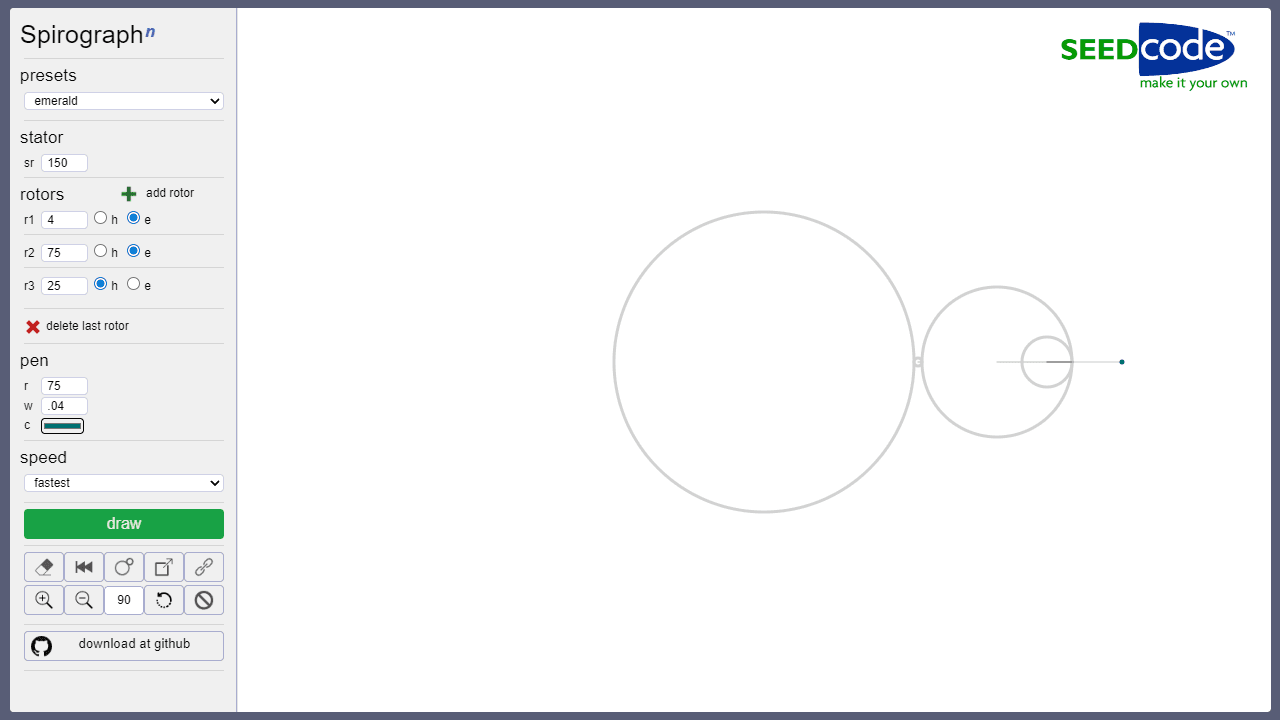
Pick a pen color, set the radii of two nested circles, and watch as the inner wheel rolls around the outer one, tracing a continuous looping curve on the canvas. Adjust the ratio and the pattern shifts from a simple rosette to a dense star with dozens of overlapping petals. Each run is deterministic — same settings, same shape — so it rewards deliberate tweaking more than random clicking.
It belongs squarely in the creative apps category, sitting closer to mathematical art than freehand drawing. There's no undo stack or layering system; the appeal is in watching geometry emerge in real time. If you want to do something with the colors you land on, Color Palette Builder is worth a look for capturing and saving them.
Works best on a desktop or laptop, where a larger screen lets the full curve render without the edges clipping — and you can fine-tune numeric inputs with the keyboard rather than fighting a small touch target.
Look inside
How to use
Create complex geometric patterns using virtual gears that rotate and draw lines as they move. • Click and drag to adjust gear settings in the sidebar • Add multiple gears by clicking the "+" button - each gear can rotate inside or around the previous one • Adjust each gear's size, speed, and drawing point position using the controls • Click "Draw" to start creating your pattern - the virtual pen traces the path as gears rotate • Use "Clear" to erase the canvas and start over • Try "Random" for automatic gear configurations • Experiment with different gear combinations - more gears create more intricate designs • Each gear rotates relative to the previous one, building complexity • The drawing point on the final gear determines what pattern gets traced • Save your creations by right-clicking the canvas Goal: Experiment with gear combinations to create beautiful mathematical art patterns, just like the classic Spirograph toy but with unlimited possibilities.
Reviews
No written reviews yet. Be the first!
More from Creative

A casual chiptune loop maker. Tap cells, pick a vibe, share remixable 16-step loops in under a minute.
by Launch Arcade


