
Fractal Trees
Evolve beautiful fractal trees using a genetic algorithm. Select parent trees, breed them, and watch new patterns emerge.
About Fractal Trees
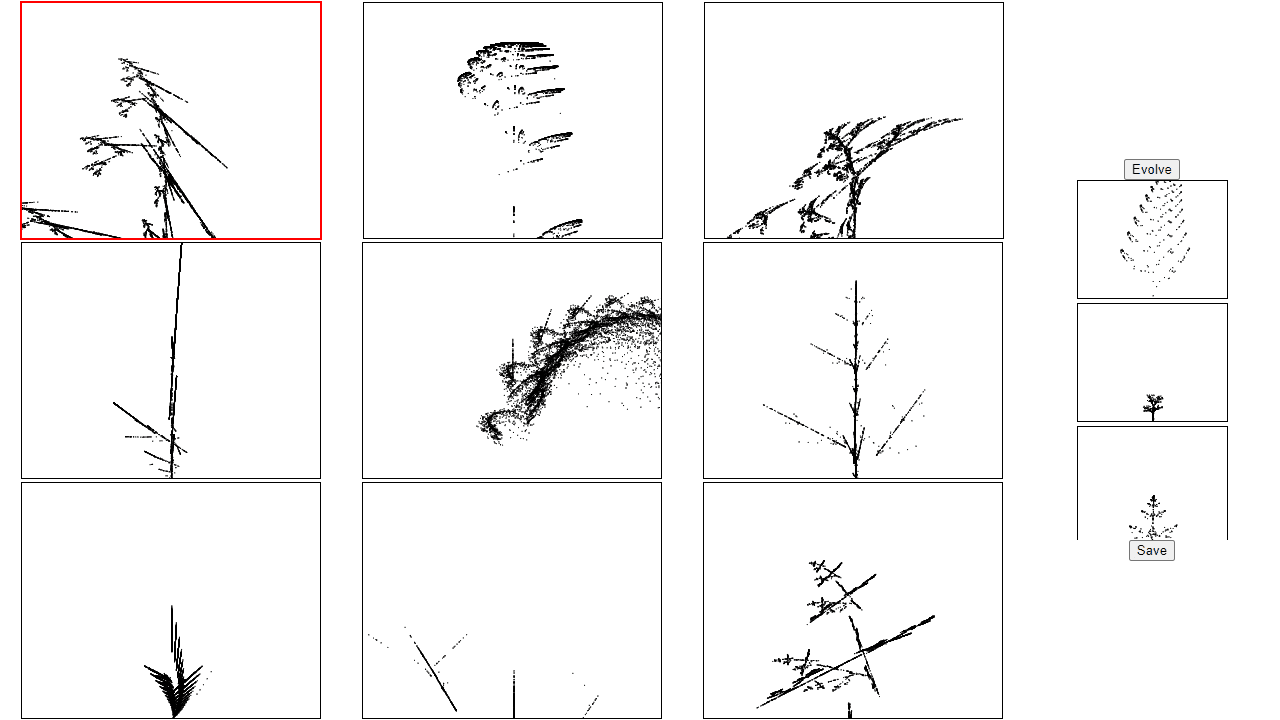
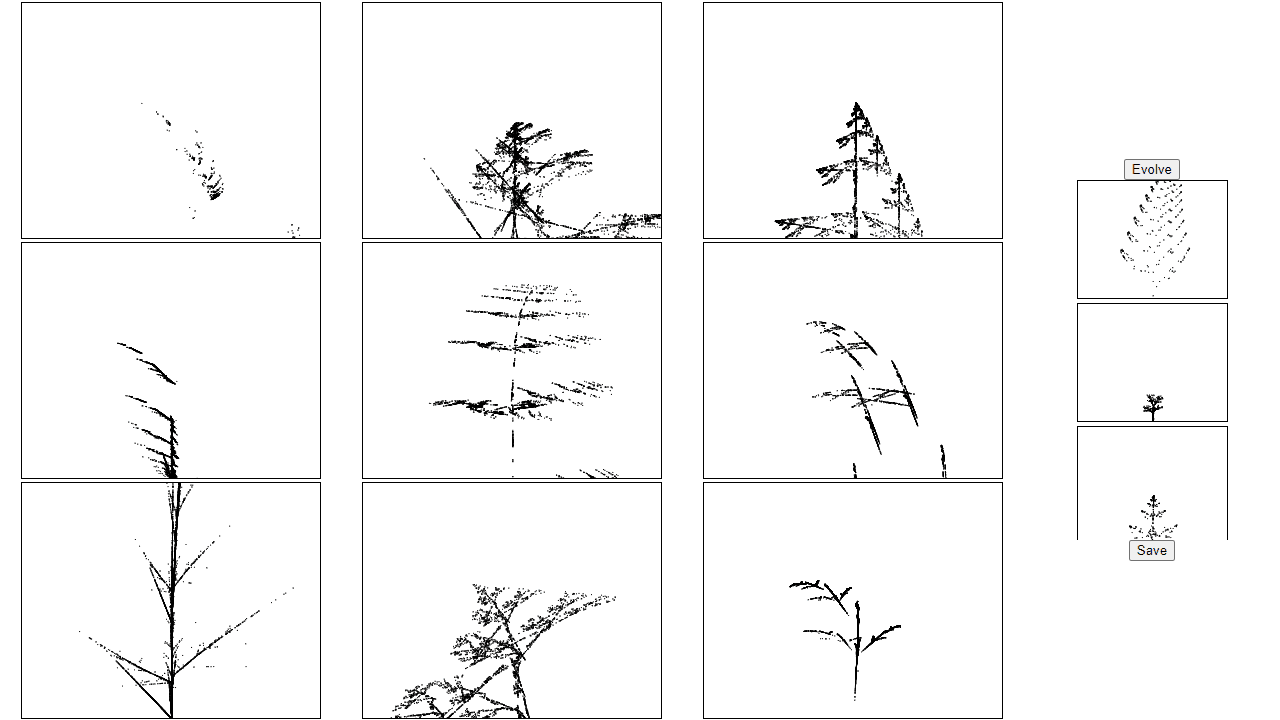
Each session starts with a grid of randomly branched trees — spindly, lopsided, surprisingly elegant — and your job is simply to pick the ones you like best. Those selections become parents, and a genetic algorithm breeds a new generation from their structure. Branch angles, recursion depth, and fork patterns all shift and combine in ways you didn't plan. Some results are skeletal and spare; others bloom into dense, symmetric fractals that look almost intentional.
It belongs squarely in the creative apps category because there's no goal beyond curation. You're not drawing — you're steering evolution, nudging a population of patterns toward something that appeals to you. If you enjoy building visual systems from the ground up, Color Palette Builder pairs well as a way to extract and save colors from the trees you generate.
Everything runs on mouse clicks alone, and a full breeding session takes about two minutes per generation — it's the kind of app that rewards a slow afternoon rather than a quick break.
Look inside
How to use
• Goal: Evolve fractal trees using genetic algorithm principles by selecting and breeding your favorites across generations • The main area displays 9 fractal trees generated from two parent trees shown in the toolbox • Click any fractal tree to select it (selected trees will be highlighted) • Click multiple trees to select several at once, or click again to deselect • Press the "Evolve" button to create a new generation - your selected trees become parents for the next batch of 9 fractals • Each new generation combines traits from the selected parents, creating unique variations • Continue selecting favorites and evolving to discover new fractal patterns and shapes • Use "Save" button to download your favorite fractal designs • Experiment with selecting different numbers of parents - fewer selections create more focused evolution, while more selections increase variety
Reviews
No written reviews yet. Be the first!
More from Creative

A casual chiptune loop maker. Tap cells, pick a vibe, share remixable 16-step loops in under a minute.
by Launch Arcade


