
Kaleidoscope
Draw with your mouse or finger to create beautiful symmetrical kaleidoscope patterns in real time.
About Kaleidoscope
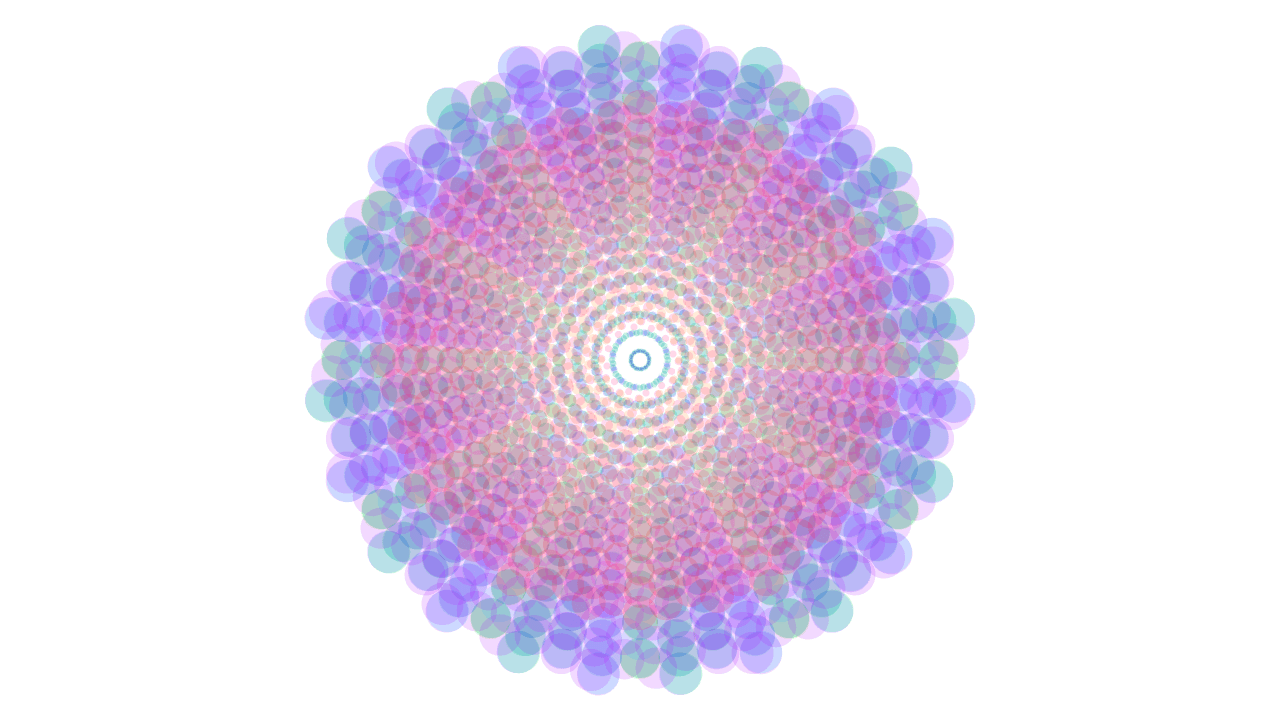
Move your mouse (or drag a finger) across the canvas and watch a radially symmetric pattern bloom outward in real time. Every stroke you make is instantly mirrored across multiple axes, so even a single casual squiggle produces something that looks deliberately composed. The effect is hypnotic — you can lose twenty minutes without noticing.
Kaleidoscope sits squarely in the creative apps space but asks nothing from you: no color theory, no drawing skill, no plan. Just move. If you want more structure after experimenting here, Color Palette Builder is a natural next step for turning the hues you liked into a saved palette.
It runs entirely in the browser with no account or install required, and it works just as well on a touchscreen as with a mouse — a tablet in portrait mode is arguably where it feels best.
Look inside
How to use
• Click and drag your mouse on the canvas to paint colorful strokes • Your brush strokes are automatically mirrored in multiple segments to create a symmetrical kaleidoscope pattern • Each stroke you draw appears reflected around the center, forming beautiful geometric designs • Move your mouse slowly for smooth lines or quickly for more energetic patterns • The colors and effects change as you paint, creating dynamic visual combinations • There's no specific goal - simply explore and create artistic kaleidoscope patterns • Your artwork builds up over time as you continue painting • Experiment with different movements and speeds to discover unique mirror effects
Reviews
No written reviews yet. Be the first!
More from Creative

A casual chiptune loop maker. Tap cells, pick a vibe, share remixable 16-step loops in under a minute.
by Launch Arcade


