
GLSL Editor
A live GLSL fragment shader editor with instant preview. Write WebGL shaders and see the results in real-time on a canvas.
About GLSL Editor
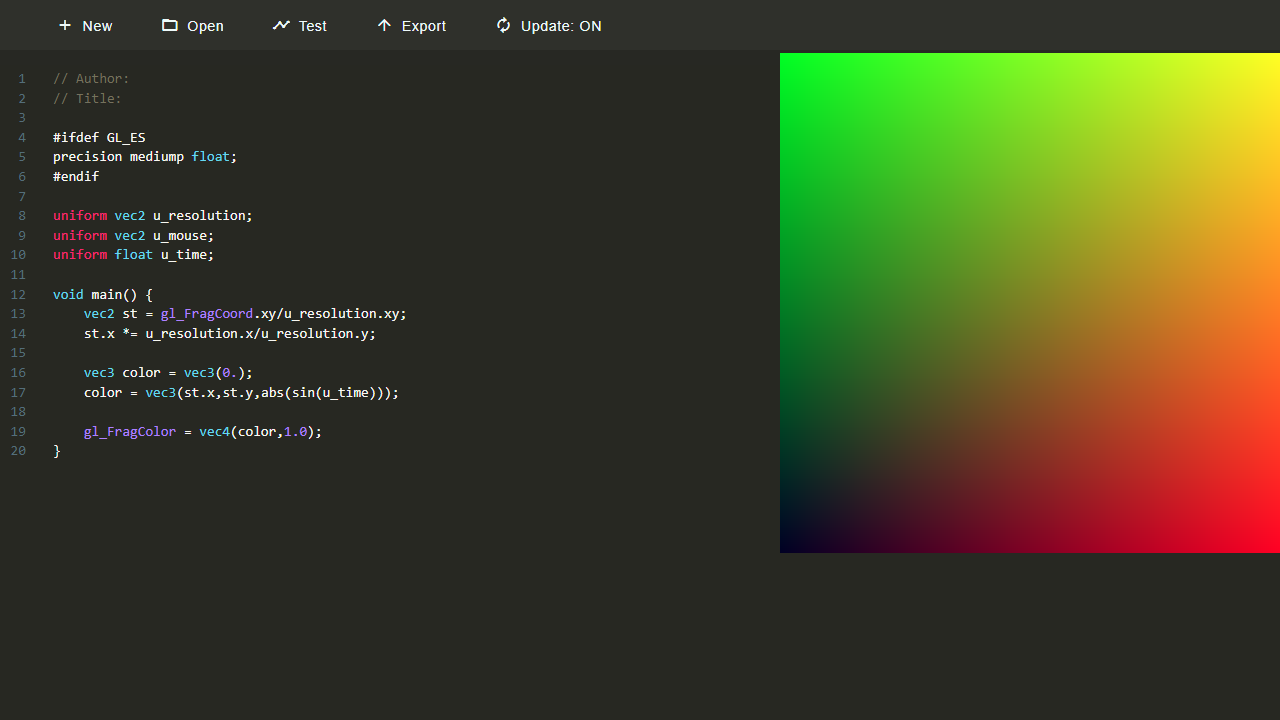
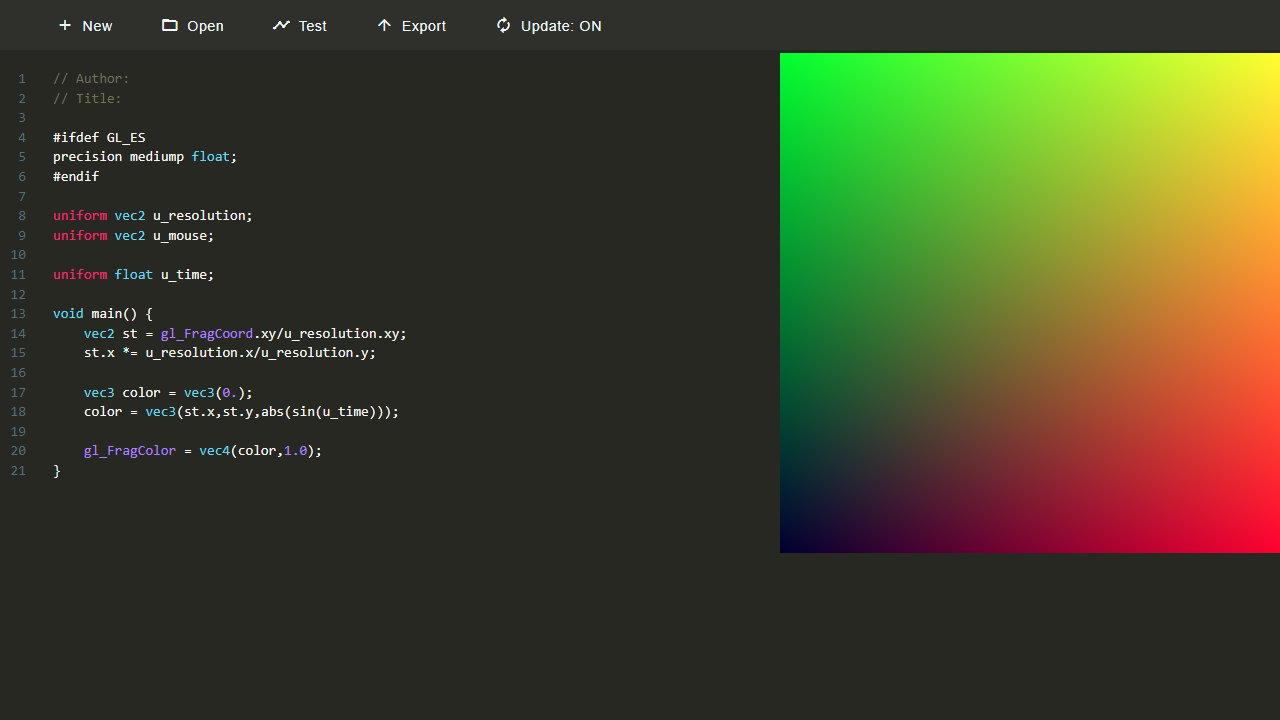
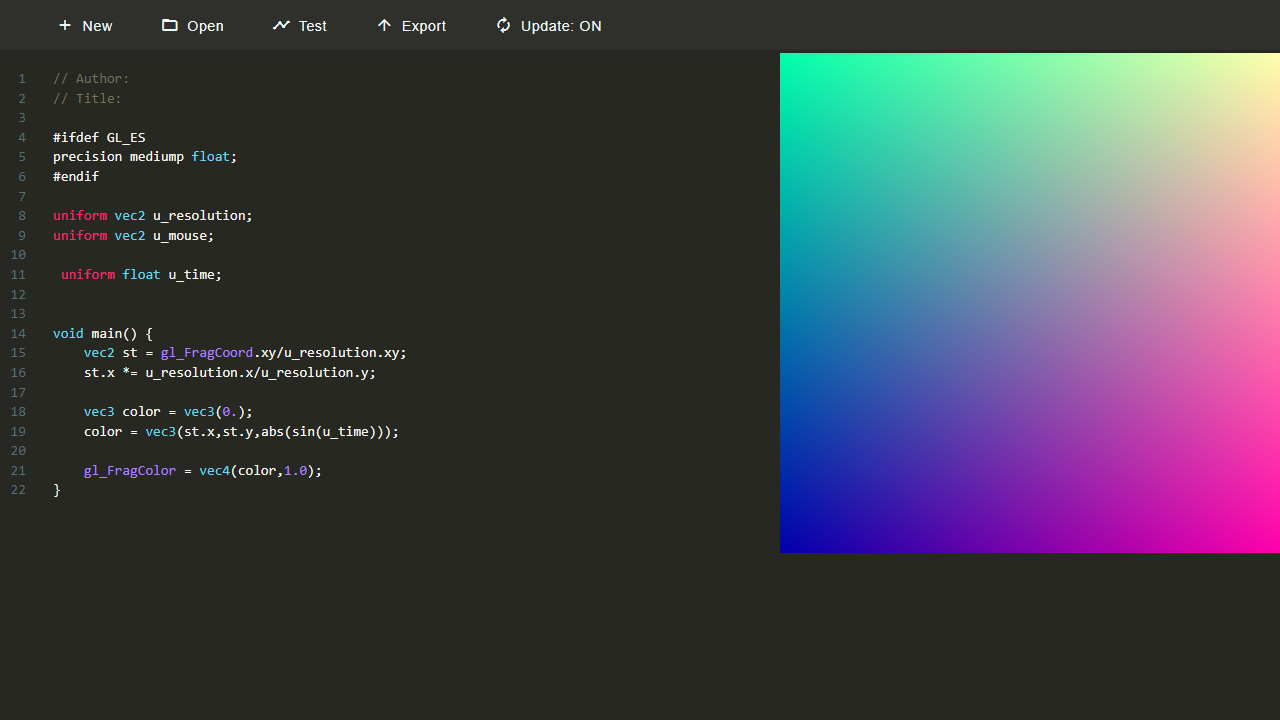
Type a line of GLSL and the canvas updates before you finish the thought. GLSL Editor puts a live fragment shader environment directly in your browser — write WebGL code on the left, watch the generated visuals react in real time on the right. No build step, no local setup, no waiting.
Fragment shaders let you control every pixel through math: gradients, noise fields, ray-marching, procedural textures. If you already know the basics, this is a fast sketchpad for testing ideas. If you're learning, the instant feedback loop makes it far easier to connect code changes to visual results than staring at documentation ever could. It belongs comfortably alongside other creative tools that reward experimentation over instruction.
The editor is built on Patricio Gonzalez Vivo's open-source glslEditor and supports the standard u_time, u_resolution, and u_mouse uniforms out of the box — so most Shadertoy-style sketches translate with minimal adjustment. Works best on a desktop where you can see the code and canvas side by side.
Look inside
How to use
This is a shader programming tool for creating visual effects using GLSL code. Write shader code in the text editor and see results instantly in the canvas preview. Basic Controls: - Type GLSL shader code in the left editor panel - Visual output appears in the canvas on the right - Drag and resize the canvas to adjust viewing size Interactive Features: - Click on color values (vec3) to open a color picker - Click on 2D vectors (vec2) to get a trackpad controller - Click on float numbers to get slider controls - Errors display inline with red highlighting Menu Options: - Use the menu bar to create new shaders, open files, save work, or share - Drag and drop .glsl files directly onto the editor - Multiple tabs let you work on several shaders simultaneously Getting Started: 1. Start with a basic fragment shader structure 2. Modify the gl_FragColor output to see changes 3. Use built-in uniforms like u_time for animation 4. Experiment with mathematical functions for visual effects The canvas updates in real-time as you type, making it easy to iterate and learn shader programming.
Reviews
No written reviews yet. Be the first!
More from Creative

A casual chiptune loop maker. Tap cells, pick a vibe, share remixable 16-step loops in under a minute.
by Launch Arcade


