
Fractal Explorer
Explore and generate stunning fractal patterns including Koch snowflakes, Sierpinski triangles, and tree fractals.
About Fractal Explorer
Pick a fractal — Koch snowflake, Sierpinski triangle, or branching tree — then watch the pattern build itself on screen as you push the iteration depth higher. Each step multiplies the geometry, turning a simple triangle or line into something that looks almost biological. You control how deep the recursion goes, so you can catch the structure mid-build or let it sprawl to its natural limit.
It's a surprisingly good way to see the math behind fractals rather than just read about it. Crank the iterations on the tree fractal and the branching starts to resemble actual foliage. Pull back to iteration two or three and the underlying rule becomes obvious. For anyone already exploring creative tools, this sits in satisfying territory between art and mathematics. Color Palette Builder pairs well if you want to think carefully about the colors you're capturing from screenshots.
Works entirely in the browser with mouse or touch — no install, no account. Best experienced on a larger screen where the fine detail at high iteration counts stays visible.
Look inside
How to use
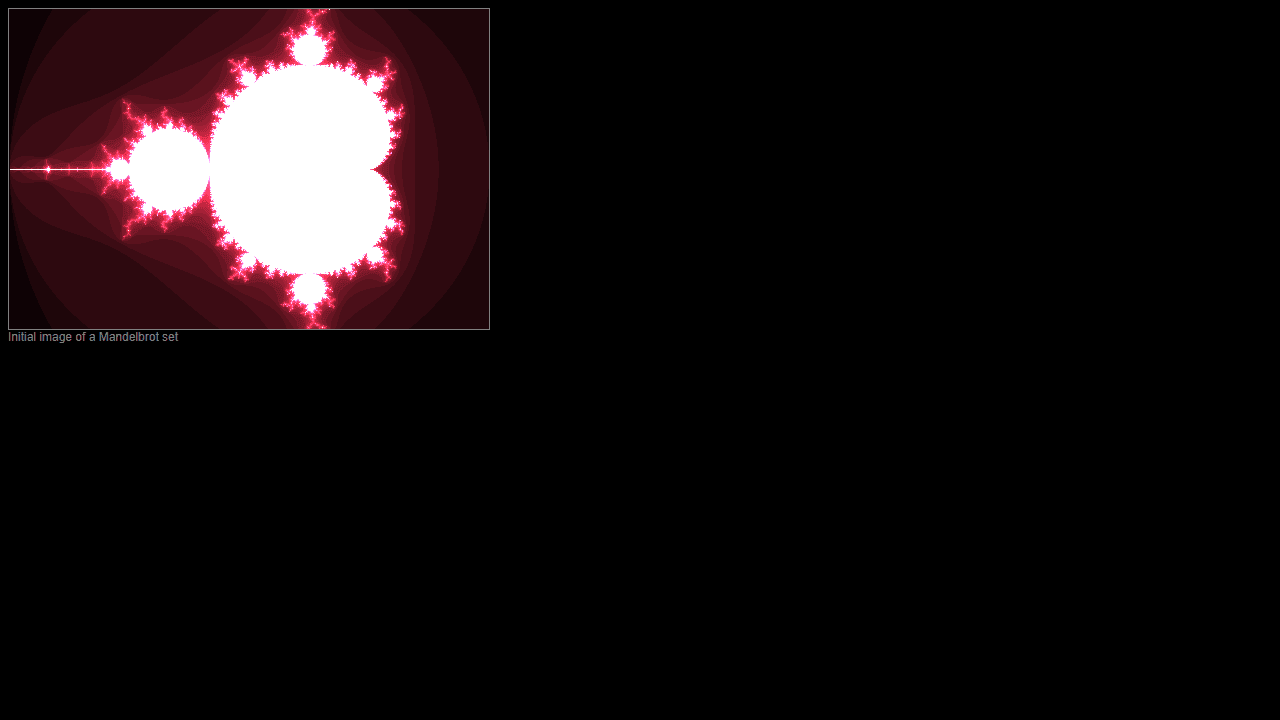
Navigate through beautiful mathematical fractals including the Mandelbrot Set, Julia Set, Burning Ship, and Sierpinski carpet. Controls: • Click and drag to pan around the fractal • Scroll wheel or use zoom controls to zoom in/out on specific areas • Use keyboard arrows or WASD keys for precise navigation • Press R to reset to the initial view • Select different fractal types from the menu/buttons Objective: Explore the infinite detail and patterns within fractals. Each fractal contains endless complexity - the deeper you zoom, the more intricate structures emerge. Tips: • Zoom into edges and boundaries for the most interesting patterns • Different color regions often reveal unique details when explored • Try zooming very deep (10x, 100x, 1000x) to see how patterns repeat and evolve • Switch between fractal types to compare their different mathematical properties • Some areas may take longer to render at high zoom levels
Reviews
No written reviews yet. Be the first!
More from Creative

A casual chiptune loop maker. Tap cells, pick a vibe, share remixable 16-step loops in under a minute.
by Launch Arcade


