
Fluid Paint
A realistic fluid paint simulation powered by WebGL. Watch colors swirl and blend as you paint with lifelike brush physics.
About Fluid Paint
Drag your finger or mouse across the canvas and watch paint behave like it actually has weight — colors push, pull, and curl around each other in real time. The WebGL simulation underneath tracks fluid dynamics, so a slow stroke leaves a soft ribbon while a fast flick sends pigment spiraling outward. It's the kind of thing that's oddly hard to stop playing with.
There's no wrong way to use it. Some people chase satisfying swirls; others build up layered compositions that look like oil on glass. If you enjoy making things look beautiful without needing any drawing skills, it fits neatly alongside other creative apps on Launch Arcade. For something more structured, Color Palette Builder pairs well if you want to nail down a color scheme before you paint.
Works best on a touch screen where two-finger gestures let you blend across the whole canvas at once, though a mouse gives you more precise control over individual strokes.
Look inside
How to use
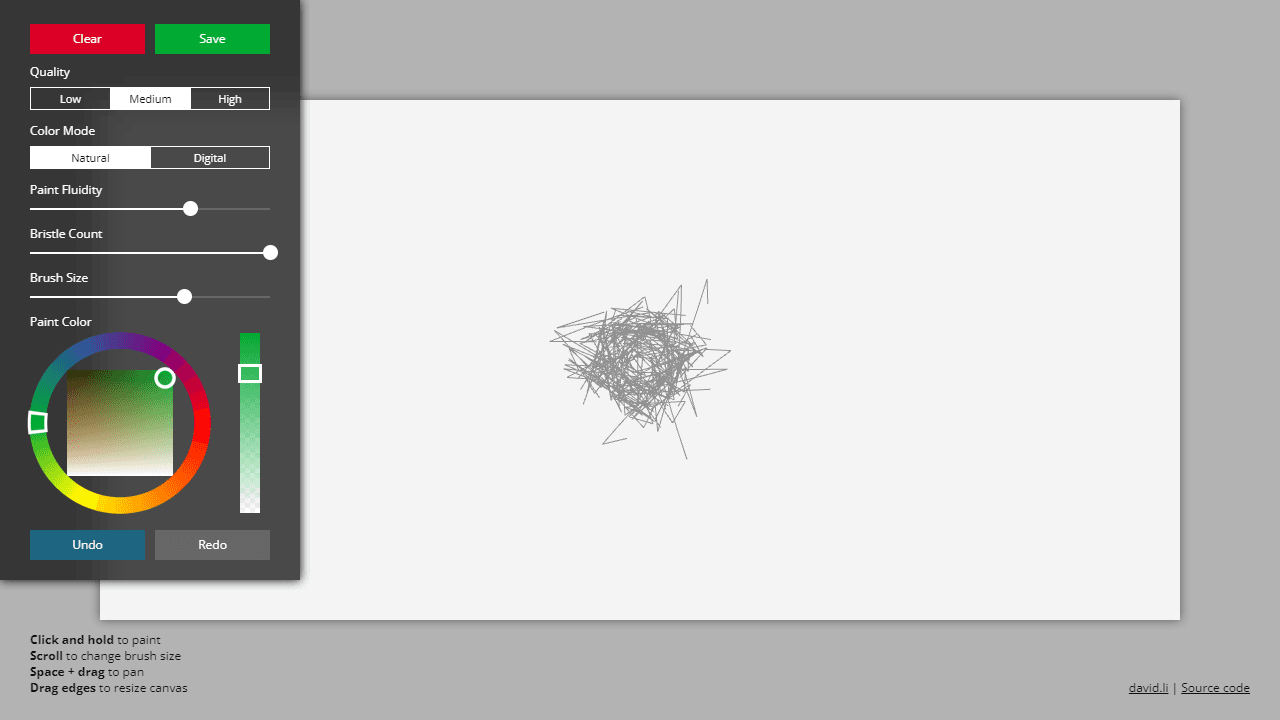
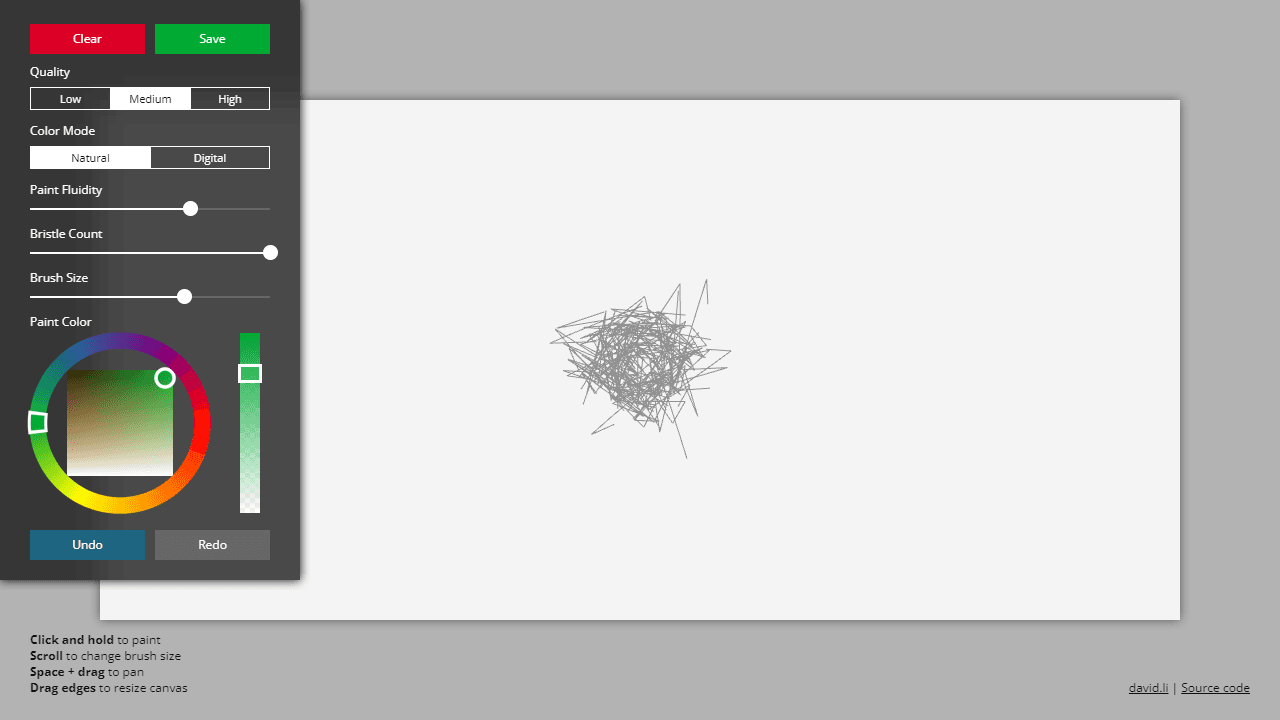
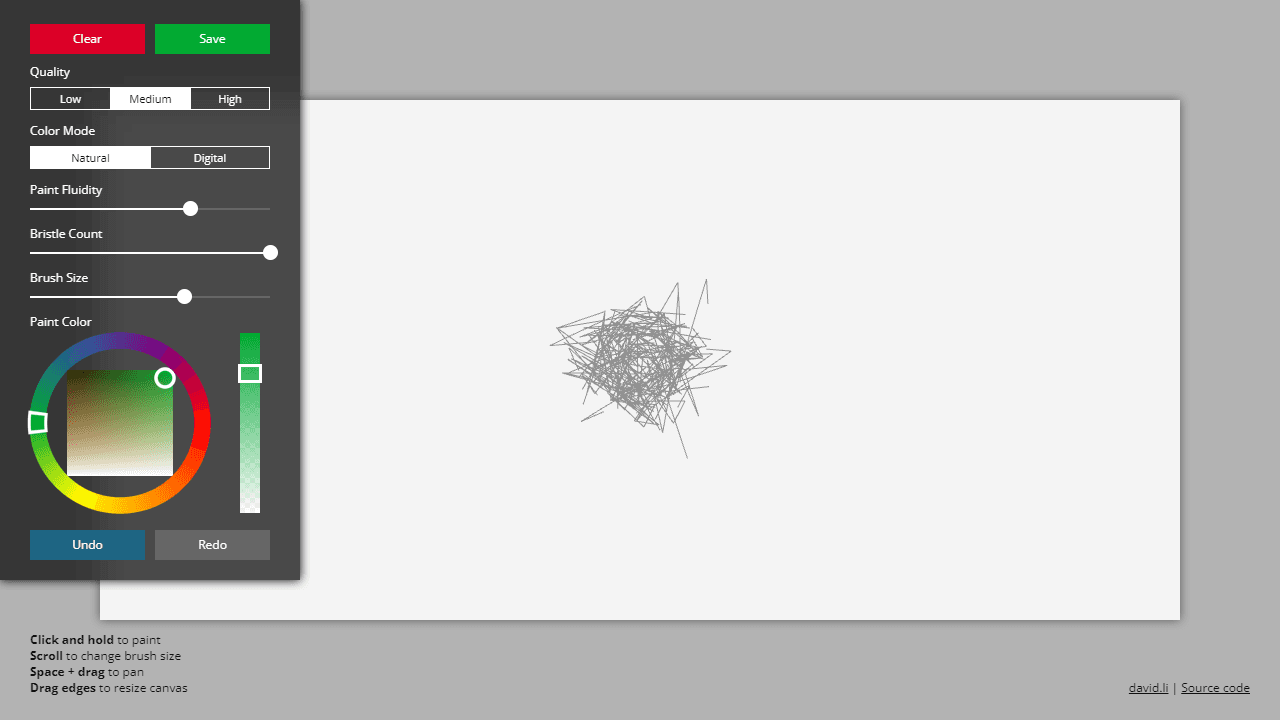
Create realistic fluid paint simulations on a digital canvas using physics-based brush dynamics. Basic painting: • Click and hold to paint with fluid brush strokes • Scroll mouse wheel to quickly adjust brush size • Hold Space + drag to pan around the canvas Canvas controls: • Drag canvas edges to resize your workspace • Use Clear button to start over • Save button downloads your artwork Brush customization: • Adjust Paint Fluidity slider to control how paint flows and blends • Change Bristle Count for different brush textures • Modify Brush Size for fine detail or broad strokes • Select paint colors from the color picker • Switch between different Color Modes for varied effects Quality settings affect performance - higher quality creates smoother paint simulation but may run slower on some devices. Use Undo/Redo buttons to experiment freely. The paint behaves like real fluid, creating natural mixing and flow effects as you work.
Reviews
No written reviews yet. Be the first!
More from Creative

A casual chiptune loop maker. Tap cells, pick a vibe, share remixable 16-step loops in under a minute.
by Launch Arcade


