
EasyTimer
A versatile timer, stopwatch, and countdown in one app. Start, pause, reset, and configure with precision for workouts, cooking, or focus sessions.
About EasyTimer
Set a timer, hit start, and EasyTimer stays out of your way. You get a stopwatch, a countdown, and a configurable interval timer in a single clean interface — no ads, no accounts, no setup ritual. Tap to start, tap to pause, tap to reset. That's the whole loop.
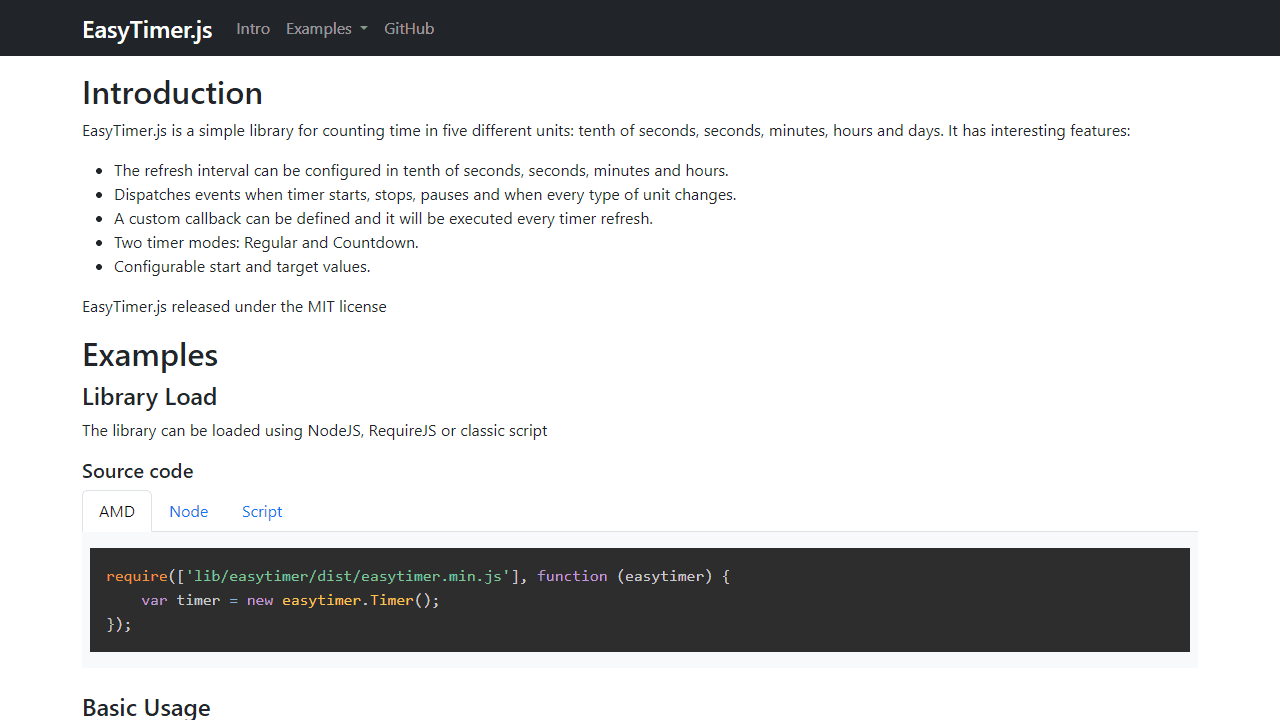
It handles the everyday stuff well: rest periods between sets, pasta on the stove, a 25-minute focus block. You can configure hours, minutes, and seconds independently, which matters when you need something like 1:45:00 and don't want to do the math in a dropdown. It's built on the open-source easytimer.js library, so the counting itself is rock-solid. If you pair it with a structured work session, Focus Timer adds dedicated Pomodoro intervals and break automation on top of the same idea.
Browse more tools like this in productivity. EasyTimer works best on desktop where a visible browser tab keeps the display in view while you work.
Look inside
How to use
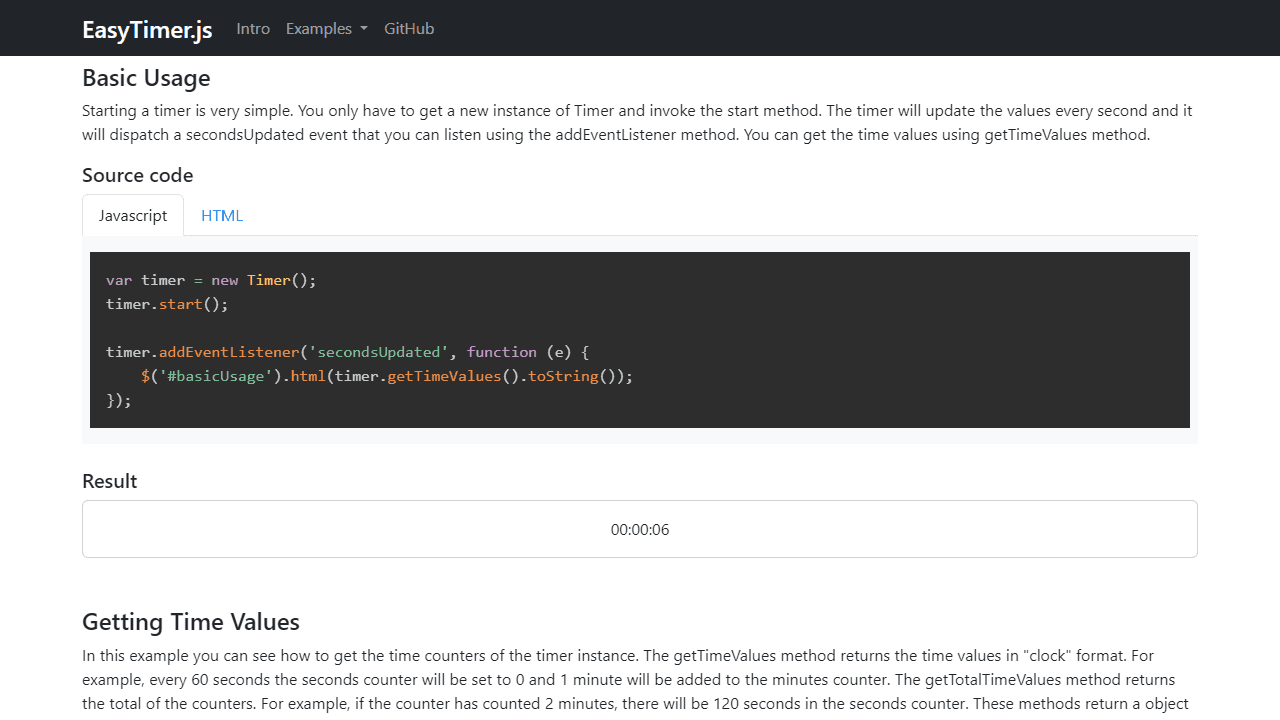
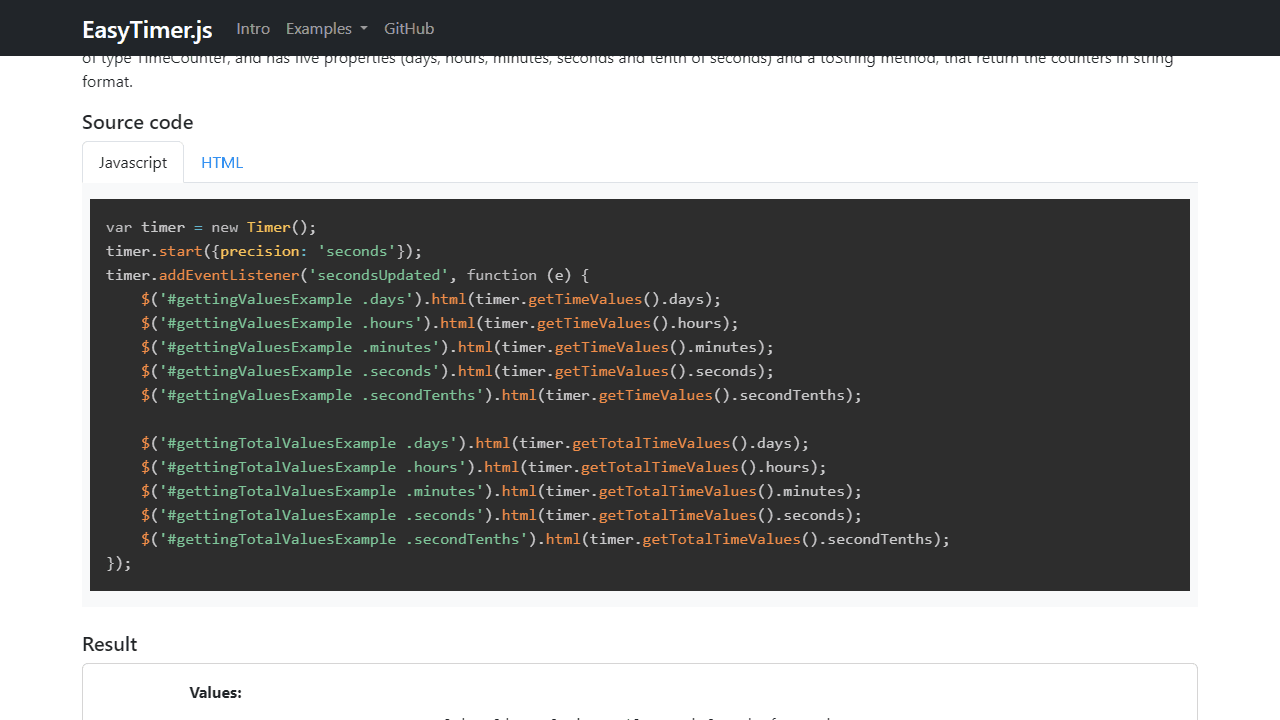
This is a timer utility that lets you track time with multiple controls and display formats. Basic Controls: • Click "Start" button to begin timing • Click "Pause" to temporarily stop (resume with "Start") • Click "Stop" to end the timer completely • Click "Reset" to set all values back to zero Timer Modes: • Normal mode: Counts up from zero • Countdown mode: Counts down from a set target time Time Display: • Shows time in days, hours, minutes, seconds format • Updates automatically while running • View "clock" format (resets at 60 seconds/minutes) or "total" format (continuous counting) Setting Times: • Configure start values before beginning • Set target times for automatic stopping • Choose update precision (seconds, tenths of seconds, etc.) The timer continues running in the background and displays real-time updates. Use the control buttons to manage timing sessions for productivity tracking, work intervals, or general time management.
Reviews
No written reviews yet. Be the first!
More from Productivity

A minimal, single-page Markdown editor with instant live preview. Toggle between editor and preview on mobile, or use the side-by-side layout on desktop.


