
Flowtime
Create stunning HTML5 presentations with smooth transitions and parallax effects. Navigate freely in any direction across slides.
About Flowtime
Flowtime lets you build HTML5 presentations that move in any direction — left, right, up, down — rather than forcing your audience through a single linear sequence. You arrange slides on a two-dimensional canvas, then navigate between them with smooth transitions and parallax scrolling effects that give the whole thing a sense of depth and motion. There's no proprietary file format to wrestle with: everything is plain HTML you write and own.
It's a good fit for developers and designers who find tools like PowerPoint too rigid and want full control over markup and styling. Because the full slide canvas spreads across both axes, a larger screen genuinely helps — you can see how sections relate spatially while you're building. The MIT license means you can host it anywhere or fold it into a client project without restriction.
If broader productivity tools are on your radar, Mind Map covers similar ground when you need to sketch out the structure of a talk before turning it into slides. Flowtime works best with a keyboard — arrow keys handle navigation during a live presentation.
Look inside
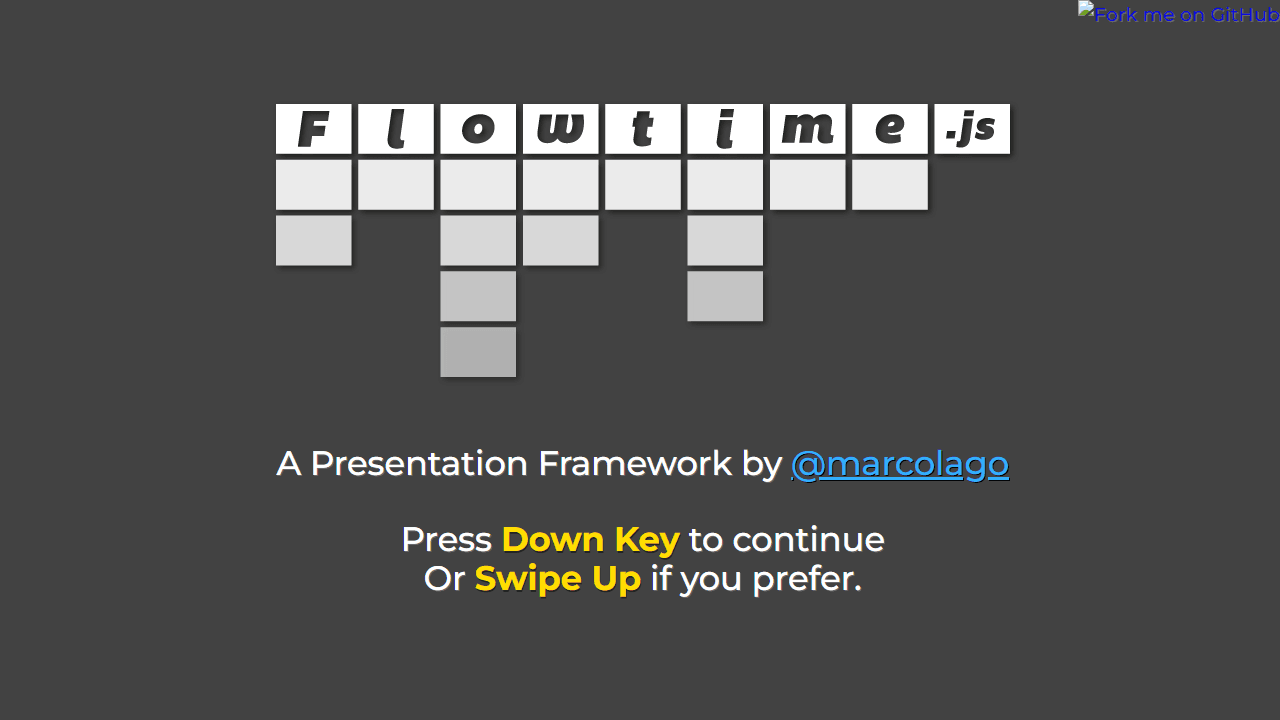
How to use
This is a framework for building HTML presentations that navigate like a website. Create presentations with sections and pages arranged in a grid layout. Navigation: • Arrow keys: Down/Up to move between pages, Left/Right to move between sections • Hold Shift + Arrow keys to skip fragments or jump to first page of sections • Page Up/Down: go to first/last page in current section • Home/End: go to very first/last page • ESC: toggle overview mode to see entire presentation structure Mouse controls: • Click links to jump to specific pages • In overview mode, click any page to navigate there • Use progress indicator (bottom right) to jump to pages Key features: • Fragments: Add class "ft-fragment" to reveal content step-by-step within pages • Deep linking: Share specific pages using browser URL • Browser back/forward buttons work normally • Touch devices: swipe in any direction to navigate Goal: Present content in a smooth, navigable flow where each page fills the entire viewport. Perfect for presentations, portfolios, or storytelling websites.
Reviews
No written reviews yet. Be the first!
More from Productivity

A minimal, single-page Markdown editor with instant live preview. Toggle between editor and preview on mobile, or use the side-by-side layout on desktop.


