
Markdown Kanban Board
Create and manage interactive Kanban boards with drag-and-drop cards. Import and export your boards as Markdown files for easy sharing and backup.
About Markdown Kanban Board
Drag a card from To Do to Done and you already understand the loop. Markdown Kanban Board lets you build multi-column boards in the browser, shuffle tasks around with drag-and-drop, and then export the whole thing as a plain .md file you can commit to a repo, email to a teammate, or open in any text editor. Import that same file later and your board rebuilds itself exactly as you left it.
That file-based portability is what sets it apart from most browser kanban tools. There's no account, no sync subscription, no proprietary format holding your data hostage. It fits naturally into a productivity workflow alongside your notes and docs rather than replacing them. If you already write in Markdown, the export reads cleanly without any post-processing. If you prefer a richer text environment for the actual writing, Online Markdown Editor pairs well for drafting card content before you paste it in.
Works entirely in the browser with mouse or trackpad — no keyboard shortcuts to memorize — making it a solid pick on a shared or unfamiliar machine.
Look inside
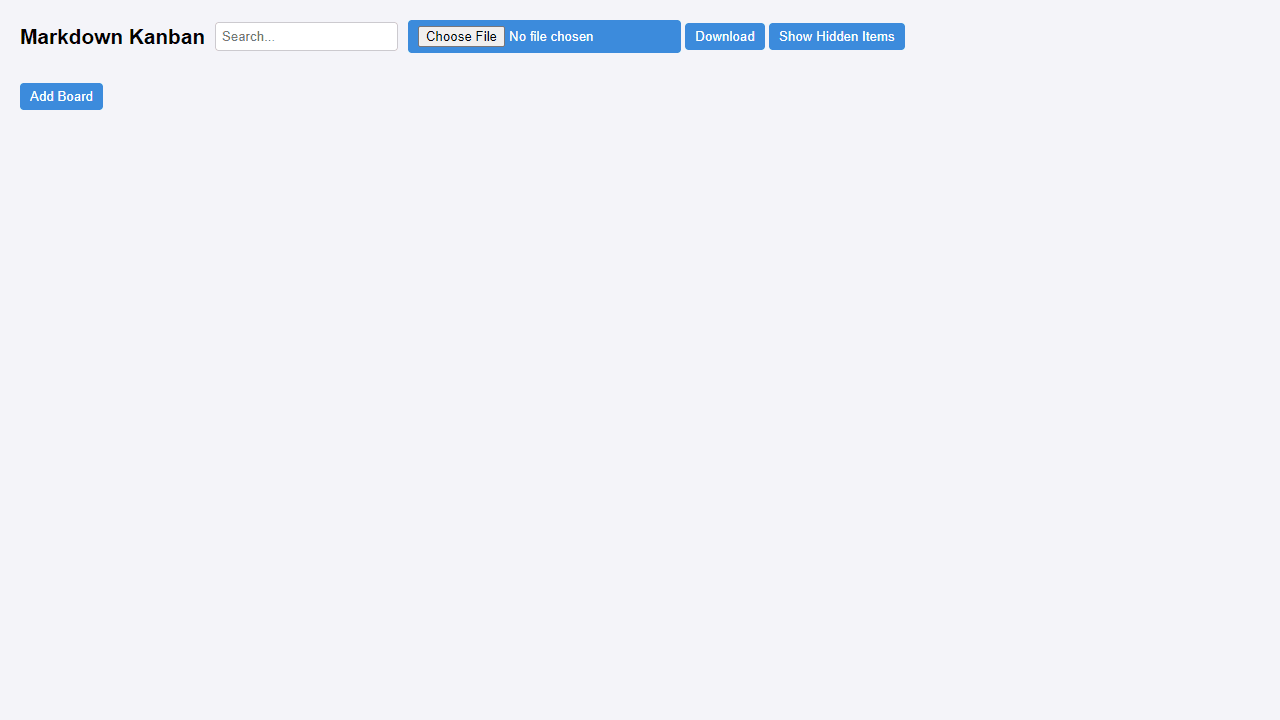
How to use
This is a visual project management tool that lets you organize tasks into boards, columns, and cards. You can also import and export your boards as Markdown files. • Click "Add Board" to create a new project board • Click "Add Column" to create task categories (like "To Do", "In Progress", "Done") • Click "Add Card" inside columns to create individual tasks • Click on any title or description to edit it directly • Drag cards between columns to update their status • Use "Delete" buttons to remove boards, columns, or cards Controls: • Mouse: Click to edit text, drag cards between columns • Search box: Filter content across all boards • Upload button: Import a Markdown file to create boards automatically • Download button: Export your current boards as a Markdown file • "Show Hidden Items": Toggle visibility of items marked as hidden Special features: • Set work-in-progress limits by adding "limit: 5" in column metadata • Hide items by adding "hidden: true" in metadata sections • Metadata goes in the gray boxes and supports tags, due dates, assignments • Columns automatically get different background colors
Reviews
No written reviews yet. Be the first!
More from Productivity

A minimal, single-page Markdown editor with instant live preview. Toggle between editor and preview on mobile, or use the side-by-side layout on desktop.


