
Color Palette Generator
Generate beautiful color palettes. Random, analogous, complementary, triadic, and pastel modes. Press spacebar for new palettes.
About Color Palette Generator
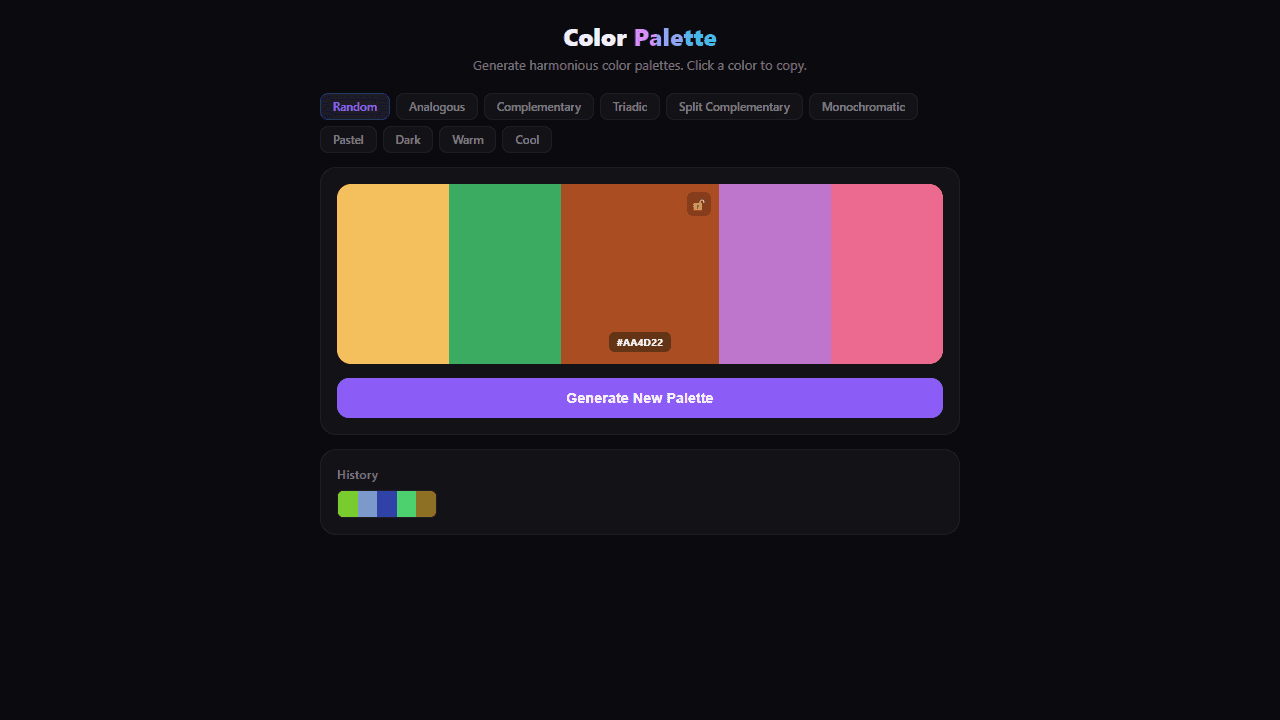
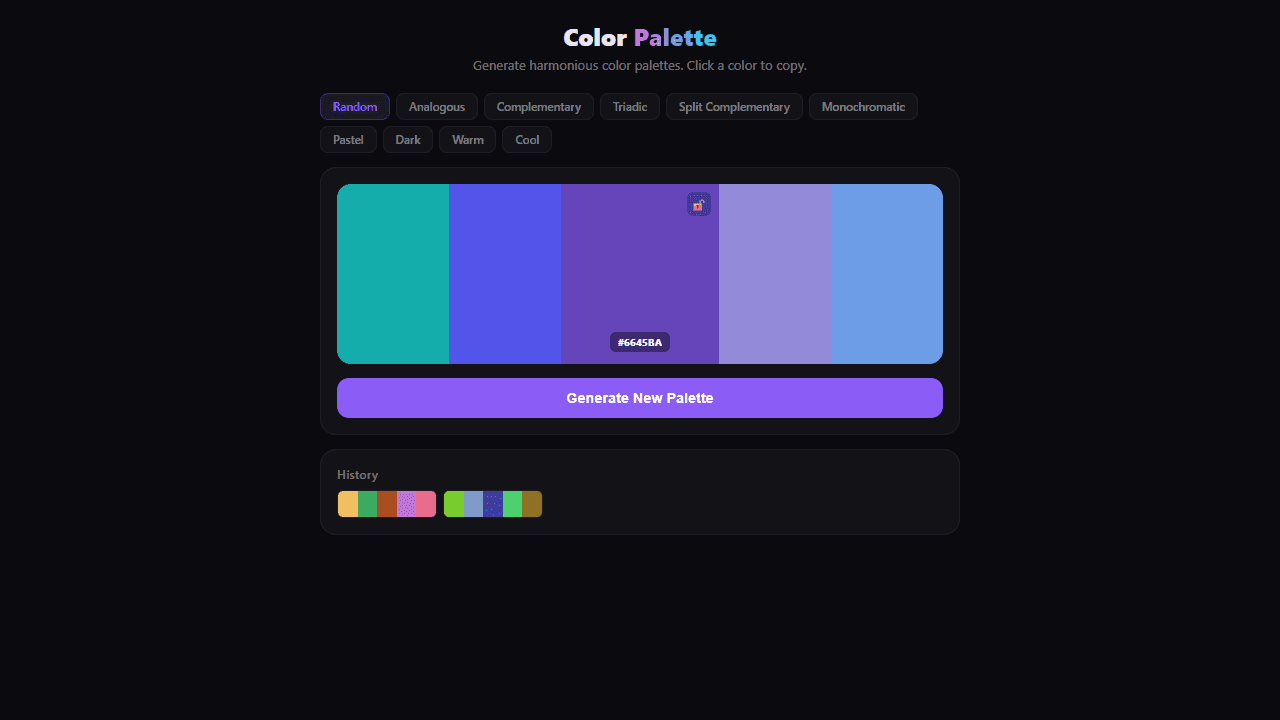
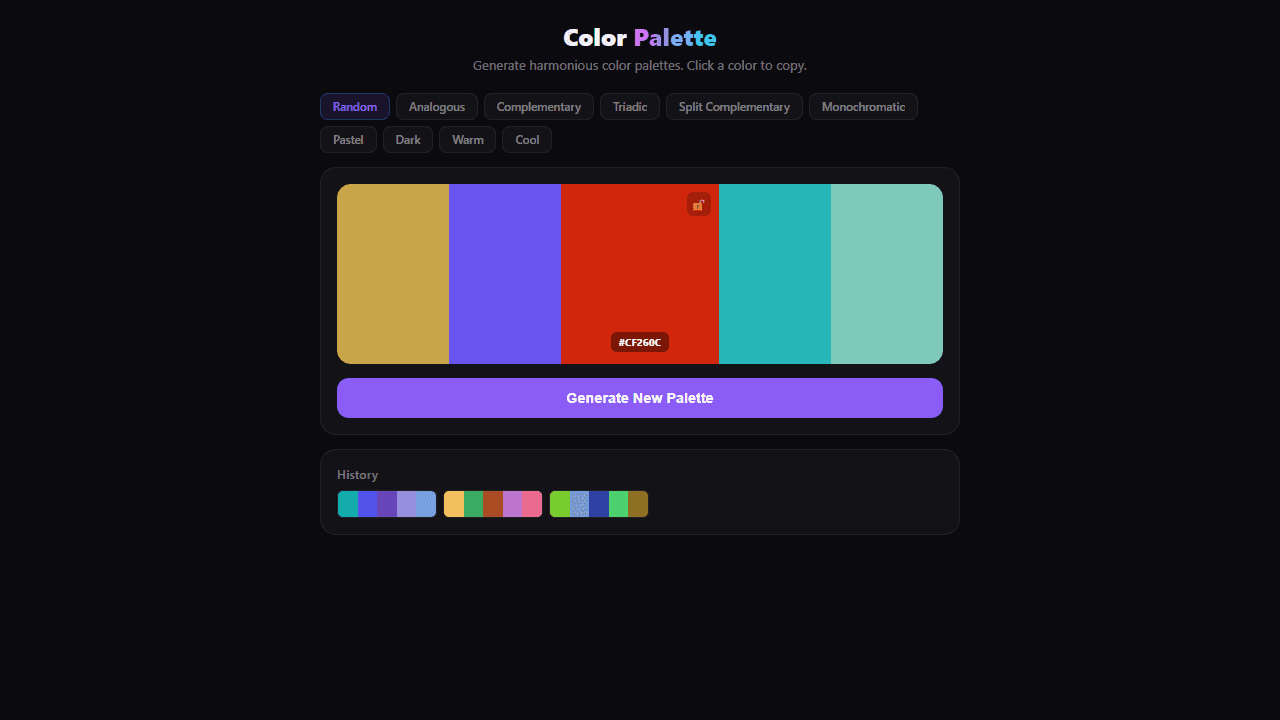
Tap the spacebar and a fresh color palette appears instantly — five swatches pulled together in whatever mood you choose. Switch between random, analogous, complementary, triadic, and pastel modes to shift from bold contrasts to soft, cohesive tones. Each hit of the spacebar is a new starting point.
This is a practical tool for anyone who stares at a blank canvas wondering what colors to even begin with. Designers use it to break decision paralysis. Illustrators use it to find combinations they'd never reach by instinct. It fits neatly into the broader world of creative apps that treat the browser as a real workspace. If you want to go deeper, Color Palette Builder lets you name and save your picks to the cloud.
Works best on desktop where the spacebar is within easy reach — plan on a few minutes of rapid-fire cycling before something clicks.
Look inside
How to use
• Create color palettes using different color harmony modes like Analogous, Complementary, Triadic, and more • Select a color mode by clicking the mode buttons at the top (Random, Pastel, Dark, etc.) • Click "Generate New Palette" or press Spacebar to create a new 5-color palette • Click any color swatch to copy its hex code to your clipboard • Hover over colors to see their hex codes and reveal the lock button • Lock individual colors by clicking the lock icon - locked colors stay the same when generating new palettes • Click any palette in the History section to reload it • Use keyboard shortcut: Spacebar to generate new palettes • Each mode creates colors with different relationships: Analogous uses adjacent colors, Complementary uses opposite colors, Monochromatic varies lightness of one hue, etc.
Reviews
No written reviews yet. Be the first!
More from Creative

A casual chiptune loop maker. Tap cells, pick a vibe, share remixable 16-step loops in under a minute.
by Launch Arcade


