
Color From Image
Extract the dominant color and palette from any image.
About Color From Image
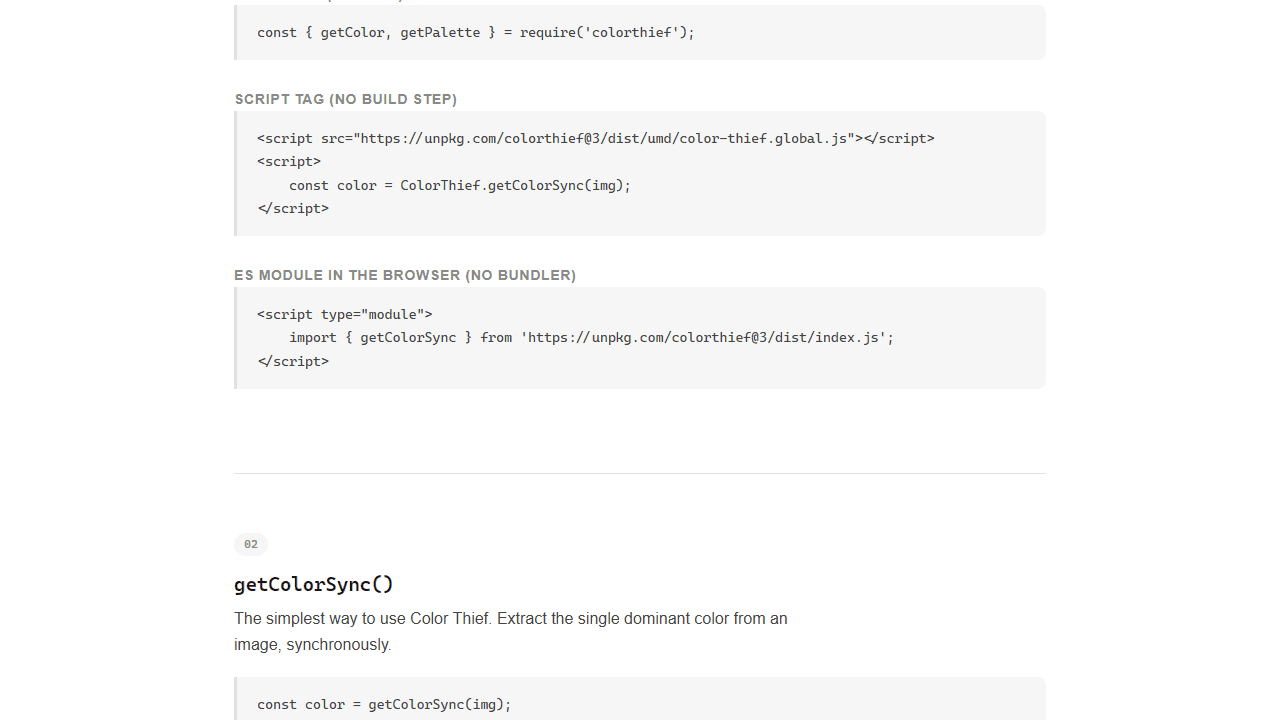
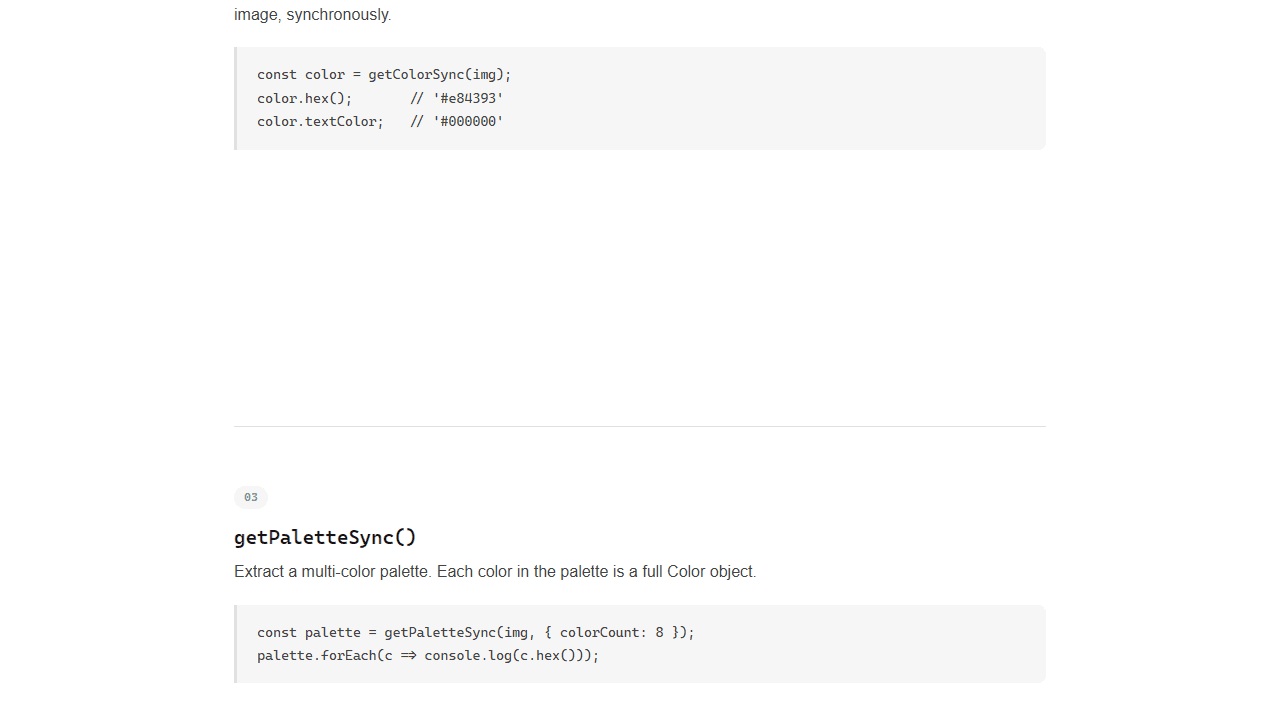
Drop any image into the tool and it instantly pulls out the dominant color plus a full palette of supporting hues — all shown as hex codes you can copy with a single click. It's built on the open-source Color Thief library, so the extraction is fast and runs entirely in your browser. No upload, no account, no waiting.
It's genuinely useful when you're trying to match a brand color from a logo, reverse-engineer the tones in a photograph, or just figure out exactly what shade that background actually is. If you want to do more with the colors you find, Color Palette Builder lets you organize and save them into named palettes. Both tools live under creative apps on Launch Arcade.
Works best on desktop where you can drag an image file straight onto the page — no mouse gymnastics required.
Look inside
How to use
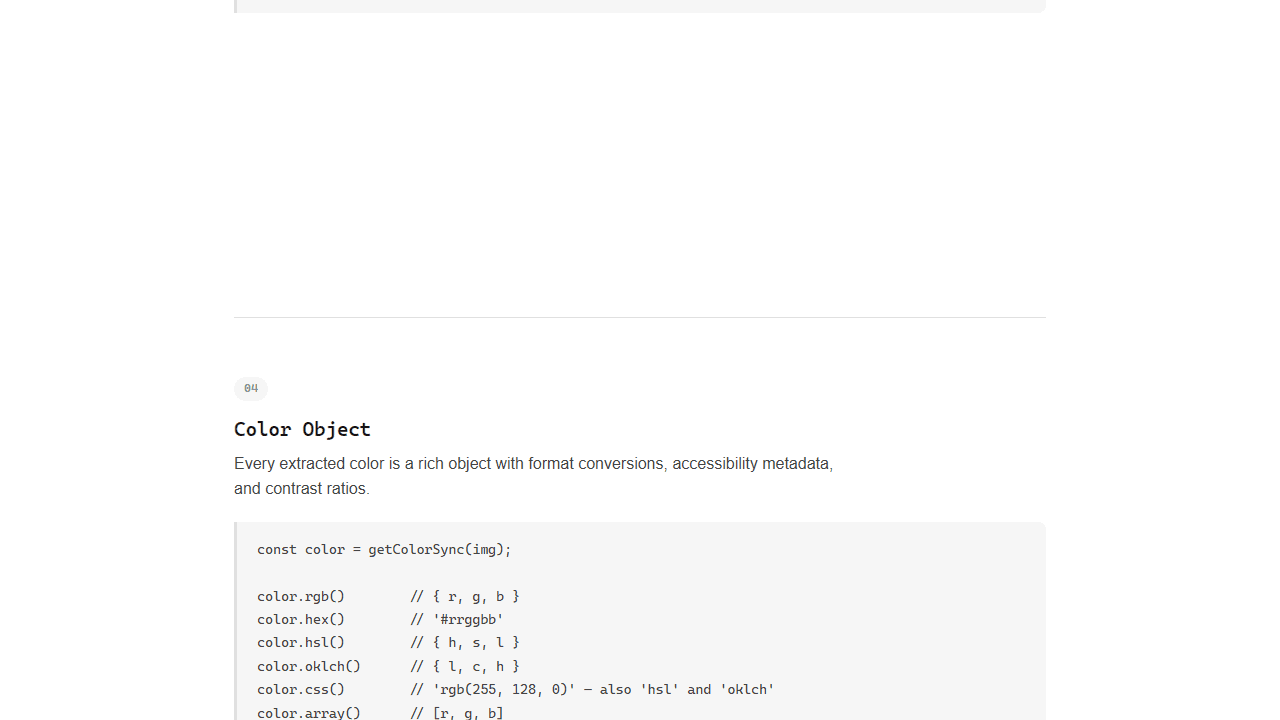
Load an image by clicking "Choose File" or dragging an image onto the page. The app extracts colors from your image automatically. • Click on any image to analyze its colors • View the dominant color and full color palette • See semantic color swatches like Vibrant, Muted, Dark, and Light variations • Each color shows its hex code, RGB values, and other properties • Colors are extracted using perceptual color analysis The tool provides: • Dominant color - the single most prominent color • Color palette - multiple representative colors from the image • Semantic swatches - categorized colors useful for design (Vibrant for accents, Muted for backgrounds, etc.) • Color properties - hex codes, contrast ratios, and whether colors work better with light or dark text Results update instantly when you select a new image. Hover over color swatches to see their hex codes.
Reviews
No written reviews yet. Be the first!
More from Creative

A casual chiptune loop maker. Tap cells, pick a vibe, share remixable 16-step loops in under a minute.
by Launch Arcade


