
Color Picker & Converter
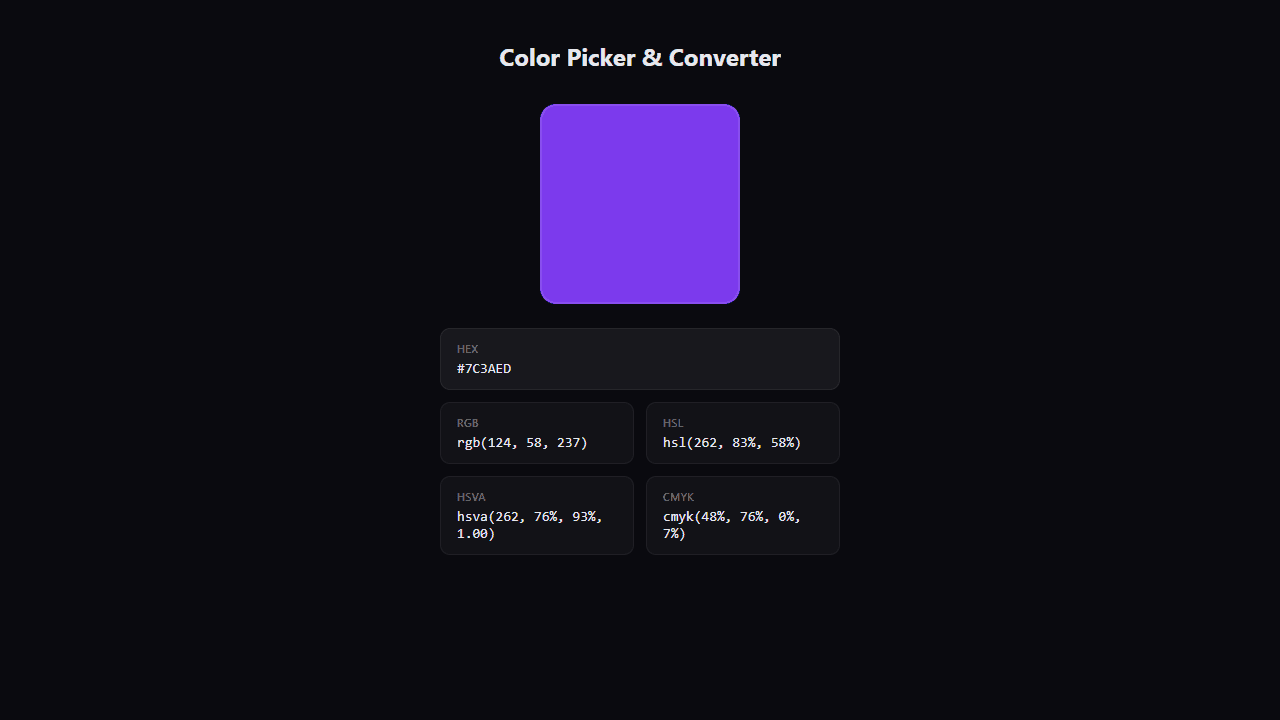
Pick any color and instantly see HEX, RGB, HSL, and CMYK values.
About Color Picker & Converter
Tap anywhere on the screen — or paste in a hex code — and instantly see that color broken down into HEX, RGB, HSL, and CMYK values side by side. It's the kind of tool that answers a specific question fast: what exactly is that shade? Designers, developers, and curious tinkerers all end up here when they need a quick translation between color formats.
The converter handles the math so you don't have to. Adjust sliders to nudge a hue, copy the output with one tap, and move on. If you're building something more involved, Color Palette Builder lets you save and share full palettes once you've nailed your individual values. Both tools live in the creative apps section.
Works best on a device with a decent screen — color accuracy varies more on older or low-brightness displays, so full brightness is worth switching on before you start comparing values.
Look inside
How to use
• Click the colored square to open the color picker • Use the color picker interface to select any color by clicking and dragging on the color wheel and brightness slider • Adjust opacity using the opacity slider if needed • The large preview square shows your selected color in real-time • Click any color value card (HEX, RGB, HSL, HSVA, or CMYK) to copy that format to your clipboard • A "Copied!" notification will appear when successfully copied • Use the copied color codes in your design projects, CSS, or other applications • All color formats update automatically as you change the color selection • The tool converts between different color formats instantly, making it easy to work with various design tools and coding requirements
Reviews
No written reviews yet. Be the first!
More from Creative

A casual chiptune loop maker. Tap cells, pick a vibe, share remixable 16-step loops in under a minute.
by Launch Arcade


