
Kanban Board Manager
Organize and manage your tasks with an intuitive drag-and-drop kanban board featuring prioritization, filtering, and multi-board support.
About Kanban Board Manager
You drag a card from To Do into In Progress, set its priority to high, and suddenly a scattered week starts to look manageable. Kanban Board Manager gives you a clean drag-and-drop board where tasks move through custom columns at your pace. Filtering lets you surface only what matters right now, and multi-board support means your work projects and personal errands don't have to share the same space.
It's a solid fit if you prefer thinking in columns rather than plain checklists. If you'd rather build your workflow in plain text, Markdown Kanban Board goes in a different direction — cards are stored as Markdown, which suits anyone who lives in a text editor. For more productivity tools in a similar vein, the category has plenty to explore.
The full board grid takes up real screen space, so a laptop or desktop will give you the most usable columns without constant horizontal scrolling — though the basics work fine on a tablet in landscape mode.
Look inside
How to use
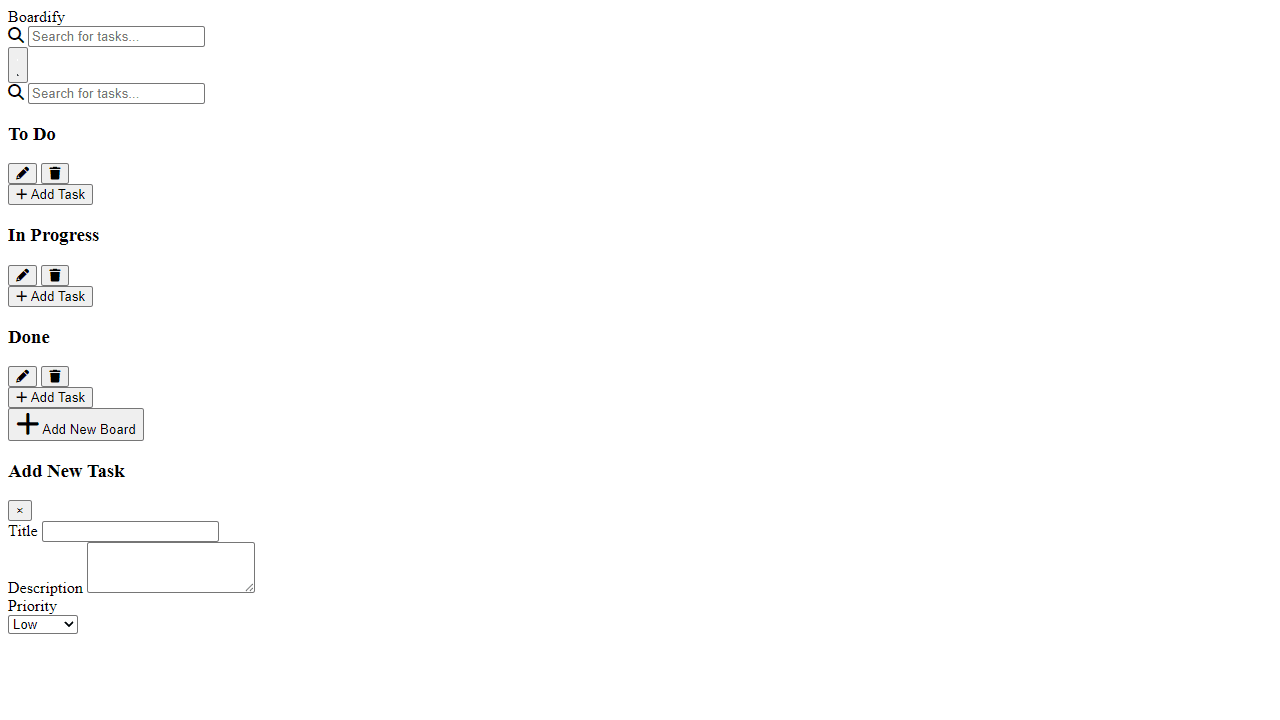
Organize your tasks using columns like "To Do," "In Progress," and "Done" by moving tasks between them. **Controls:** • Click "Add Task" at the bottom of any column to create new tasks • Drag and drop tasks between columns to update their status • Drag tasks up/down within columns to reorder them • Click the pencil icon on tasks to edit title, description, or priority • Click the trash icon to delete tasks or entire columns • Use the search bar to find specific tasks • Toggle between light/dark themes with the sun/moon button **Task Management:** • Set task priority levels (affects visual styling) • Tasks automatically save to your browser's local storage • Search filters tasks across all columns in real-time • Edit column names by clicking the pencil icon in column headers **Objective:** Keep your workflow organized by moving tasks from left to right as they progress from planning to completion. Perfect for personal projects, work assignments, or any multi-step process.
Reviews
No written reviews yet. Be the first!
More from Productivity

A minimal, single-page Markdown editor with instant live preview. Toggle between editor and preview on mobile, or use the side-by-side layout on desktop.


