
Woofmark
A beautiful Markdown and HTML editor that lets you write rich text with live preview. Switch between Markdown, HTML, and WYSIWYG modes seamlessly.
About Woofmark
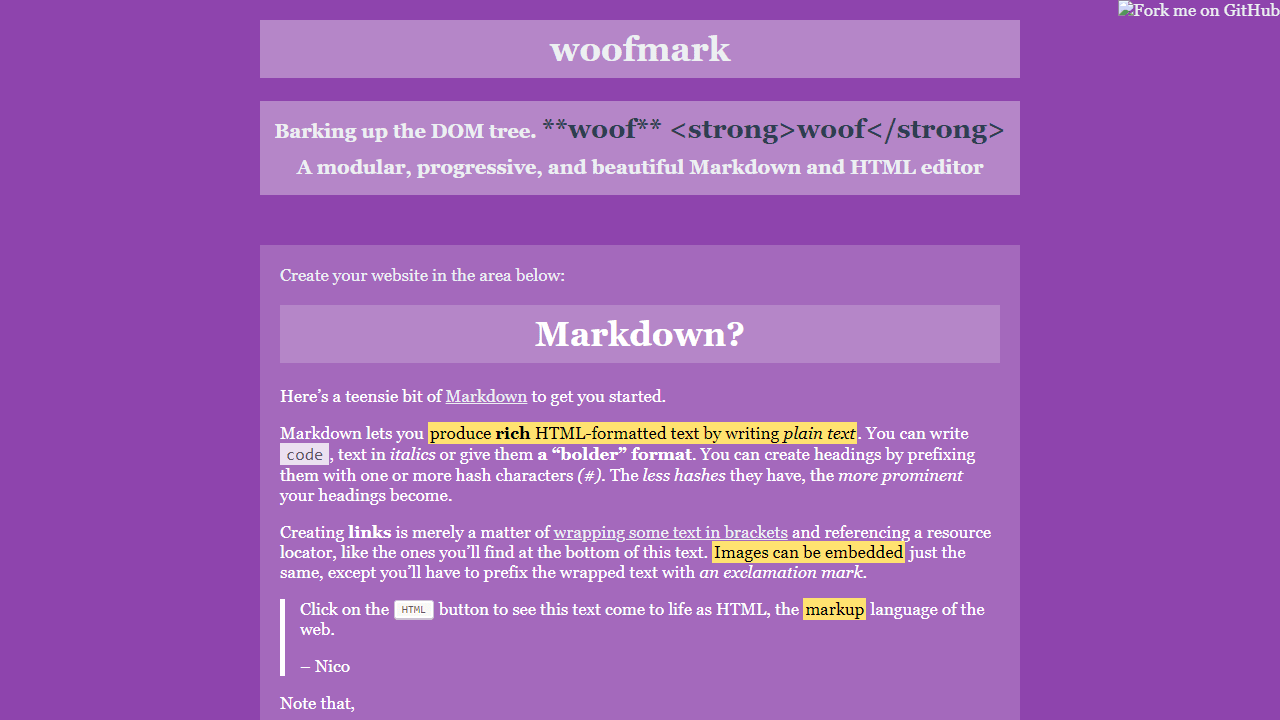
Woofmark gives you a text editor that speaks three languages at once. Type in Markdown, flip to raw HTML, or switch into WYSIWYG mode and click around like a word processor — the live preview updates as you go, so you always know what the output actually looks like. It's a small but thoughtful tool built on the open-source Woofmark library, and it handles the kind of formatted writing that plain textarea boxes fumble: bold, links, code blocks, the works.
It fits naturally into a productivity workflow where you're drafting documentation, README files, blog posts, or anything that eventually needs to render as HTML. The three-mode switching is the real draw — you're not locked into one mental model of your document.
If you'd rather have a more focused Markdown-only experience, WriteOnly is worth a look. Woofmark shines most on a larger screen, where the side-by-side editor and preview pane have enough room to show both columns without scrolling constantly between them.
Look inside
How to use
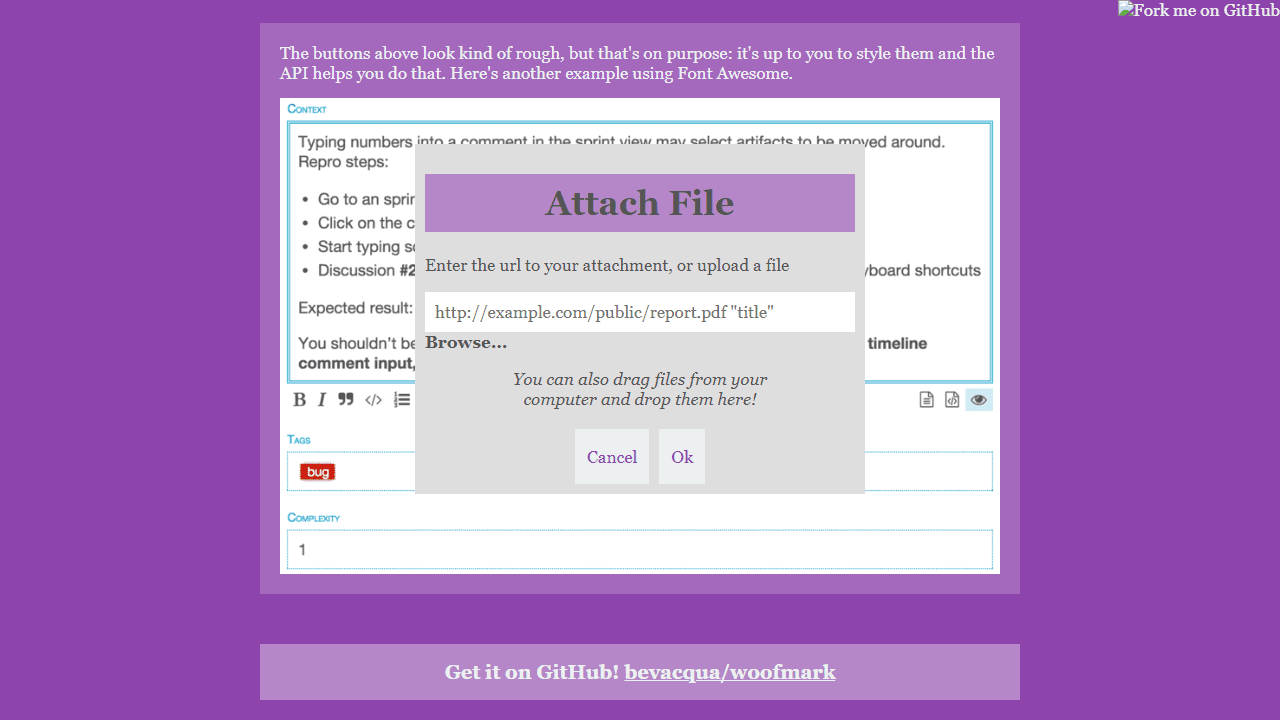
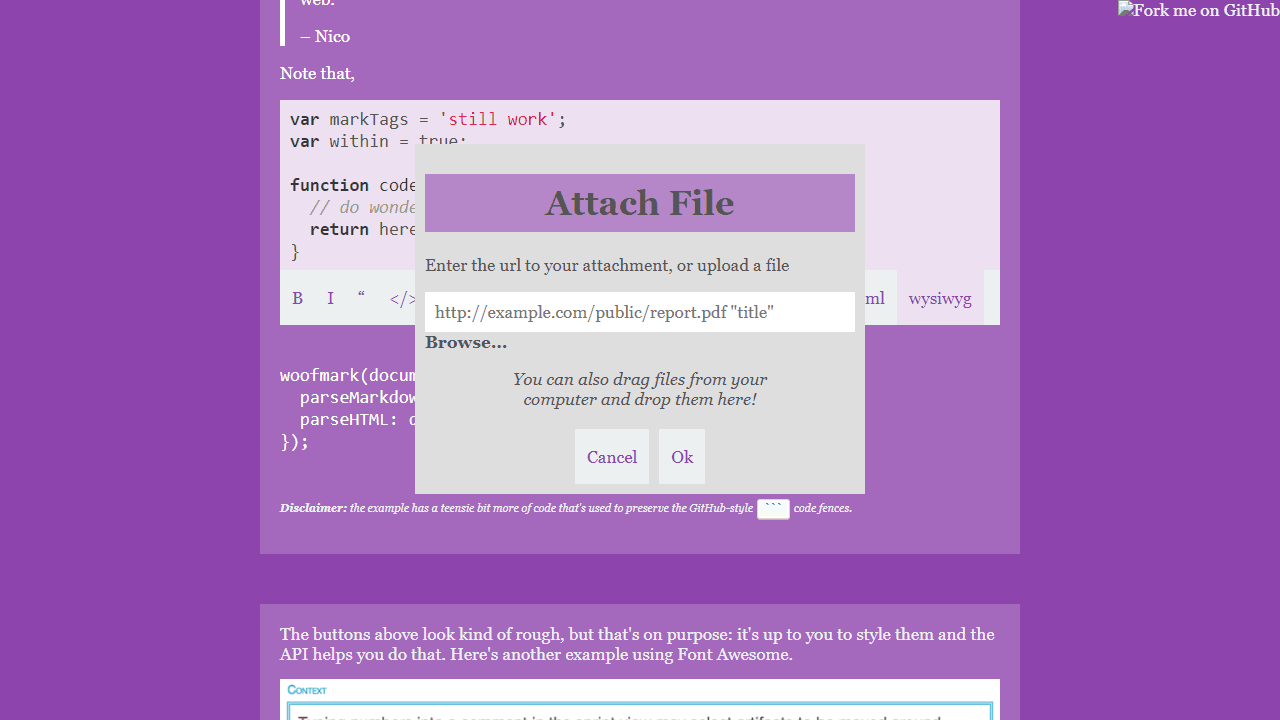
Create and edit rich text content using this Markdown and HTML editor. • Type directly in the text area using standard keyboard input • Use Markdown syntax for formatting: - Wrap text with **asterisks** for bold, _underscores_ for italics - Start lines with # for headings (more # = smaller heading) - Use backticks for `code`, triple backticks for code blocks - Create links: [text](URL) or [text][1] with [1]: URL at bottom - Add images:  - Use > for blockquotes • Click toolbar buttons to switch between editing modes: - Markdown mode: write in plain Markdown syntax - HTML mode: see your formatted output - Preview mode: view final appearance • The editor automatically converts your Markdown to HTML formatting • All standard text editing shortcuts work (Ctrl+C, Ctrl+V, etc.) • Your formatted text can be copied and used in websites or documents The goal is to write content that looks professional without needing HTML knowledge.
Reviews
No written reviews yet. Be the first!
More from Productivity

A minimal, single-page Markdown editor with instant live preview. Toggle between editor and preview on mobile, or use the side-by-side layout on desktop.


