
Virtual Piano
Play realistic piano music with this interactive keyboard featuring authentic sounds and customizable volume controls.
About Virtual Piano
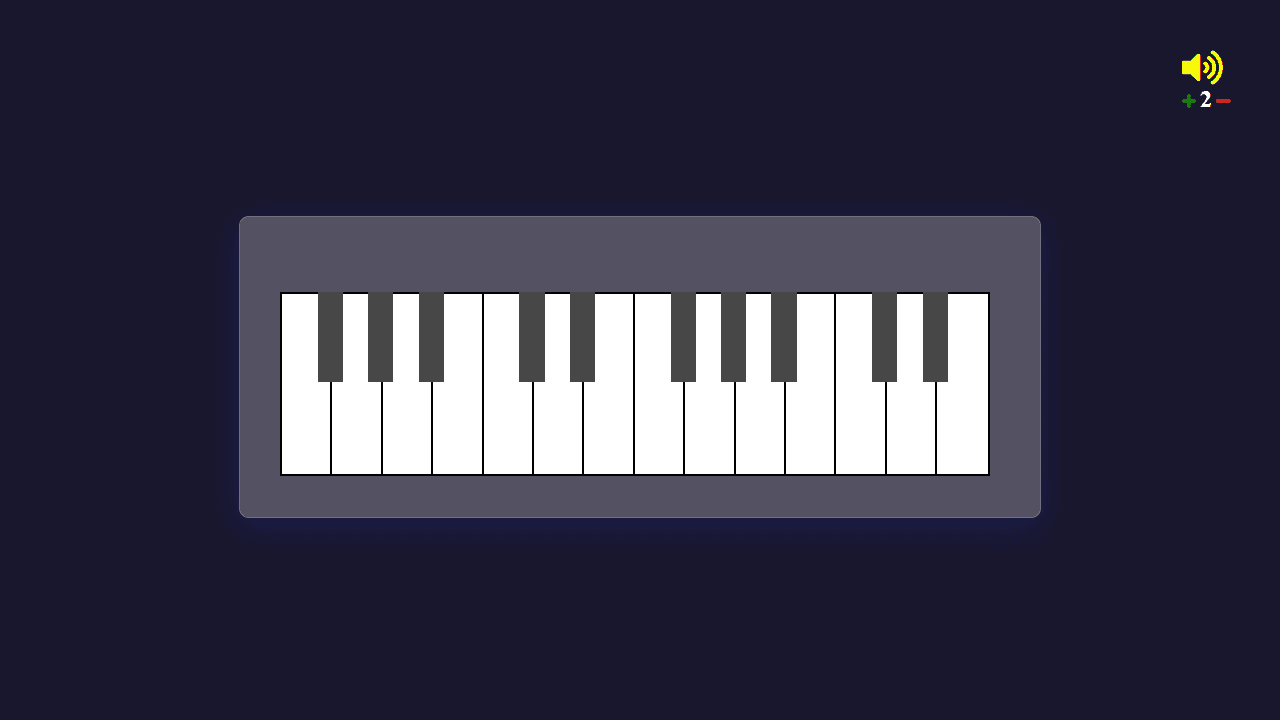
Tap or click the keys to play piano right in your browser — no downloads, no setup, no instrument required. Virtual Piano renders each note with sampled sounds that hold up well at full volume, and a simple volume slider lets you dial things in whether you're on laptop speakers or headphones. The keyboard responds to both mouse clicks and your computer keyboard, so you can hunt-and-peck a melody or build up to playing with both hands.
It's a solid first stop for anyone exploring music apps. If you want to push further into synthesis and shaping sound, Web Audio Synthesizer adds ADSR controls and oscillator options on top of a similar piano layout.
Virtual Piano works best on a desktop or laptop where physical keyboard input makes playing feel much more natural than tapping a touchscreen.
Look inside
How to use
• Click on piano keys with your mouse to play musical notes and create melodies • Use your computer keyboard as an alternative - each key corresponds to a different piano note • Adjust the volume using the plus and minus buttons in the volume control bar at the top • White keys play natural notes while black keys play sharp/flat notes, just like a real piano • The app produces realistic piano sounds for each key you press • Experiment with different key combinations to play chords or create your own compositions • No specific goal - this is a creative tool for making music and practicing piano
Reviews
No written reviews yet. Be the first!
More from Music

A browser theremin. Move your mouse to control pitch and volume, generating eerie continuous tones via the Web Audio API.
by mdn


