
Violent Theremin
A browser theremin. Move your mouse to control pitch and volume, generating eerie continuous tones via the Web Audio API.
About Violent Theremin
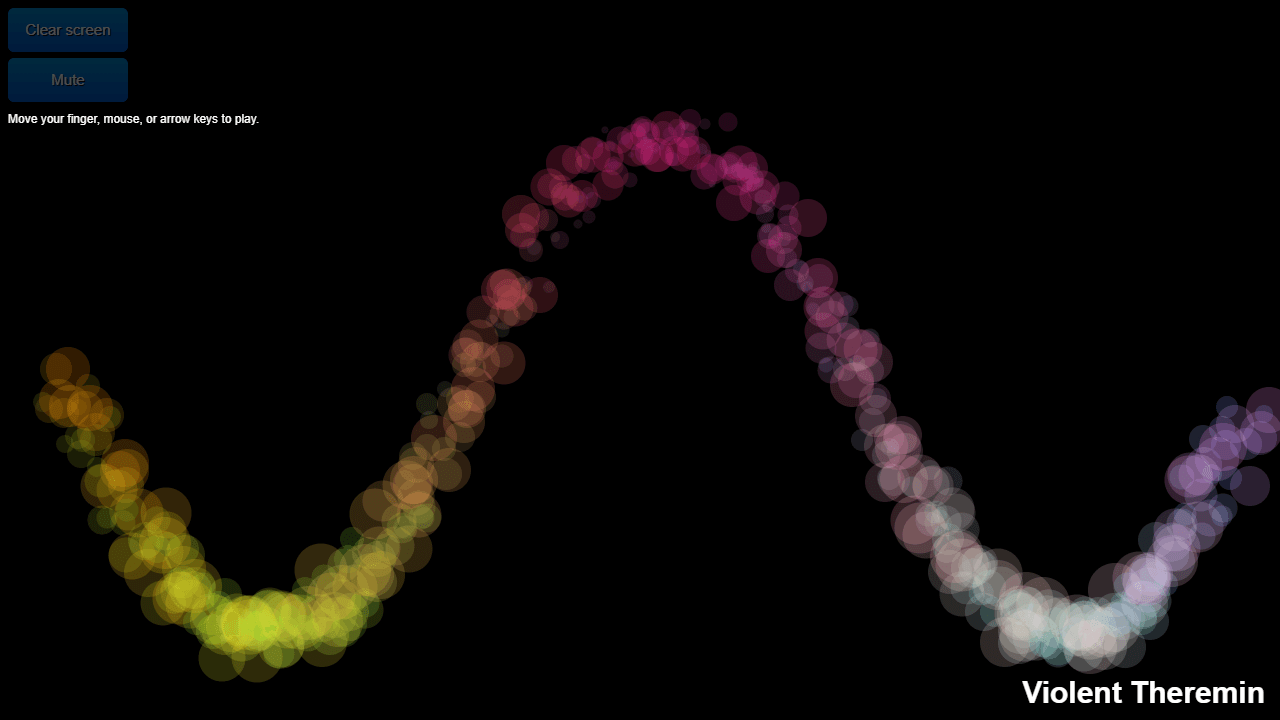
Move your mouse across the browser window and sound appears — eerie, wavering tones that rise and fall with every tiny movement. Violent Theremin turns horizontal position into pitch and vertical position into volume, mimicking the strange, touchless quality of a real theremin. There are no buttons to press, no notes to learn. Just your cursor and a continuous drone shaped entirely by how you move.
It's part toy, part instrument, and genuinely hypnotic once you start tracing slow arcs across the screen. Everything runs through the Web Audio music tools built into modern browsers — no installs, no plugins. If you want to go further with browser-based sound synthesis, DSP Playground lets you build full audio processing chains from visual nodes.
Works best with a trackpad or mouse rather than touch; a quiet room helps you actually hear the subtler volume gradients near the edges of the window.
Look inside
How to use
1. Click on the browser window or press Tab to activate the theremin 2. Move your mouse cursor around the screen to control the sound: • Horizontal movement changes pitch (left = lower, right = higher) • Vertical movement changes volume (top = louder, bottom = quieter) 3. Alternatively, use arrow keys to control the theremin: • Left/Right arrows adjust pitch • Up/Down arrows adjust volume 4. Visual feedback appears on the canvas as you create sounds 5. Use the "Mute" button to silence the theremin without stopping visual effects 6. Click "Clear screen" to erase any visual elements from the canvas The goal is to create electronic music by moving around the interface, mimicking how a real theremin works through proximity rather than physical contact.


