
Twenty Five Timer
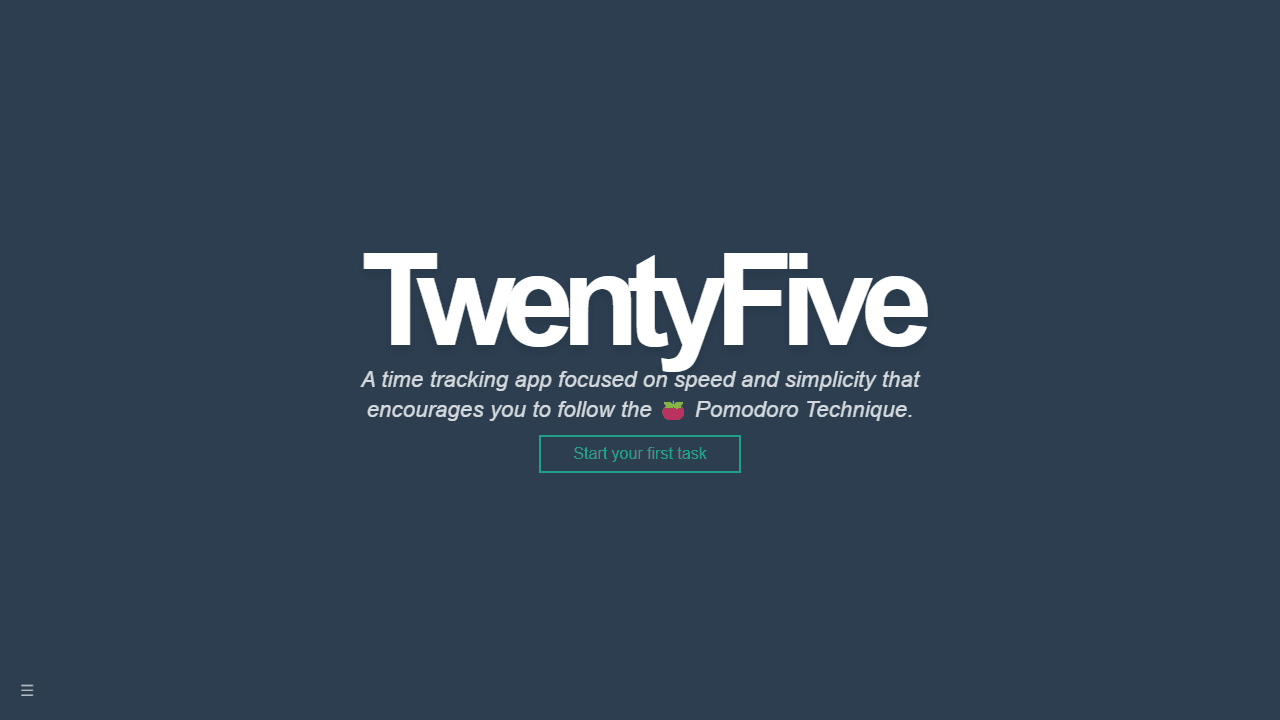
A minimal time tracking app that follows the Pomodoro Technique, helping you work in focused 25-minute intervals. Features persistent timers, progress tracking, and task history.
About Twenty Five Timer
Set a 25-minute timer, work until it rings, then take a short break. That's the Pomodoro Technique in its simplest form, and Twenty Five Timer keeps it exactly that simple. There's no complicated setup — you name a task, start the clock, and the app handles the rest, logging each completed interval so you can see where your time actually went.
What separates it from a basic stopwatch is the persistence. Close the tab, come back, and your session history is still there. Over a few days you get a clear picture of which tasks eat the most focused time and where your attention tends to drift. If you're already managing a to-do list alongside it, pairing it with Task Manager keeps everything in one workflow.
It fits neatly into the broader productivity category without demanding you rethink how you work. Best experienced on a desktop where you can keep it in a pinned tab and glance at it between tasks.
Look inside
How to use
This is a Pomodoro Technique time tracker that helps you work in focused 25-minute intervals. 1. Click "Start your first task" to begin a 25-minute timer 2. Work on your task while the timer counts down - a progress bar shows completion percentage 3. When finished early, click "I'm done" or let the timer reach zero 4. Enter a description of what you accomplished and click "Save task" 5. Click "Start a new task" to begin another Pomodoro session Controls: - Click buttons to start, finish, or cancel timers - Type task descriptions in the text field - Use the hamburger menu (☰) to export/import data or reset the app Key features: - Timer continues even if you close the browser window - Your browser tab shows timer progress in the title and favicon - All completed tasks are saved and displayed in a list - The app suggests previous task names as you type The goal is to maintain focus during 25-minute work sessions and track your productivity over time.
Reviews
No written reviews yet. Be the first!
More from Productivity

A minimal, single-page Markdown editor with instant live preview. Toggle between editor and preview on mobile, or use the side-by-side layout on desktop.


