
Tomodoro
A feature-rich Pomodoro timer with picture-in-picture mode, white noise, task management, detailed statistics, and multiple themes.
About Tomodoro
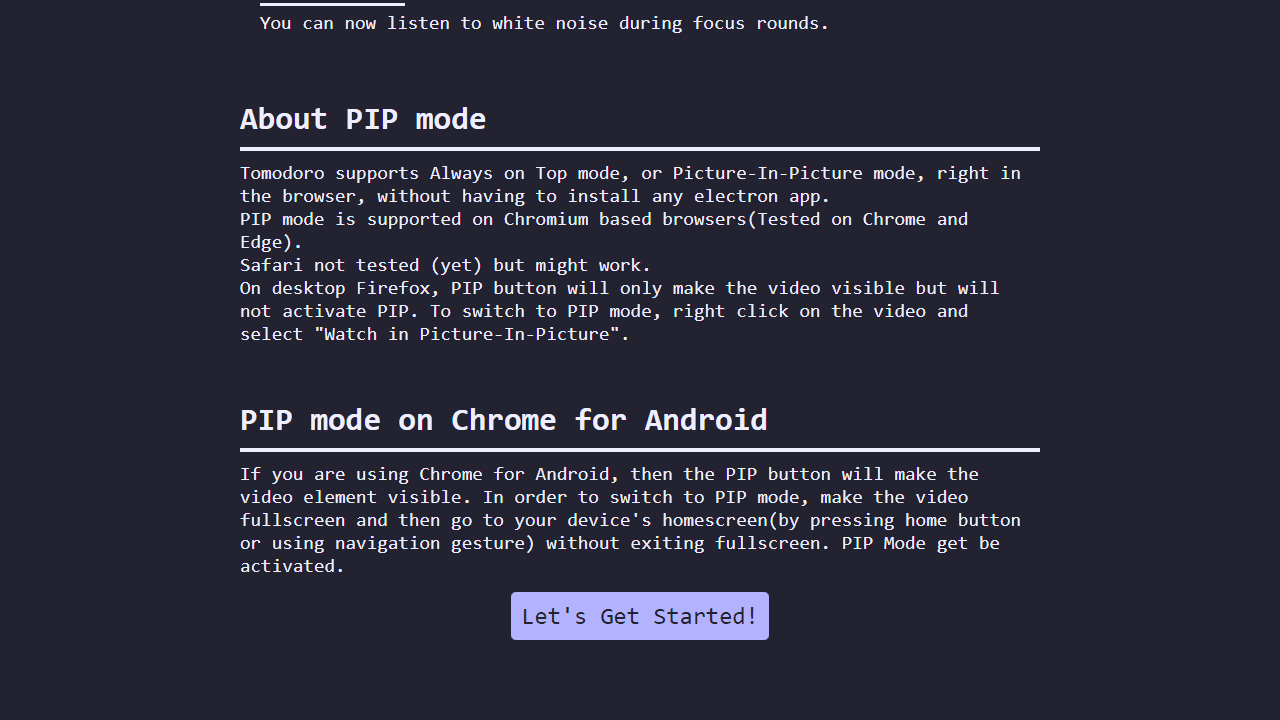
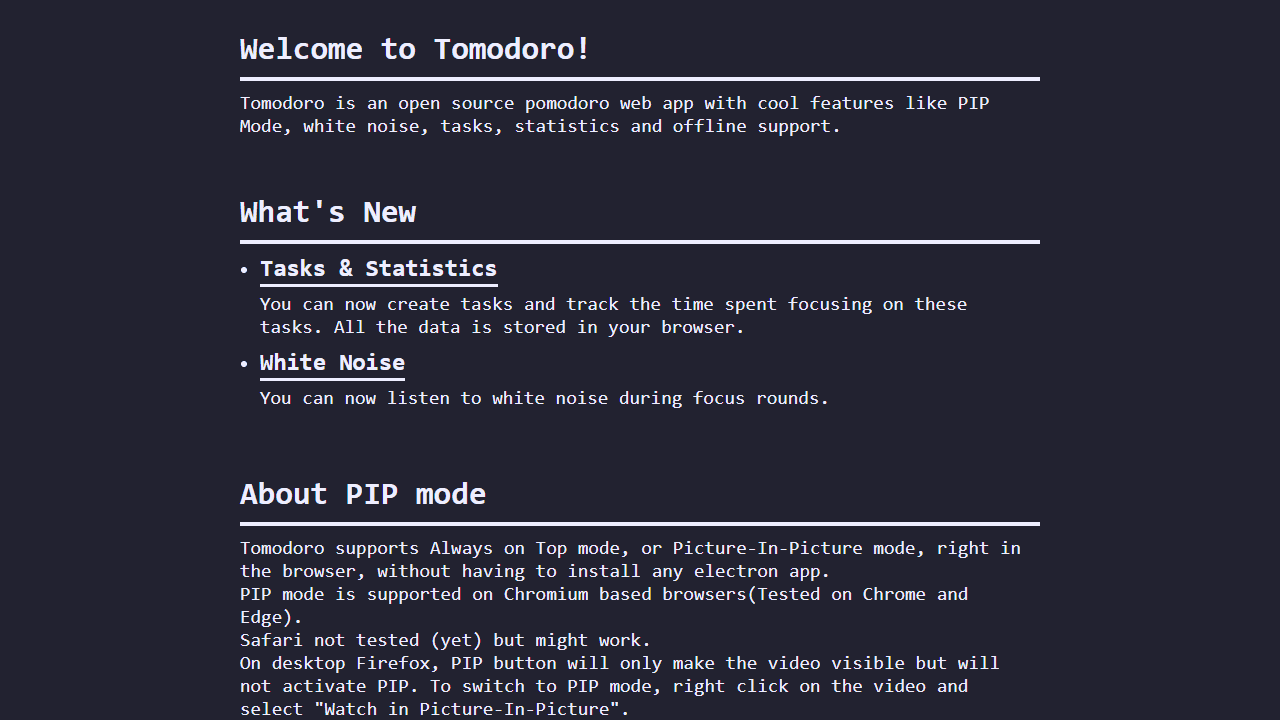
Set a 25-minute work block, pick a white noise track, and let Tomodoro quietly count you down while floating in a picture-in-picture window over whatever you're actually working on. That PiP mode is the headline feature — the timer stays visible without eating your screen, so you can keep a browser tab, document, or video in focus alongside it.
Beyond the timer itself, there's a built-in task list for jotting down what you're tackling each session, and the statistics view shows streaks, completed sessions, and focus time over days or weeks. Several themes let you dial the visual tone from minimal to something a little warmer. If you're looking for a fuller productivity setup, pairing this with Task Manager gives you proper priorities, categories, and due dates that Tomodoro's lightweight task list doesn't cover.
It runs entirely in the browser with no account needed — just open it and start your first interval.
Look inside
How to use
This is a Pomodoro technique timer that helps you manage work sessions and breaks. • Click the play button to start a 25-minute focus session • The app automatically cycles between focus time, short breaks, and long breaks • Use the reset button to restart the current timer • Click "Next Round" to skip to the next phase • Click the gear icon to open settings and customize: - Timer durations for focus/break periods - Number of focus rounds before long breaks - Themes and colors - Notification preferences • Create tasks by clicking the pencil icon in the task switcher • Select a task from the dropdown to track time spent on specific projects • View detailed statistics by clicking the three-line button • Enable Picture-in-Picture mode with the PIP button to keep the timer on top of other windows • Adjust white noise volume using the speaker icon and vertical slider • Enable white noise in settings for background sound during focus sessions • All data saves automatically in your browser • Create backups in settings to preserve your tasks and statistics
Reviews
No written reviews yet. Be the first!
More from Productivity

A minimal, single-page Markdown editor with instant live preview. Toggle between editor and preview on mobile, or use the side-by-side layout on desktop.


