SimcirJS
Build and simulate electronic circuits with drag-and-drop components including logic gates, LEDs, switches, and more.
About SimcirJS
Drag a switch onto the canvas, wire it to an AND gate, connect the output to an LED, and flip the switch — the light either comes on or it doesn't. SimcirJS turns circuit theory into something you can poke at directly in your browser, no soldering iron required. Build combinational logic, test signal flow, and watch components respond in real time as you make changes.
It's a practical sandbox for anyone studying electronics or digital logic — students working through truth tables, hobbyists prototyping ideas before touching real hardware, or curious minds who just want to see why a NAND gate behaves the way it does. The component library covers the essentials: logic gates, flip-flops, LEDs, switches, and DC power sources. If you enjoy hands-on education tools that teach by doing rather than explaining, this fits right in. For a complementary challenge on the math side, Graphing Calculator is worth a look too.
SimcirJS works best on a larger screen — a tablet or desktop gives you the canvas space to build anything beyond a basic gate without things getting cramped.
Look inside
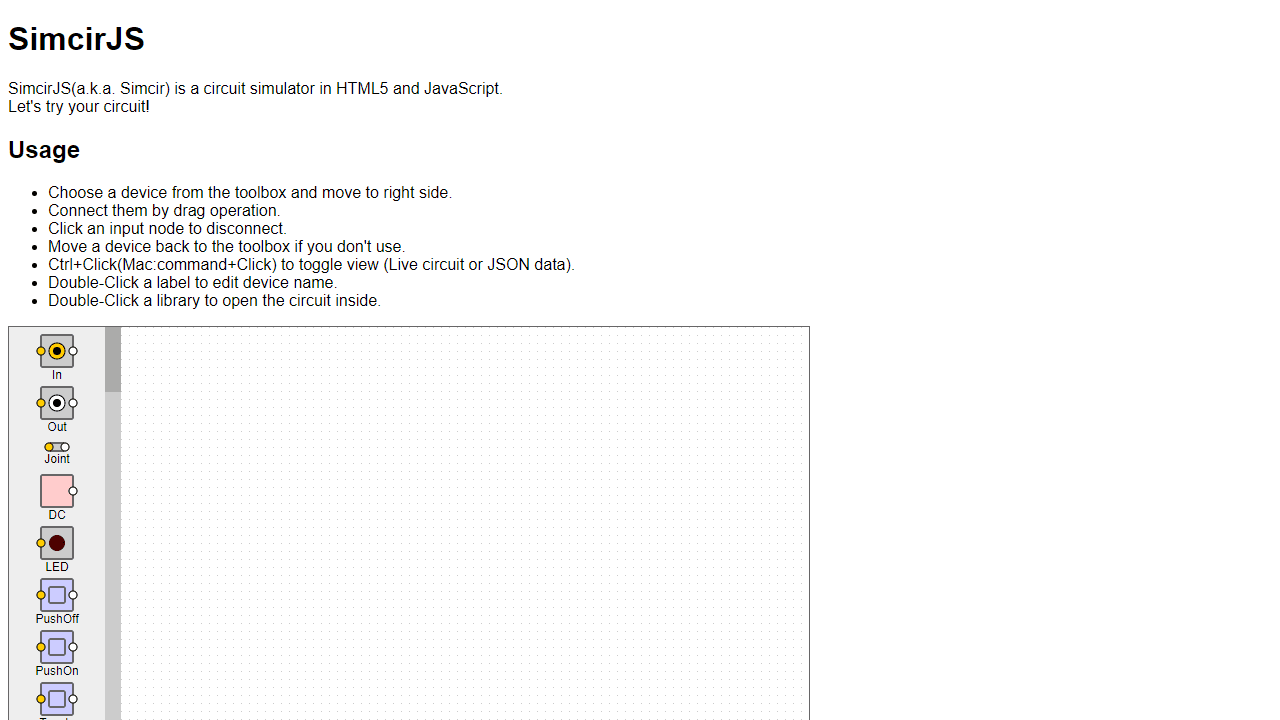
How to use
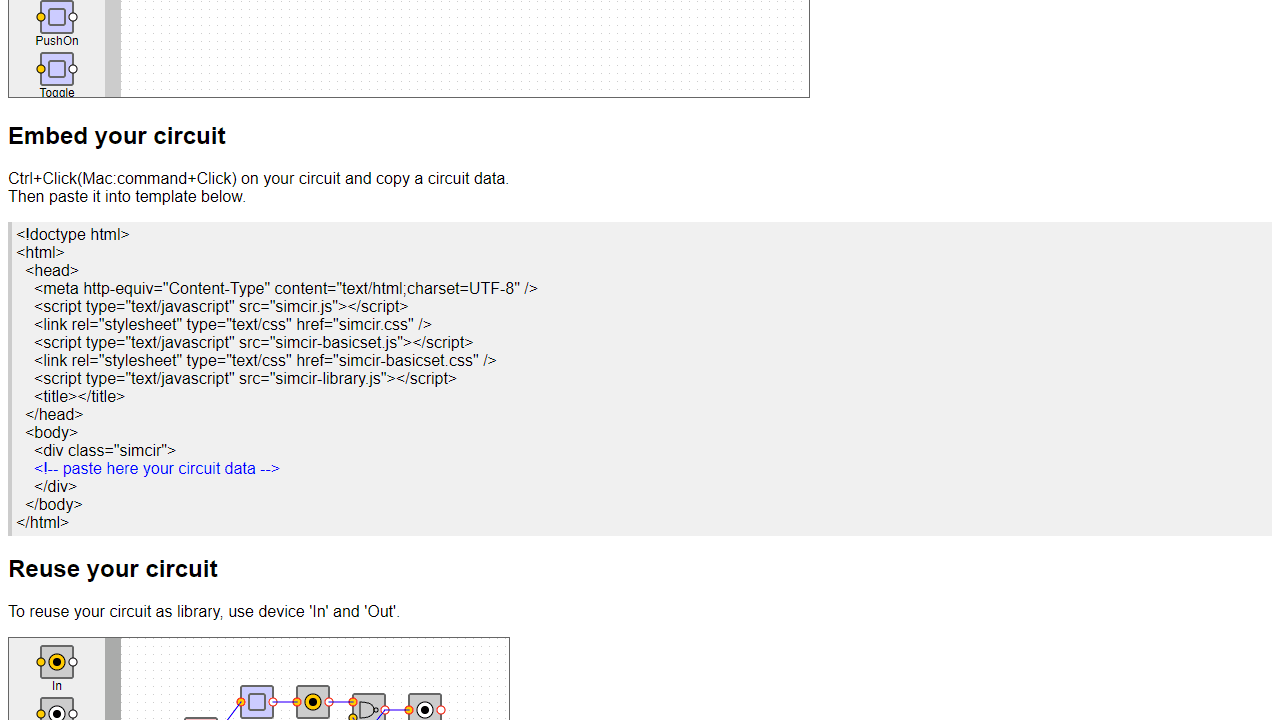
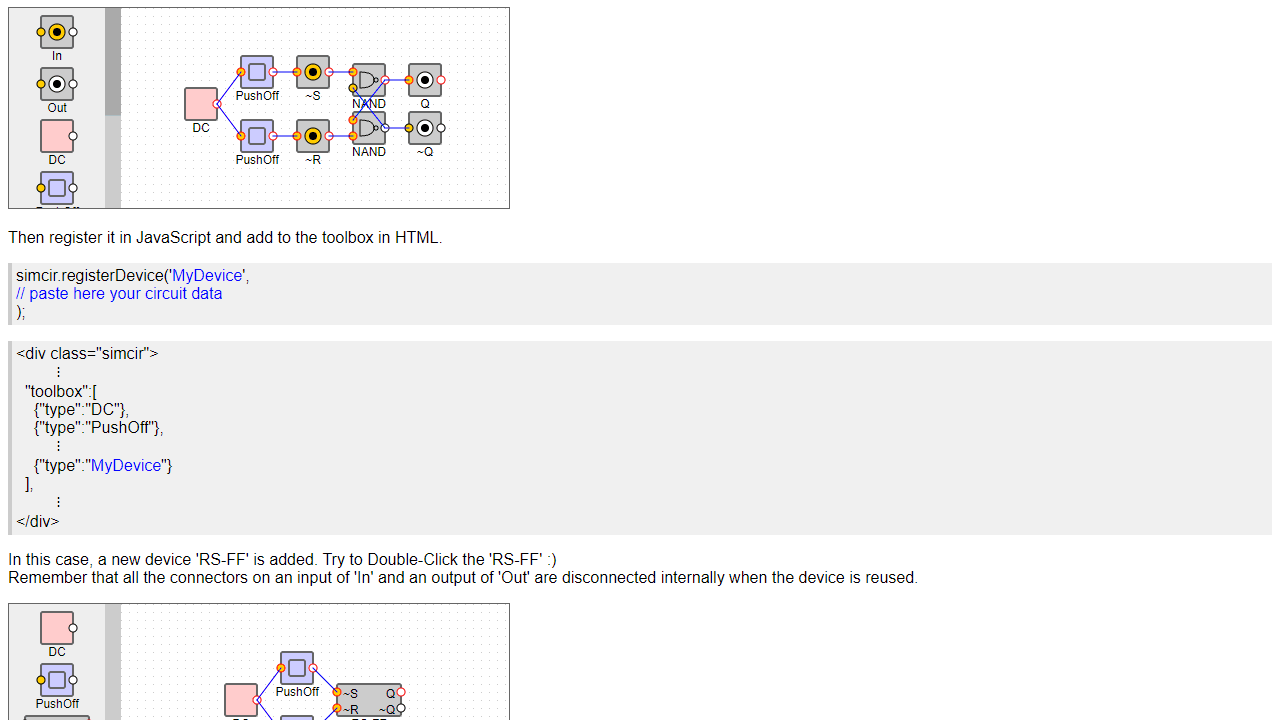
This is a digital circuit simulator for building and testing electronic circuits. • Drag devices from the left toolbox to the workspace on the right • Connect devices by dragging from one connection point to another • Click on an input connection to disconnect it • Drag unwanted devices back to the toolbox to remove them • Click on switches and buttons to activate them and see your circuit operate in real-time Controls: • Double-click device labels to rename them • Double-click library components to view their internal circuits • Ctrl+Click (Mac: Cmd+Click) to switch between circuit view and JSON data view Available components include: • Power sources (DC, oscillators) • Logic gates (AND, OR, NAND, etc.) • Input devices (switches, push buttons) • Output devices (LEDs, 7-segment displays) • Custom library components you can create Goal: Build functional digital circuits by connecting components. Test your designs by activating inputs and observing outputs. Create reusable components using In/Out devices, then save and share your circuit designs using the JSON export feature.
Reviews
No written reviews yet. Be the first!
More from Education

A geography speed-quiz. Type country names against the clock — every one you nail lights up the map. Eight maps (world + every continent), three paces, leaderboards, percentile standings, and a per-answer rarity stat that shows how many other players named each country.
by geodude