Flash Cards
Create decks, study in three modes (flip & rate, multiple choice, type the answer), and share with the community. Spaced-repetition-style weighting keeps the cards you struggle with coming back.
About Flash Cards
Type a term, flip the card, and decide whether you knew it — that's the core loop in Flash Cards. You build your own decks from scratch, then study them in whichever mode fits the moment: flip-and-rate when you want to move fast, multiple choice when you need a nudge, or type-the-answer when you want to prove you really know it. A spaced-repetition weighting system quietly keeps track of which cards trip you up and brings them back more often, so you're not wasting time on material you've already nailed.
Finished a deck you're proud of? You can share it with the community and pull down decks other players have made — useful when you need to cover a topic fast and don't want to build from zero. If geography vocab is on your list, Atlas Rush covers similar ground with a timed country-naming quiz that makes for solid extra drilling.
Flash Cards sits squarely in the education category and works especially well at a desk: typing answers is noticeably smoother on a physical keyboard than tapping them out on a touchscreen.
Look inside
How to use
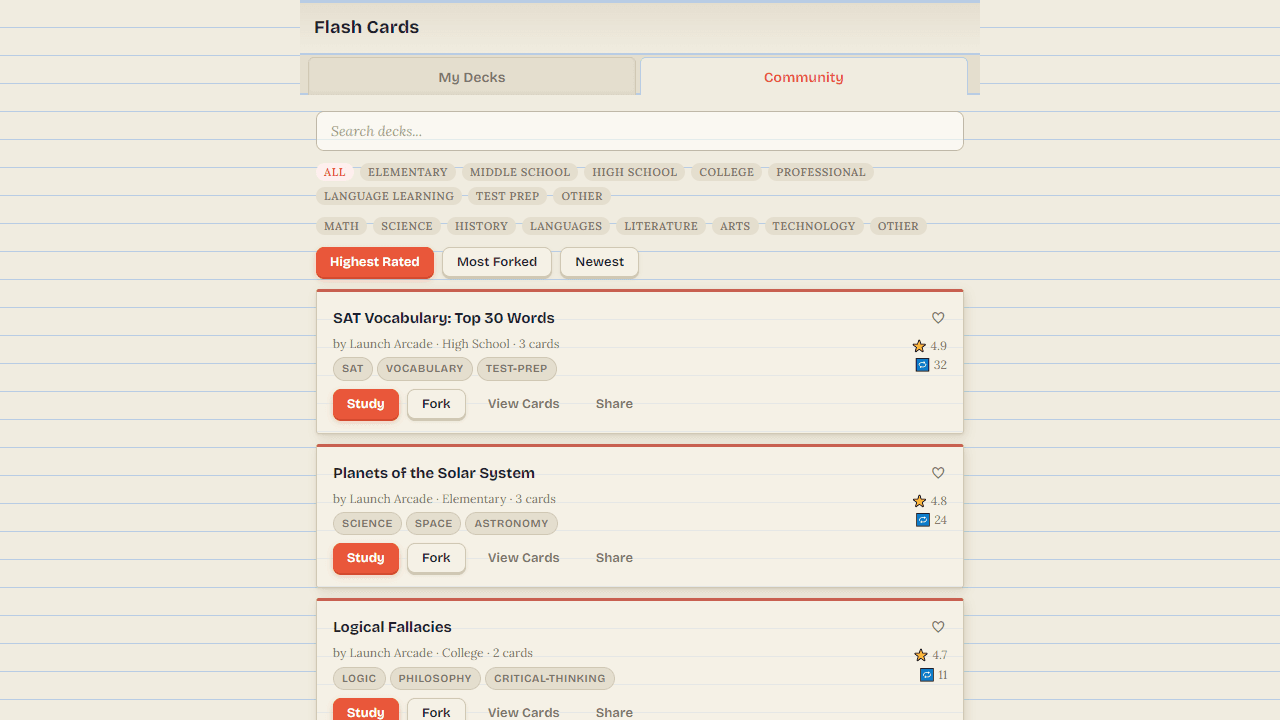
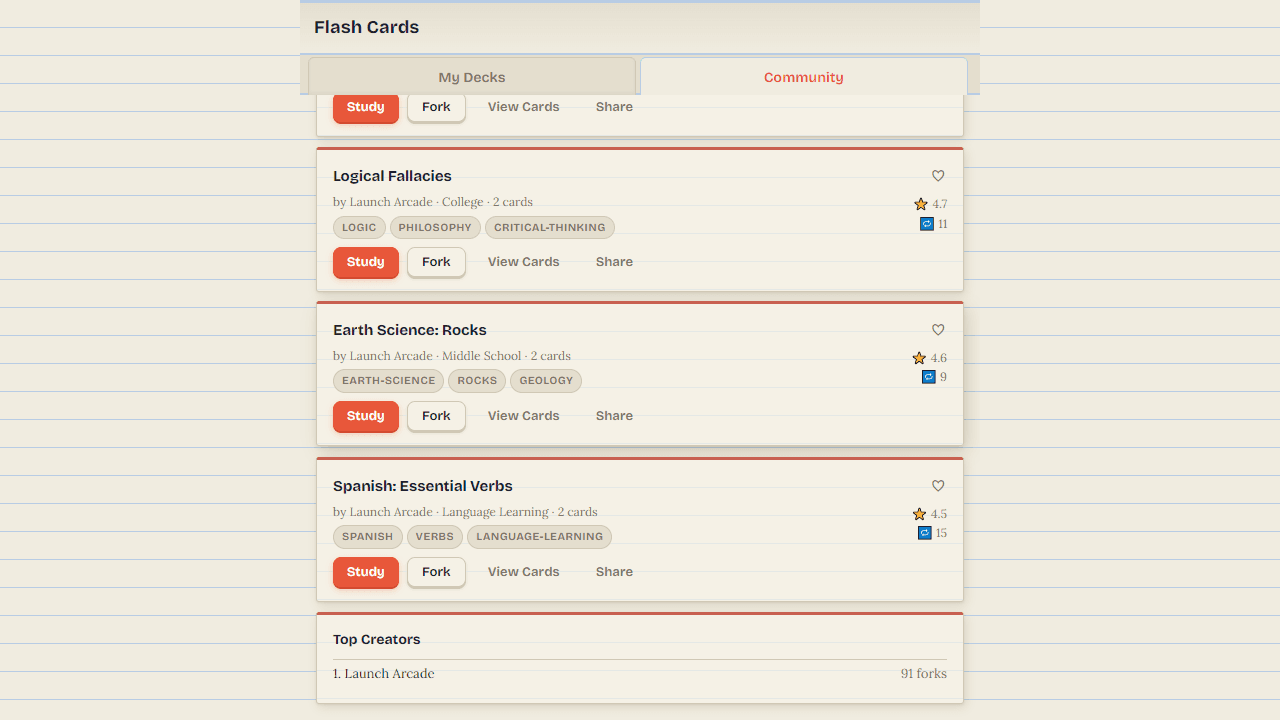
Create a deck with the + button, add cards with a front (question) and back (answer), then study it in three modes: Flip & Rate, Multiple Choice, or Type the Answer. Browse the Community tab to find decks on any subject — you can fork one to make it your own, or save it to your My Decks tab for quick access. Your progress and saves sync across devices automatically.
Reviews
No written reviews yet. Be the first!
More from Education
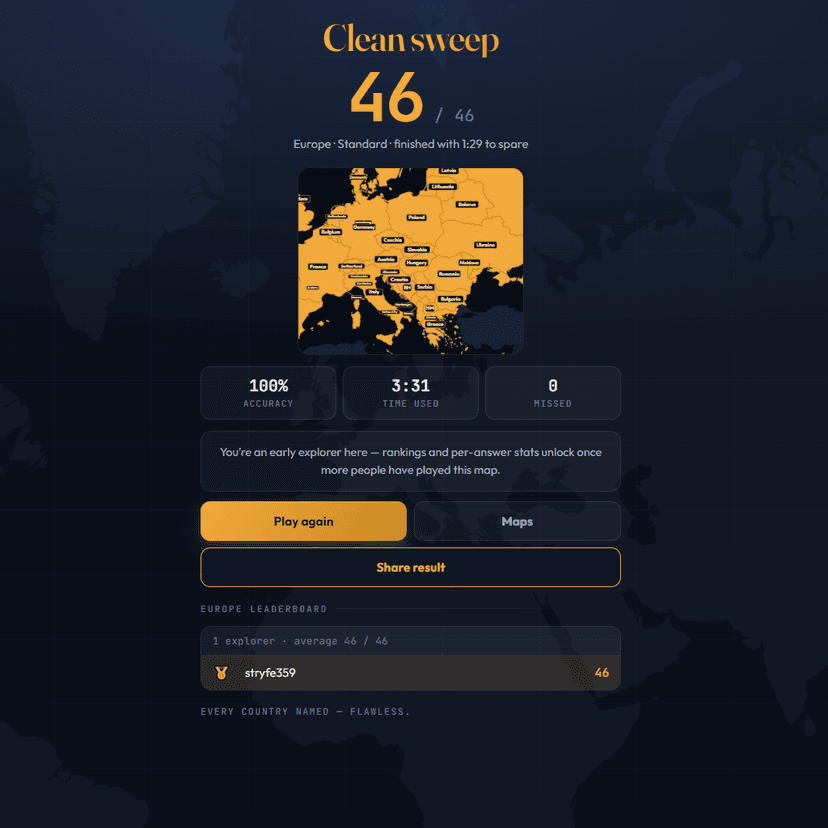
A geography speed-quiz. Type country names against the clock — every one you nail lights up the map. Eight maps (world + every continent), three paces, leaderboards, percentile standings, and a per-answer rarity stat that shows how many other players named each country.
by geodude