Math Visualization Tool
An interactive graphing tool for visualizing and animating mathematical concepts like linear transformations and matrix operations.
About Math Visualization Tool
Pick a matrix, watch your vectors stretch, rotate, and shear in real time. Math Visualization Tool turns abstract linear algebra into something you can actually see — animate transformations, explore eigenspaces, and drag parameters to observe how the underlying math shifts with every change. It's the difference between memorizing a formula and understanding what it does.
Built for students working through education apps, it handles the concepts that trip most people up: matrix multiplication, linear transformations, and how operations compose visually. If you also want to plot functions and experiment with equations, Graphing Calculator pairs well alongside it.
No installation needed — it runs entirely in the browser. A larger screen helps considerably, since the animation canvas is where most of the insight lives.
Look inside
How to use
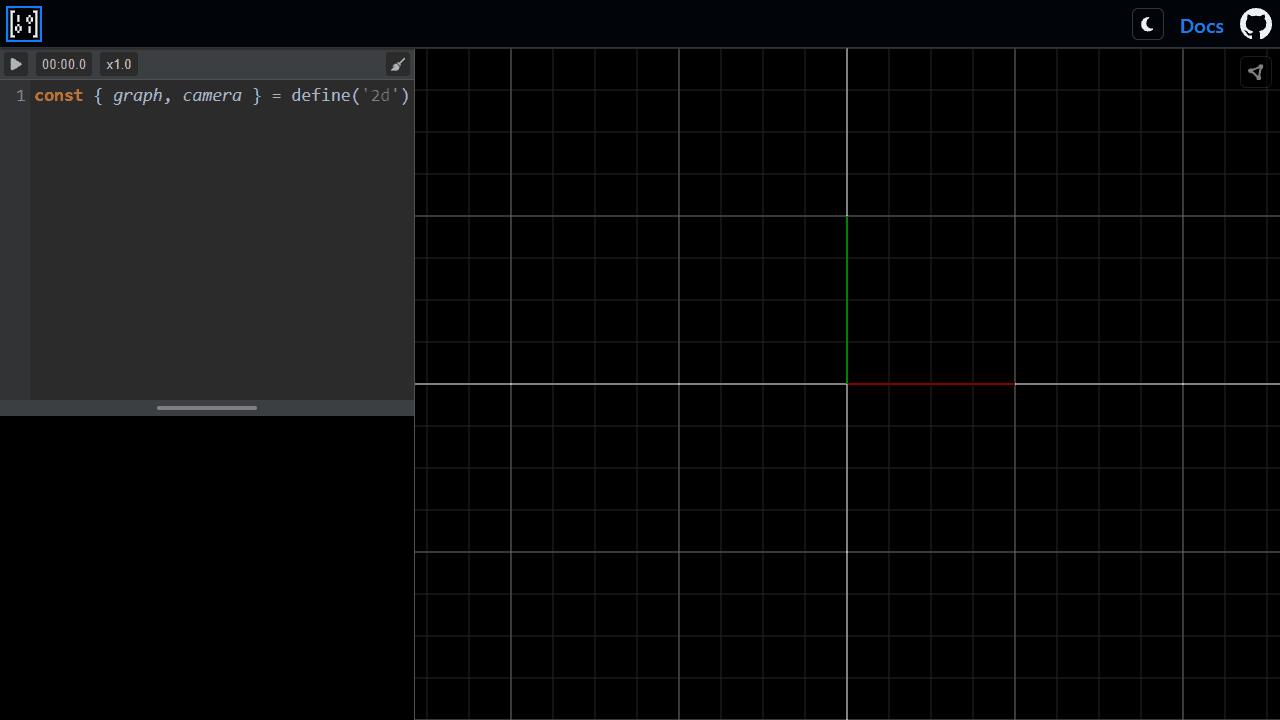
This is a mathematical visualization tool for creating interactive 3D graphics and animations. Use it to visualize concepts like linear transformations, matrices, and other mathematical objects. **Getting Started:** 1. Write JavaScript code in the left editor panel to create mathematical visualizations 2. Click the play button (▶) in the toolbar to run your code 3. View the resulting 3D visualization in the right canvas panel **Editor Controls:** • Type code directly in the editor • Use standard text editing shortcuts (Ctrl+C, Ctrl+V, etc.) • Check the log panel below the editor for errors or output **Canvas Controls:** • Drag with mouse to rotate the 3D view • Scroll to zoom in/out • Click the geometry/cube icon to toggle between wireframe and solid rendering modes **Animation Controls:** • Time button shows current animation time • Amplifier button (x1.0) controls playback speed - click to cycle through different speeds • Broom icon clears the log panel **Interface:** • Drag the vertical divider to resize editor/canvas panels • Toggle between light/dark themes using the sun/moon button • Access documentation via the "Docs" link
Reviews
No written reviews yet. Be the first!
More from Education

A geography speed-quiz. Type country names against the clock — every one you nail lights up the map. Eight maps (world + every continent), three paces, leaderboards, percentile standings, and a per-answer rarity stat that shows how many other players named each country.
by geodude