Logico
A web-based logic circuit simulator. Place gates, connect wires, and build working digital circuits right in the browser.
About Logico
Drag gates onto a canvas, connect them with wires, and watch current flow through a working digital circuit — all without installing anything. Logico is a browser-based logic simulator where you can build everything from a simple AND gate to a functioning half-adder, testing inputs in real time as you go. It's the kind of tool that makes abstract concepts from a textbook click the moment you see a signal propagate through your own circuit.
It fits naturally into any self-directed study of computer architecture or electronics fundamentals. Whether you're working through a digital education curriculum or just curious how CPUs make decisions at the gate level, Logico gives you a low-stakes sandbox to experiment. If you prefer math-side problem-solving, Graphing Calculator goes in a different direction but covers a similar spirit of hands-on exploration.
The circuit canvas expands as your design grows, so a larger screen genuinely helps here — the full grid of wires and gates gets cluttered fast on a small display. A mouse or trackpad makes wire-drawing much cleaner than a touchscreen.
Look inside
How to use
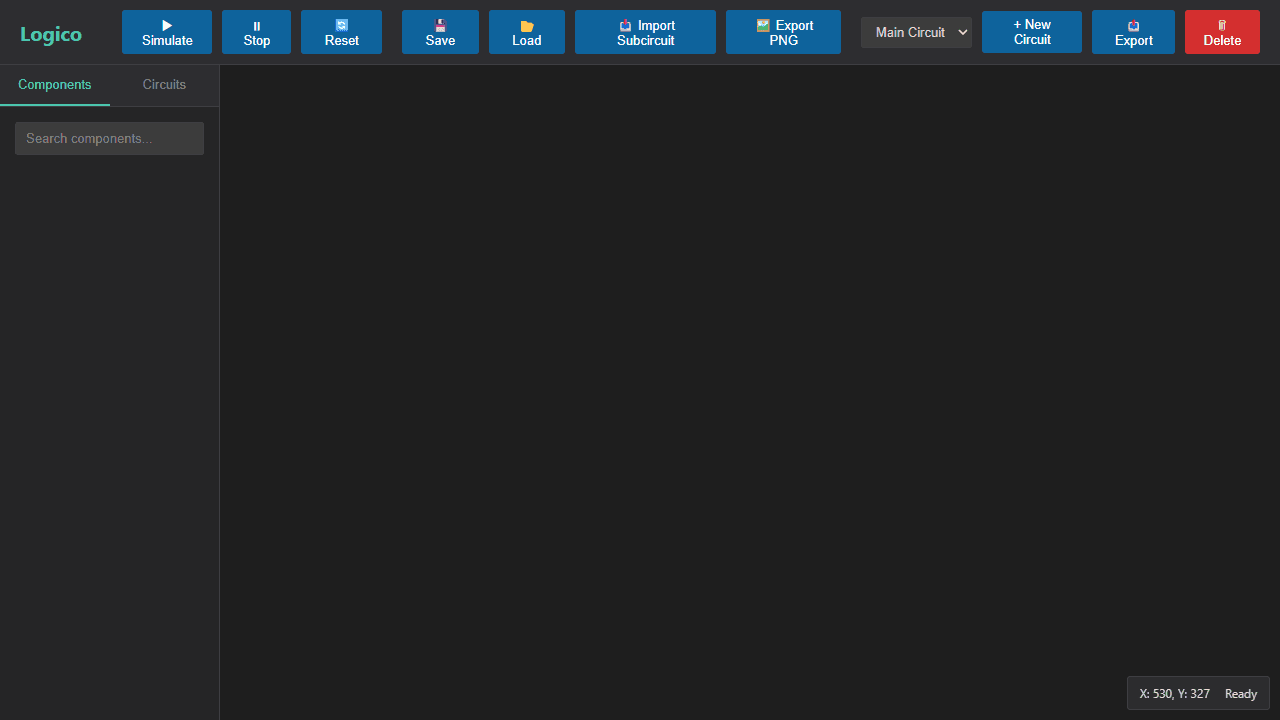
**Objective:** Build and simulate digital logic circuits using drag-and-drop components. **Basic Setup:** 1. Drag components (gates, inputs, outputs, LEDs) from left palette onto canvas 2. Connect components by dragging from output pins (circles) to input pins (squares) 3. Click "Simulate" to start real-time circuit evaluation **Mouse Controls:** • Left-click: Select components/wires • Left-click + drag: Move selected components • Ctrl + click: Multi-select components • Click + drag on empty space: Draw selection box • Right-click + drag: Pan workspace • Mouse wheel: Zoom in/out • Double-click inputs/clocks: Toggle their state • Drag from output to input: Create wire connections **Keyboard Shortcuts:** • Delete/Backspace: Remove selected items • Ctrl+C/V/X: Copy/paste/cut selection • Ctrl+A: Select all • Escape: Clear selection or cancel wire drawing **Key Features:** • Components snap to grid for clean layouts • Active wires highlight during simulation • Create subcircuits for reusable components • Save/load projects as .logico files • Search components in palette • Use clock components for sequential circuits
Reviews
No written reviews yet. Be the first!
More from Education

A geography speed-quiz. Type country names against the clock — every one you nail lights up the map. Eight maps (world + every continent), three paces, leaderboards, percentile standings, and a per-answer rarity stat that shows how many other players named each country.
by geodude