
Graphic Equalizer
A visual audio equalizer you can adjust in real time. Drag frequency bands to shape the sound, just like a hardware EQ.
About Graphic Equalizer
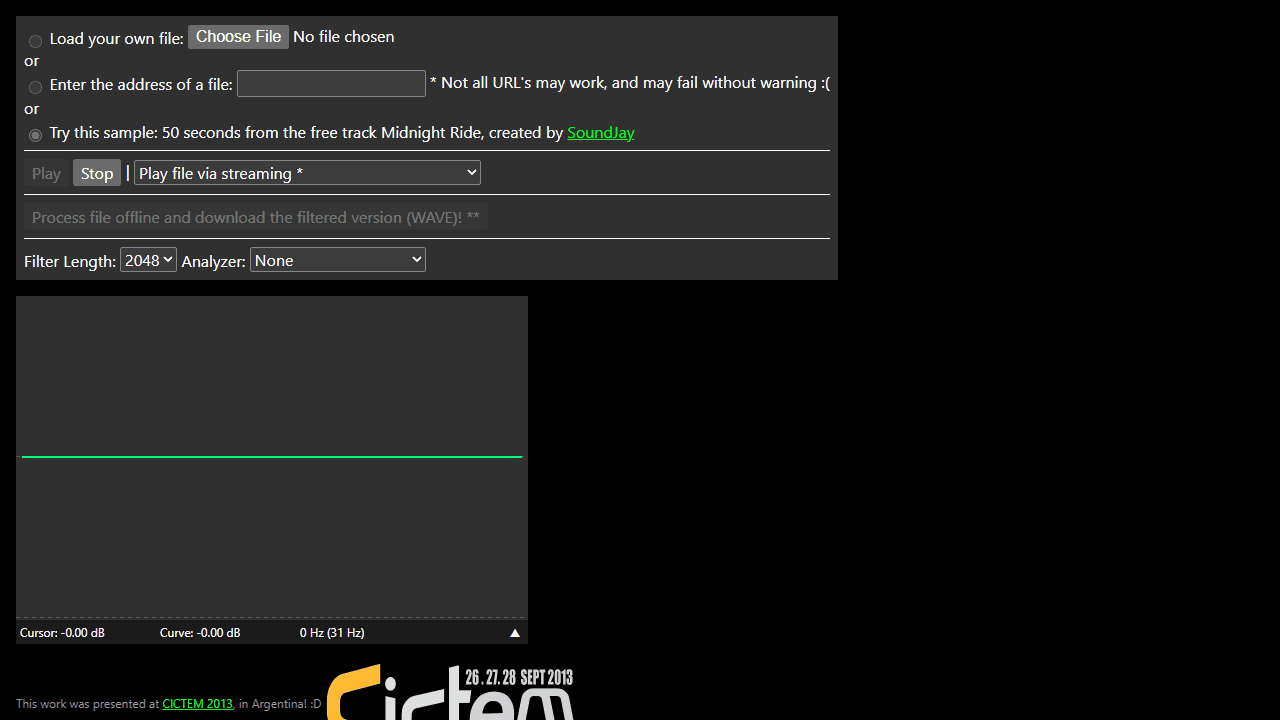
Drag the frequency bands up and down and hear your audio change instantly — that's the whole idea. Graphic Equalizer puts a 31-band EQ in your browser, modeled after the hardware units you'd find in a recording studio or live sound rack. Boost the low end for more warmth, cut harsh mids, roll off high-frequency hiss — every adjustment shapes the sound in real time as you move the sliders.
It's a practical tool for anyone who wants more control over how audio sounds on their current speakers or headphones. If you've ever wished a track had more bass, or that a podcast voice sounded less tinny, this is exactly the kind of hands-on fix that delivers. It fits naturally alongside other music apps built for experimenting with sound rather than just listening passively. For a different angle on the same audio, Spectro shows you a live spectrogram of whatever you're hearing — useful for seeing which frequencies you're actually cutting or boosting.
Works best with headphones, where frequency differences are easier to hear clearly.
Look inside
How to use
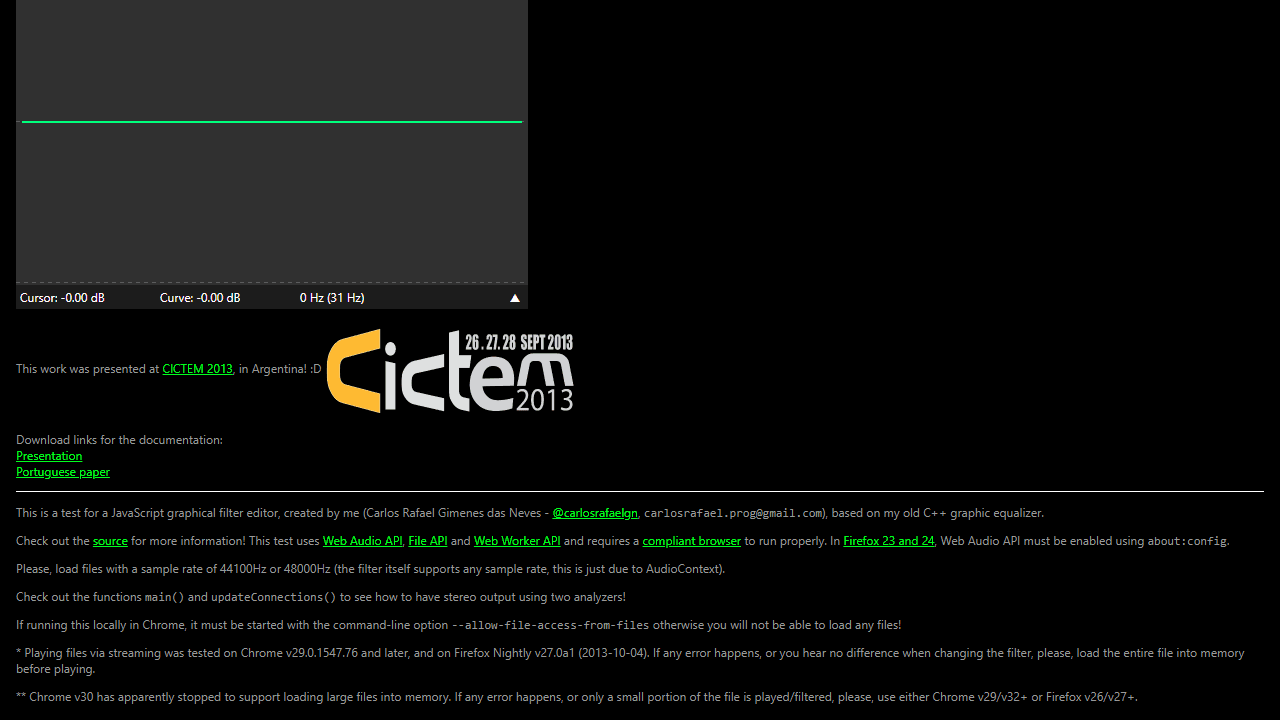
• Load an audio file by selecting one of three options: upload your own file, enter a URL, or use the provided sample • Click Play to start audio playback, Stop to pause it • Edit the equalizer by clicking and dragging on the graphical interface to adjust frequency response • Use mouse to create peaks and valleys across different frequency bands • Your filter changes apply to the audio in real time while playing • Choose different Filter Length values (64-8192) for more or less precise filtering • Select an Analyzer type to visualize the audio: Sound Particles, Frequency analyzer, or Haar wavelet • Click "Process file offline" to apply your current filter settings to the entire song and download as a filtered WAVE file • For best results, use audio files with 44100Hz or 48000Hz sample rate • The tool combines visual filter editing with real-time audio processing using your browser's Web Audio API
Reviews
No written reviews yet. Be the first!
More from Music

A browser theremin. Move your mouse to control pitch and volume, generating eerie continuous tones via the Web Audio API.
by mdn


