
Flowchart Editor
Zero-dependency flowchart and diagram editor that works on desktop, phone, and tablet.
About Flowchart Editor
Draw a flowchart by dropping shapes onto a canvas, connecting them with arrows, and labeling each node — no account, no install, no dependencies standing between you and a finished diagram. It runs entirely in the browser, so the same file you open on your laptop works just as smoothly on your phone during a meeting or on a tablet at a whiteboard session.
The editor suits anyone who needs to sketch a process quickly: a developer mapping out an API flow, a manager drafting an onboarding checklist, or a student laying out a decision tree for a project. It belongs comfortably in the broader productivity space alongside note-taking and planning tools, though its focus stays tight on visual structure. If your thinking starts more organically — branching ideas rather than linear steps — Mind Map covers that territory well.
Built on the open-source DgrmJS library under the Apache 2.0 license, it works best on desktop where a mouse makes precise connection-dragging easy, though touch controls are fully supported.
Look inside
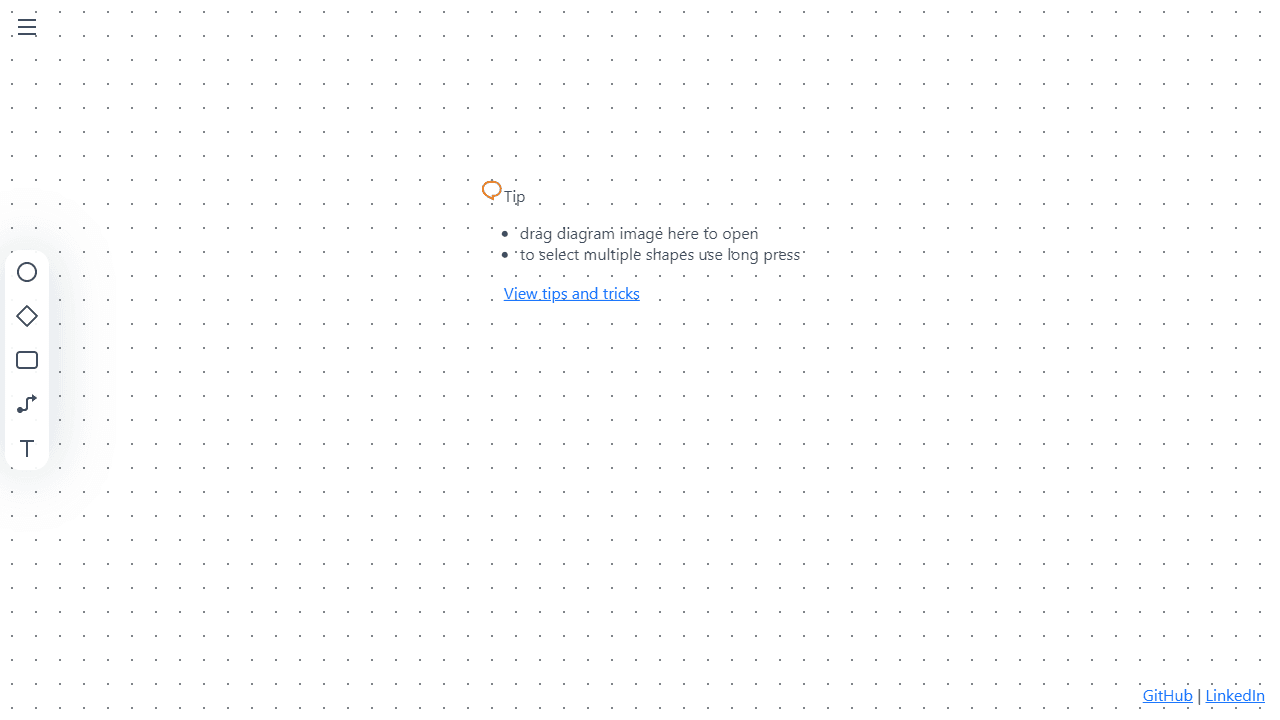
How to use
Create flowcharts, sequence diagrams, mind maps, and other visual diagrams directly in your browser. 1. Click on the canvas to add shapes - rectangles, diamonds, circles, and text boxes 2. Click and drag shapes to move them around the workspace 3. Connect shapes by clicking and dragging from the blue connection points that appear when hovering 4. Double-click any shape to edit its text content 5. Select multiple shapes using long press (mobile) or Shift+click (desktop) 6. Right-click shapes to access color options and formatting tools 7. Use mouse wheel or pinch gestures to zoom in/out 8. Drag the background to pan around large diagrams 9. Drop diagram image files directly onto the canvas to open them 10. Your work saves automatically to the cloud Keyboard shortcuts: - Ctrl+C/V: Copy and paste selected shapes - Delete: Remove selected shapes - Ctrl+Z: Undo actions (pro feature) The app works on both desktop and mobile devices. Collaborate in real-time by sharing your diagram link with others.
Reviews
No written reviews yet. Be the first!
More from Productivity

A minimal, single-page Markdown editor with instant live preview. Toggle between editor and preview on mobile, or use the side-by-side layout on desktop.


