
Zooming
Click any image to zoom into it with a smooth, elegant animation. A beautiful image lightbox that just works.
About Zooming
Click any image on the page and it expands into a smooth, focused lightbox — no setup, no configuration, no fuss. Zooming handles the animation elegantly, centering the image against a dimmed background so you can actually see what you clicked on. Click again, or tap outside, and it closes just as cleanly.
It's a simple idea executed with care. The zoom feels weighted and natural rather than snappy or mechanical, which makes a real difference when you're browsing a photo-heavy page. If you enjoy interactive apps that respond directly to what you do, this one earns its place.
Best experienced on a device with a sharp display — the lightbox rendering respects full image resolution, so high-quality photos genuinely benefit from the extra screen space. Mouse click or tap both work, and there are no settings to wrestle with before you can use it.
Look inside

How to use
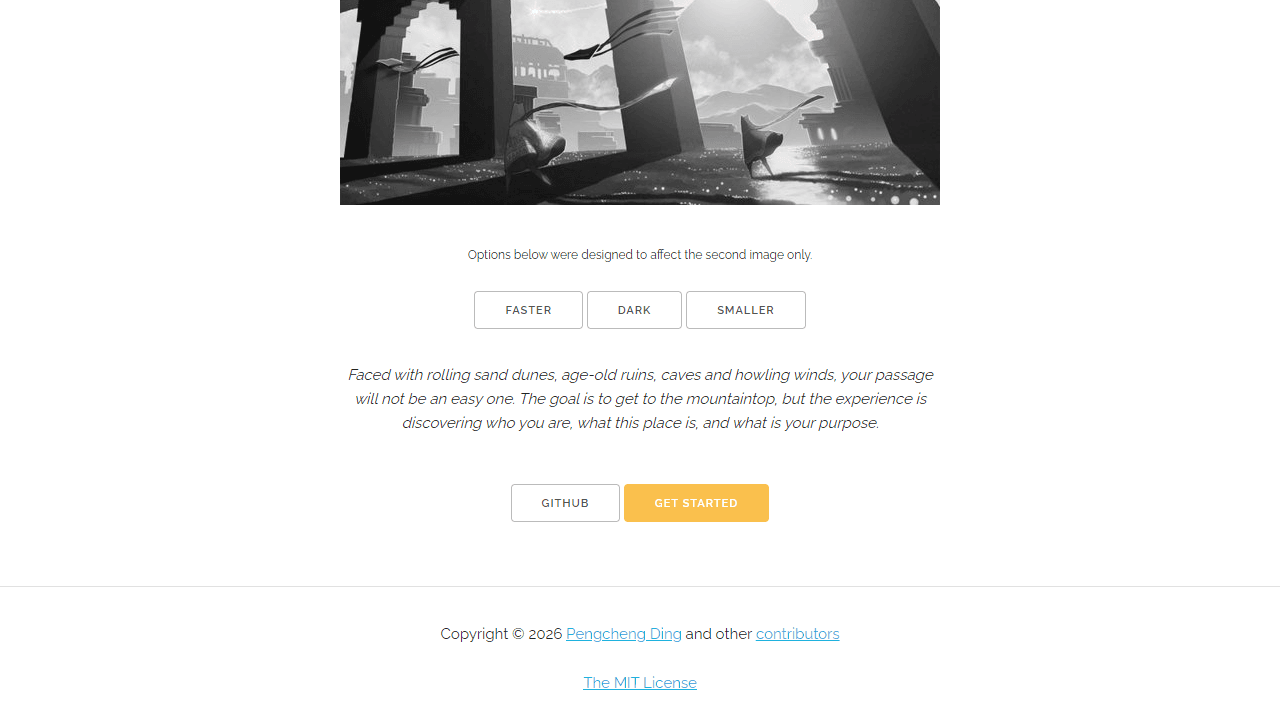
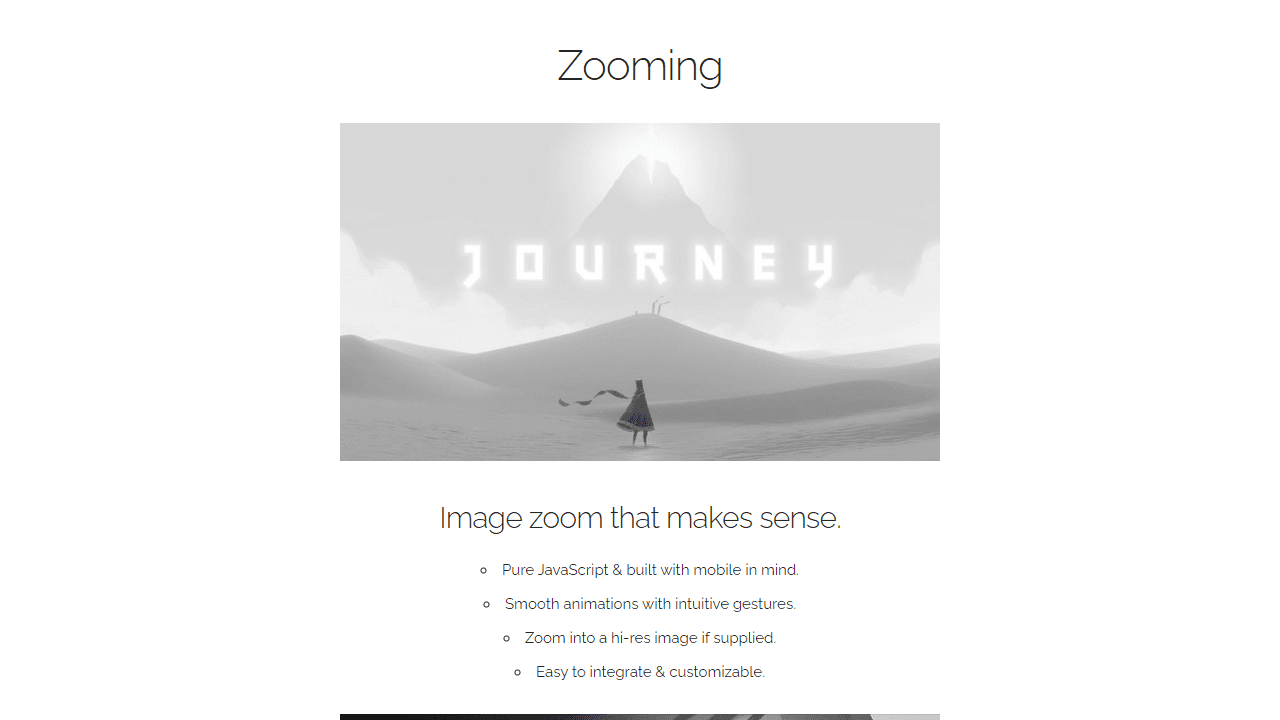
This is an image zoom tool that lets you magnify images with smooth animations and gestures. • Click any image to zoom in and view it at full size • Click anywhere outside the zoomed image or press Escape to zoom out • On mobile: tap to zoom in, tap outside or use pinch gestures to zoom out • Images automatically display high-resolution versions when zoomed if available • Scroll wheel can be used to zoom in/out when image is enlarged • Drag to pan around large zoomed images The tool works automatically on images marked for zooming. Some images may link to higher quality versions that load when you zoom in. Use the demo buttons (faster, dark, smaller) to see different animation and display options in action. These affect zoom speed, background color, and zoom scale respectively. The interface is designed to feel intuitive - just click or tap images to explore them in detail, then click outside to return to normal view.
Reviews
No written reviews yet. Be the first!
More from Interactive

An interactive particle sandbox. Drop sand, water, fire, and more and watch elements interact in a mesmerizing physics simulation.
by mohanad-80


