
Bouncing Balls
Elastic collision physics simulation. Click to create balls, drag to aim and shoot.
About Bouncing Balls
Click anywhere on the canvas and a ball appears. Drag to set its direction and release — then watch it carom off walls and collide with every other ball you've added, each impact calculated with elastic collision physics so momentum and energy transfer exactly as they should. It's oddly satisfying to fill the screen with a dozen spheres and observe the chain reactions.
If you enjoy hands-on interactive simulations, this sits comfortably alongside tools like Fluid Simulation, where your input shapes the behavior of a physical system in real time. Both reward curiosity over any particular goal.
There's no score and no timer — just mouse clicks and dragging. It runs entirely in the browser, so no install is needed, and it performs well even with a large number of balls on screen.
Look inside
How to use
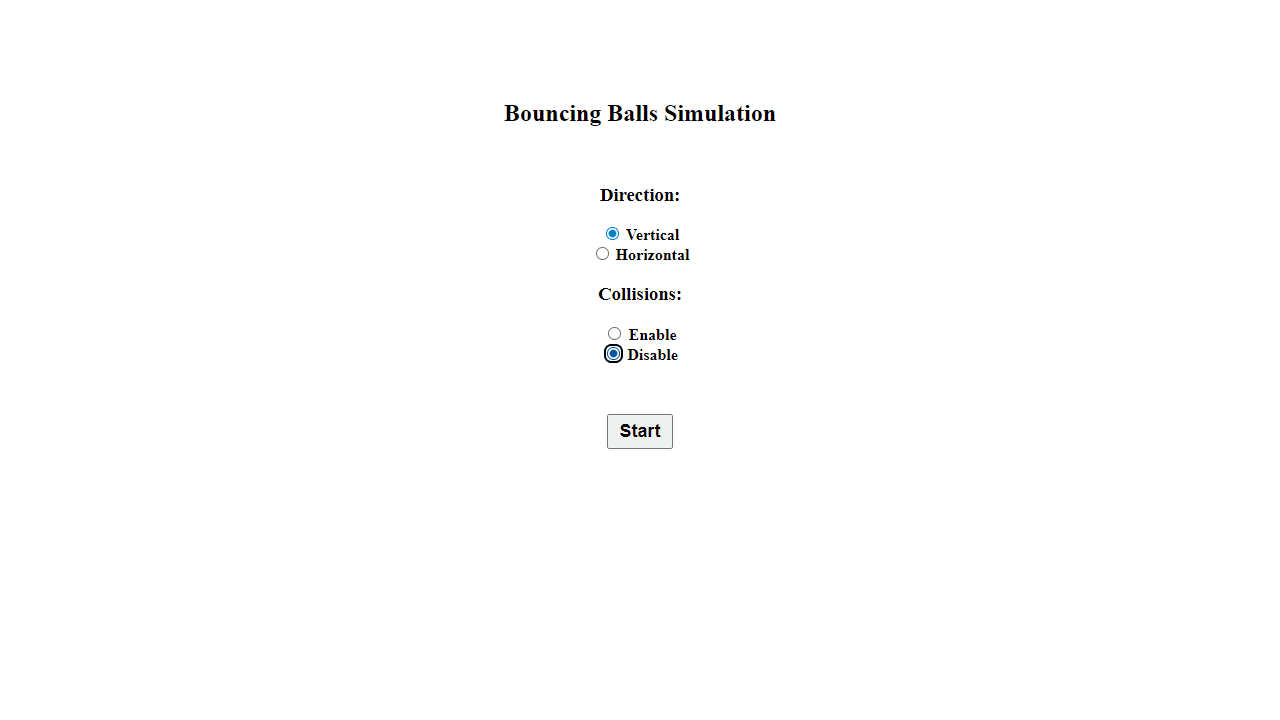
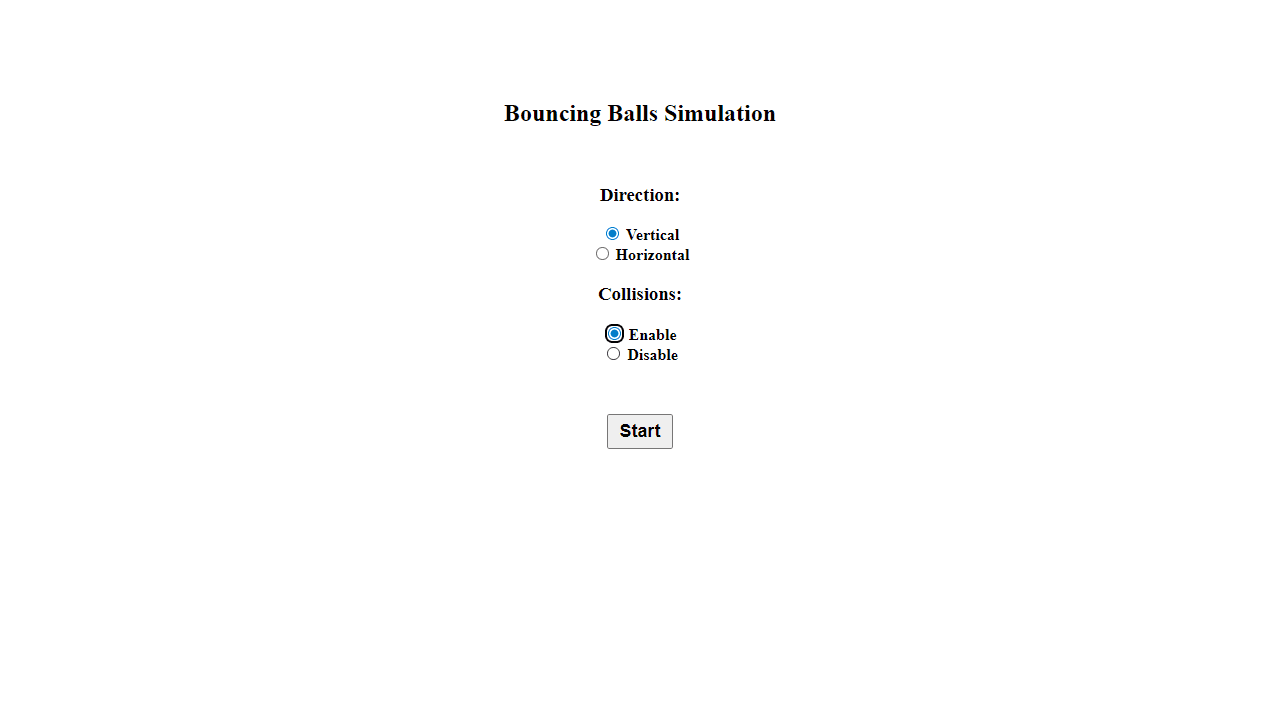
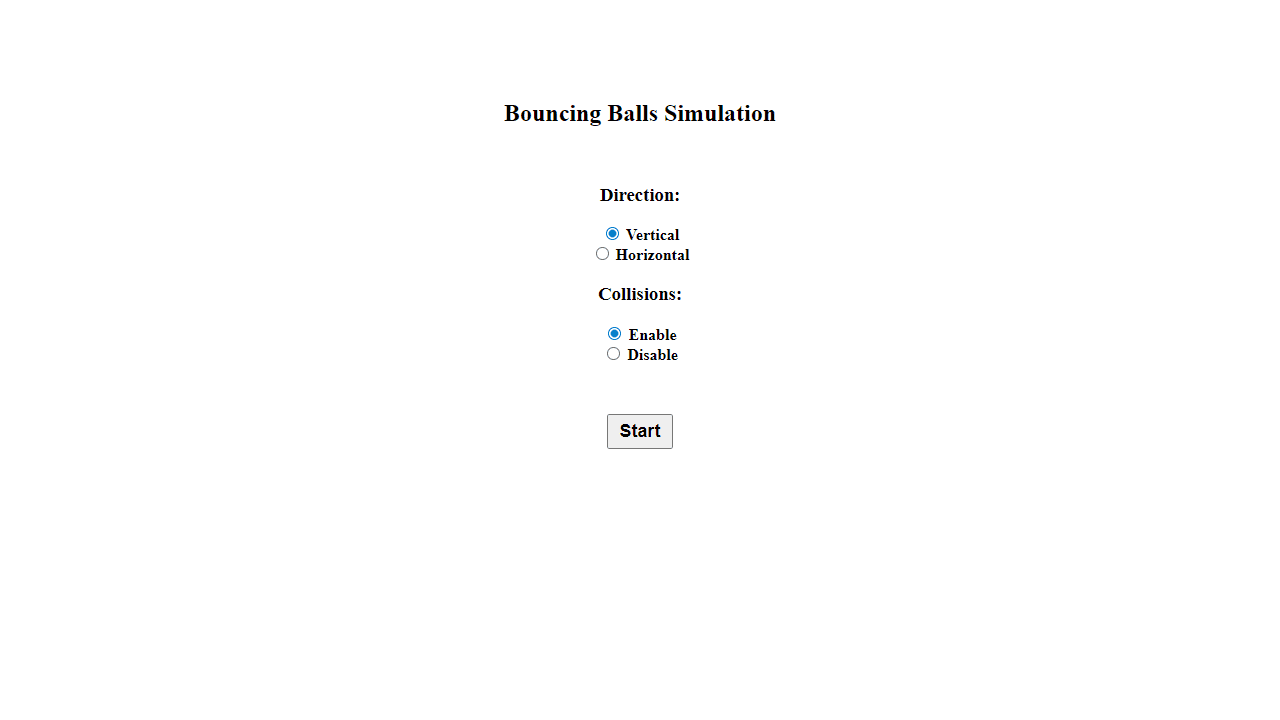
1. Choose your simulation settings: Select gravity direction (vertical or horizontal) and whether balls can collide with each other 2. Click "Start" to enter the simulation canvas 3. Click and hold on the canvas to aim your ball - a targeting line will appear 4. Drag your mouse away from the starting point to set the ball's launch speed (longer drag = faster ball) 5. Release the mouse button to launch the ball 6. Repeat to add more balls to the simulation 7. Watch as balls bounce off walls and each other (if collisions are enabled) following realistic physics 8. Click "Back" to return to settings and adjust parameters The simulation runs at 60 fps and works on both mouse and touch devices. Balls maintain momentum and interact naturally with gravity and collisions based on your chosen settings.
Reviews
No written reviews yet. Be the first!
More from Interactive

An interactive particle sandbox. Drop sand, water, fire, and more and watch elements interact in a mesmerizing physics simulation.
by mohanad-80


