Algorithm Visualizer
Interactive tool for visualizing sorting algorithms in action. Watch bubble sort, quick sort, merge sort, and more come to life with animated bar charts.
About Algorithm Visualizer
Pick a sorting algorithm, set the array size, and hit play — then watch colored bars shuffle, swap, and settle into order right in front of you. Algorithm Visualizer animates bubble sort, quick sort, merge sort, and several others, stepping through each comparison and swap so you can see exactly why one approach takes far more operations than another. Speed controls let you slow things down when a tricky merge is happening or fast-forward through the tedious middle of a bubble sort.
It's a strong study tool for anyone working through computer science education topics for the first time, but also useful if you half-remember this stuff and want a quick mental refresh. If you enjoy visualizing mathematical concepts, Graphing Calculator goes in a different direction but shares the same hands-on, see-it-as-it-happens approach.
The full bar chart takes up meaningful screen space, so a laptop or tablet gives you a clearer picture of what's happening across large arrays — though it runs fine on a phone for smaller sizes.
Look inside
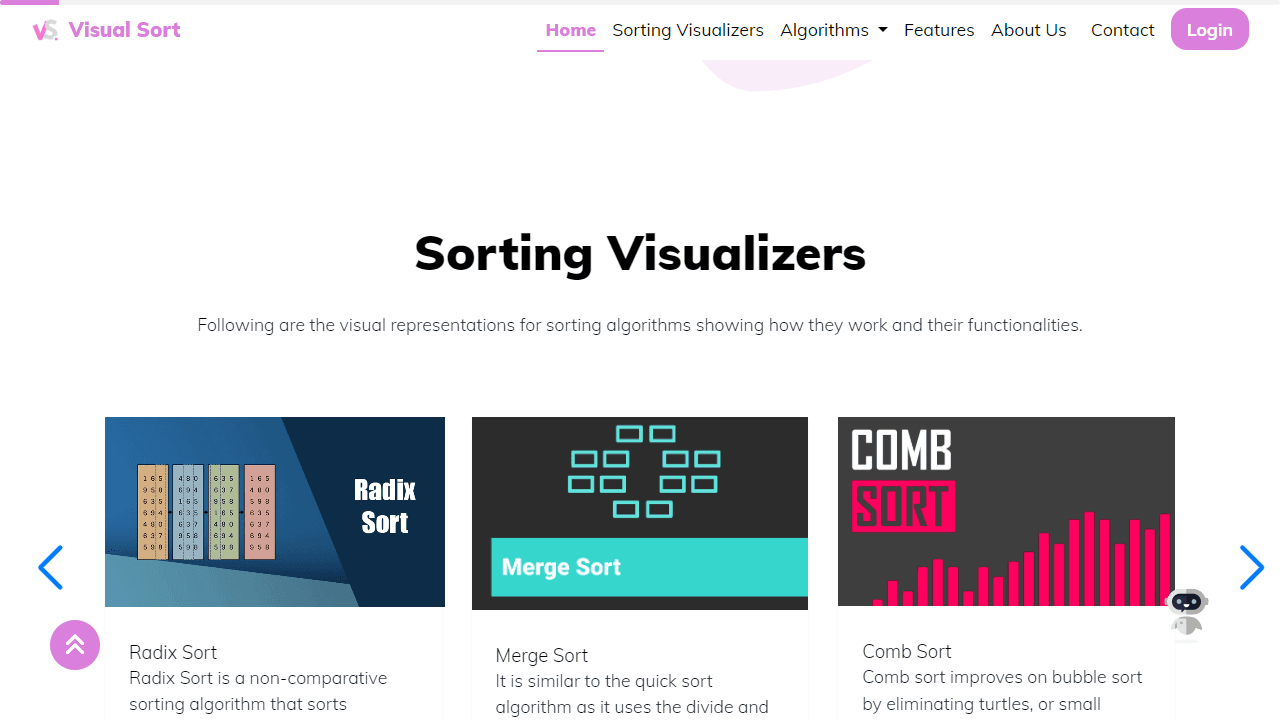

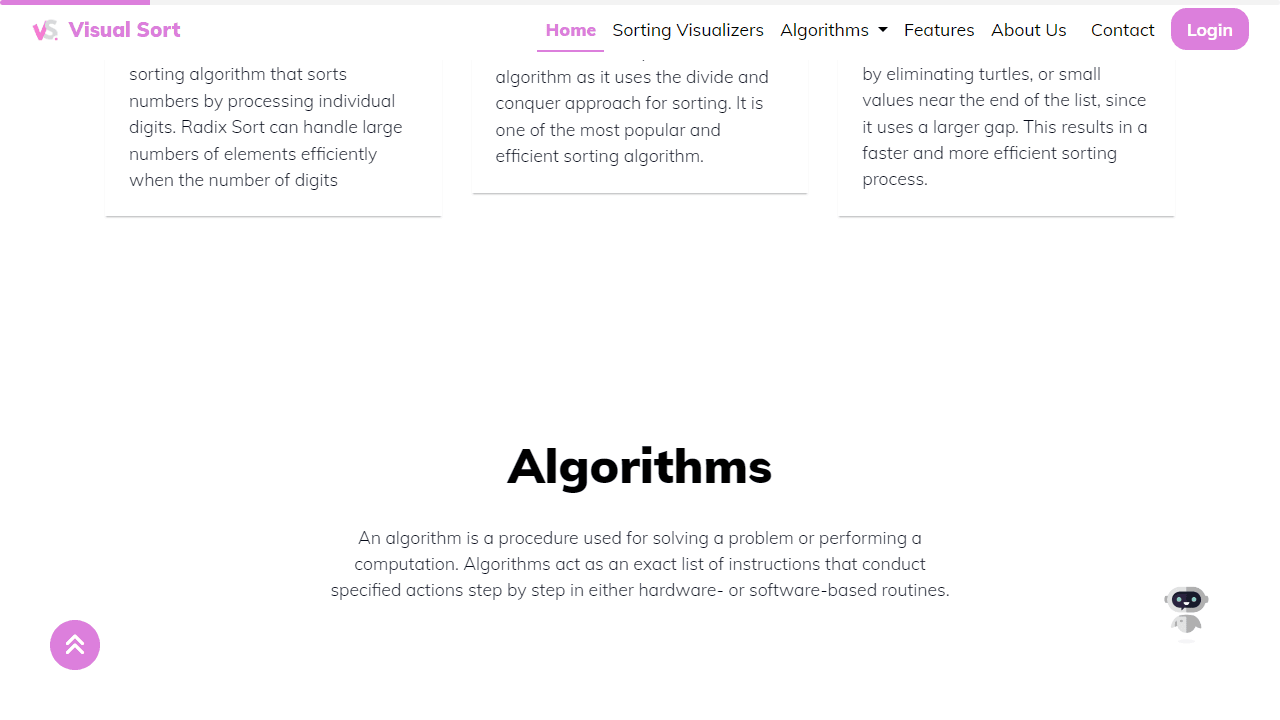
How to use
• Select a sorting algorithm from the Algorithms dropdown menu in the navigation bar • Click on any algorithm (Bubble Sort, Quick Sort, Merge Sort, etc.) to open its visualizer page • Use the Start/Play button to begin the sorting animation • Adjust the speed slider to control how fast the visualization runs • Change the array size slider to work with more or fewer elements • Click Generate New Array to create a random dataset • Use Pause/Resume to control playback during visualization • Watch as colored bars move and change to show how the algorithm sorts data • Different colors indicate which elements are being compared, swapped, or are in their final position • Reset button returns to the original unsorted state • The tool helps you understand how different sorting algorithms work by showing each step visually • Compare algorithm speeds and efficiency by trying different ones on the same dataset
Reviews
No written reviews yet. Be the first!
More from Education
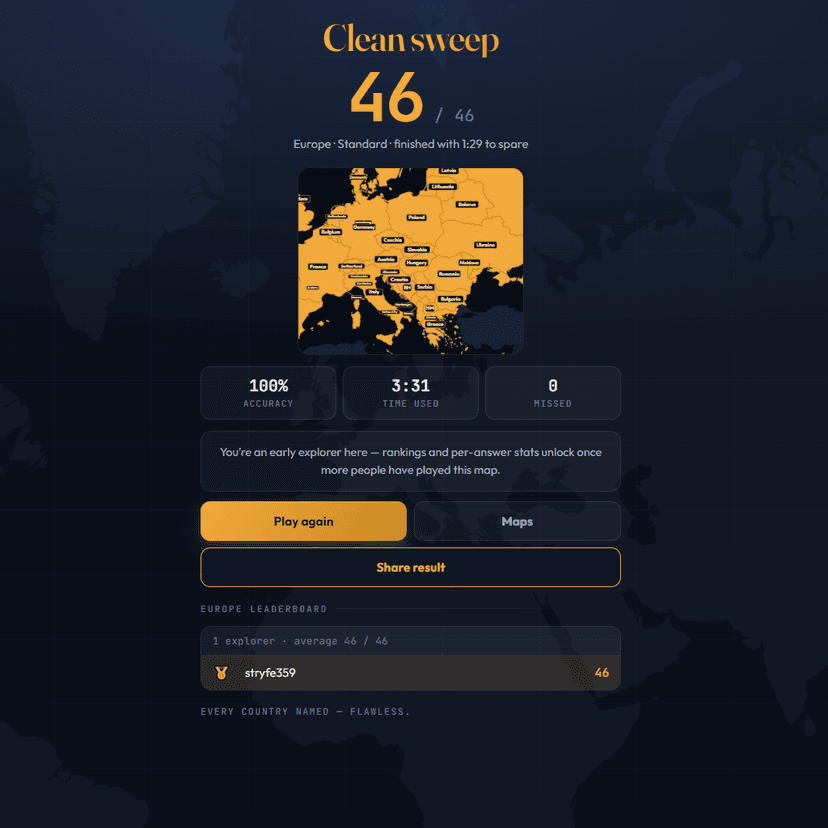
A geography speed-quiz. Type country names against the clock — every one you nail lights up the map. Eight maps (world + every continent), three paces, leaderboards, percentile standings, and a per-answer rarity stat that shows how many other players named each country.
by geodude