Sorting Visualizer
Watch sorting algorithms in action. Compare bubble, merge, quick sort and more side by side.
About Sorting Visualizer
Pick an algorithm, hit play, and watch colored bars race across the screen as the code does its work. Sorting Visualizer lets you run bubble, merge, quick sort, and several others side by side, so the speed differences between them stop being abstract and start being obvious. Merge sort finishes while bubble sort is still grinding — that gap is hard to forget once you've seen it.
It's a genuinely useful tool if you're studying computer science or just curious how these algorithms behave on different data sets. You can shuffle the array, adjust the size, and run comparisons repeatedly. The full grid of bars takes up a fair amount of screen space, so a laptop or desktop will give you a cleaner read than a phone. Browse more tools like this in education.
If the visual approach to math and logic appeals to you, Graphing Calculator goes in a different direction but covers similar conceptual ground — plotting function behavior in real time. No account needed to use Sorting Visualizer; just load it and start comparing.
Look inside
How to use
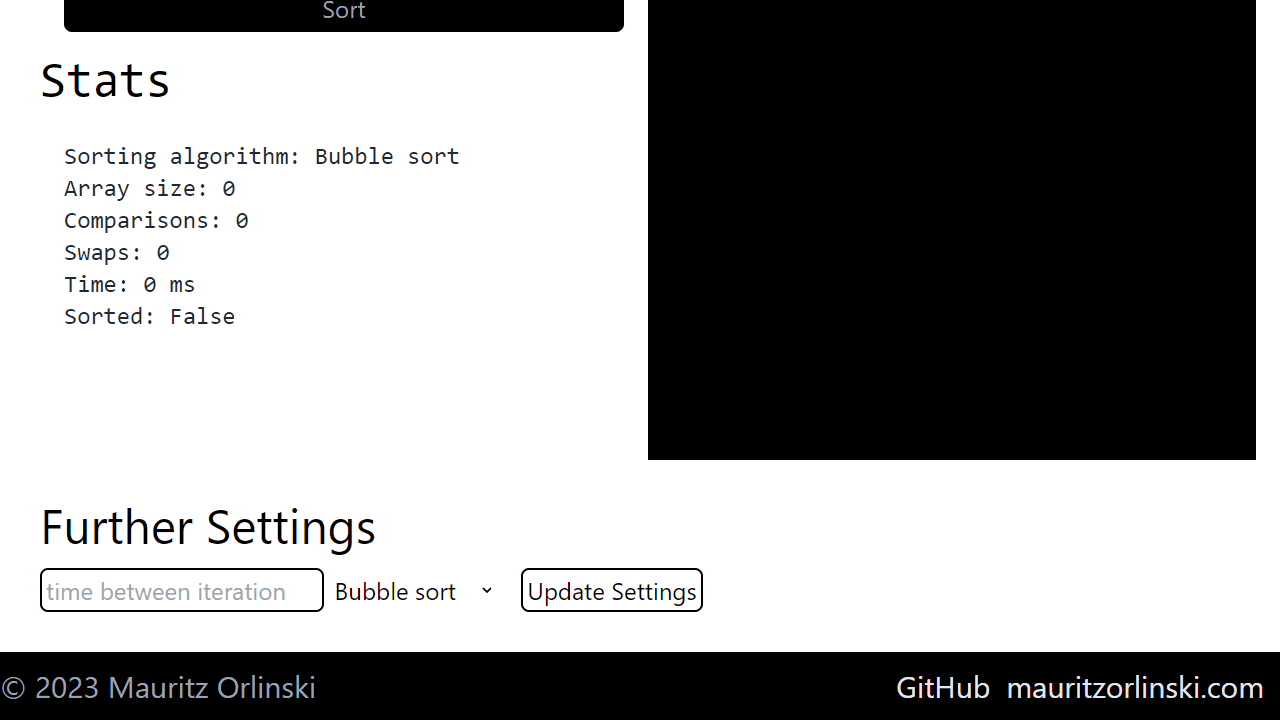
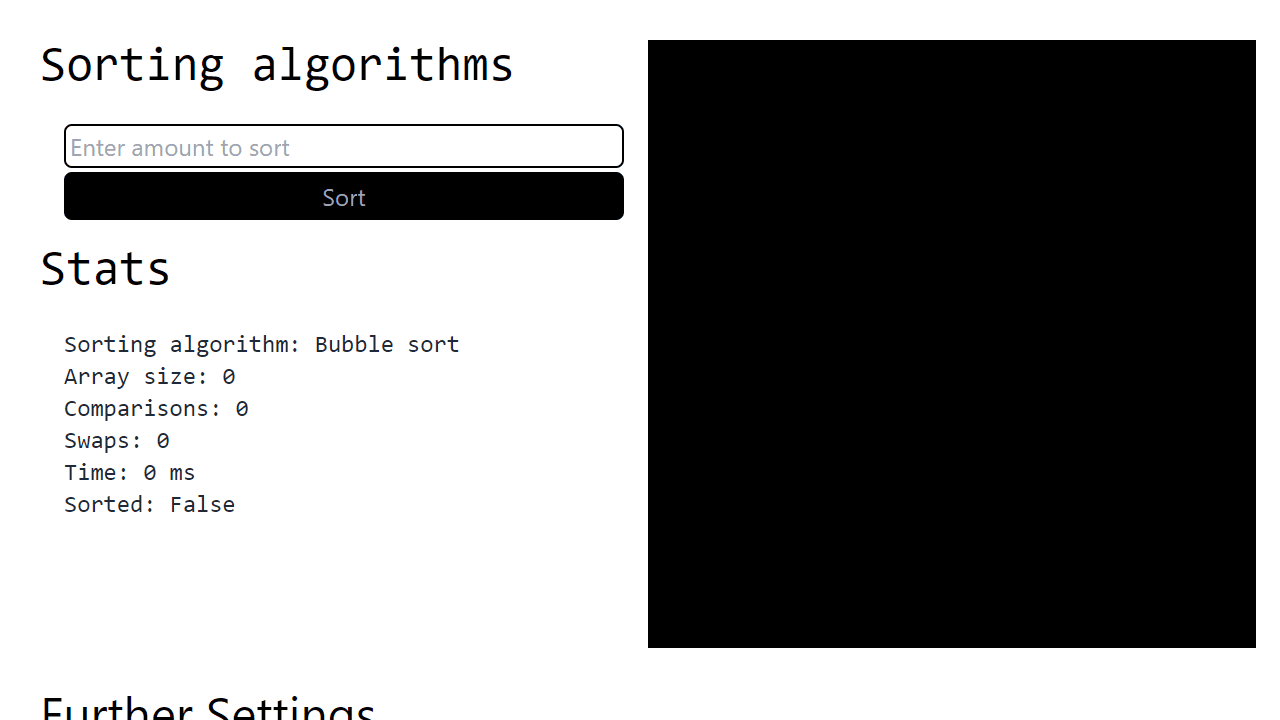
This tool helps you learn how sorting algorithms work by showing a visual animation of the sorting process. **Getting Started:** 1. Enter a number in the input field to set how many items to sort 2. Click "Sort" to start the visualization 3. Watch the black canvas as bars animate to show the sorting process **Controls:** • Use the dropdown menu to select different sorting algorithms (Bubble, Insertion, or Selection sort) • Enter a speed value to control animation timing between steps • Click "Update Settings" to apply your changes **What You'll See:** • Animated bars on the canvas representing data being sorted • Real-time statistics showing comparisons, swaps, time taken, and array size • The sorting algorithm name and completion status **How It Works:** The visualization generates random data and animates each step of the selected sorting algorithm. You can compare different algorithms by changing the selection and observing how they perform differently in speed and number of operations.
Reviews
No written reviews yet. Be the first!
More from Education

A geography speed-quiz. Type country names against the clock — every one you nail lights up the map. Eight maps (world + every continent), three paces, leaderboards, percentile standings, and a per-answer rarity stat that shows how many other players named each country.
by geodude