
Physics Playground
An interactive 2D physics sandbox — click and hold to spawn objects, toggle gravity, and watch realistic collisions and bouncing in real time.
About Physics Playground
Click anywhere on the canvas and objects appear — boxes, balls, and shapes that bounce, stack, and collide while you watch. Hold the mouse button to keep spawning, then flip gravity off and see everything drift. Toggle it back on and the pile crashes down. That feedback loop, cause and immediate effect, is what makes Physics Playground easy to lose time in.
It's a pure interactive simulation with no goals and no score. The appeal is experimentation: crank up the object count, reverse gravity mid-fall, or try to build a teetering stack before the collision physics shake it apart. There's a satisfying unpredictability to how things land.
If you want something with more elemental variety, Falling Sand covers similar ground but lets you mix sand, water, and fire instead. Physics Playground works best on a desktop or laptop, where the full canvas has room to fill and the click-and-hold controls feel natural with a mouse rather than a touchscreen.
Look inside
How to use
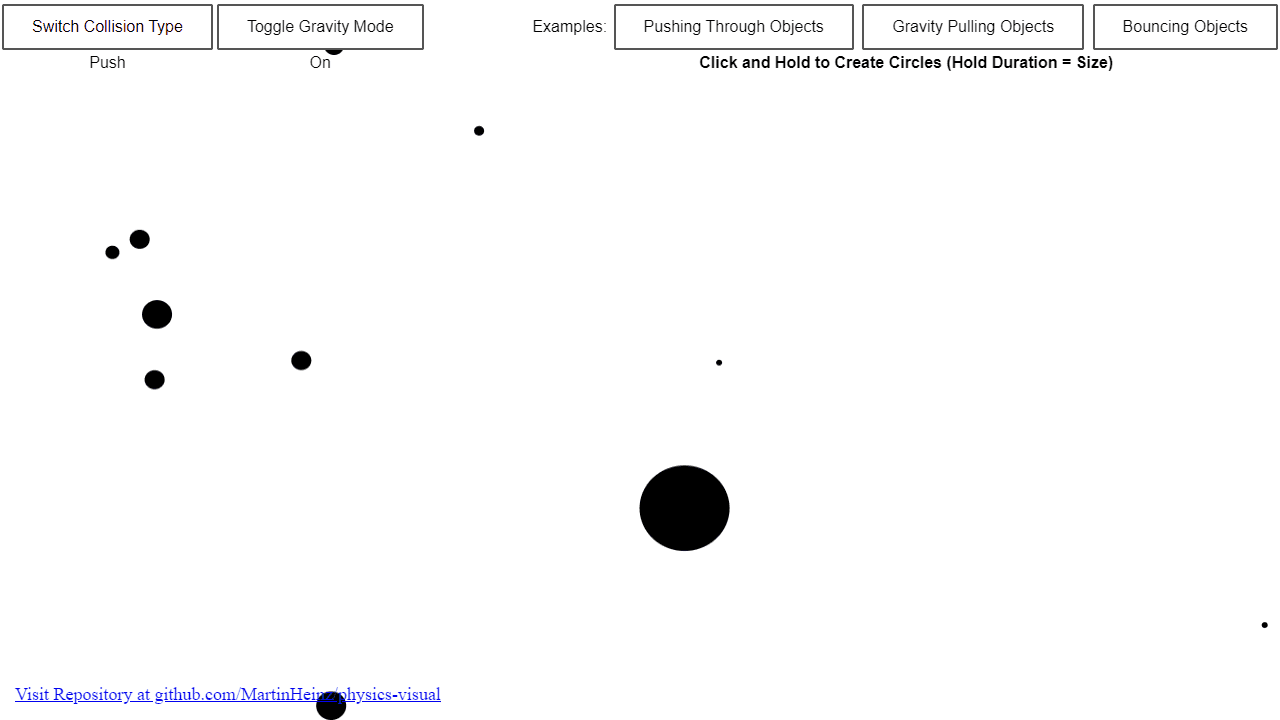
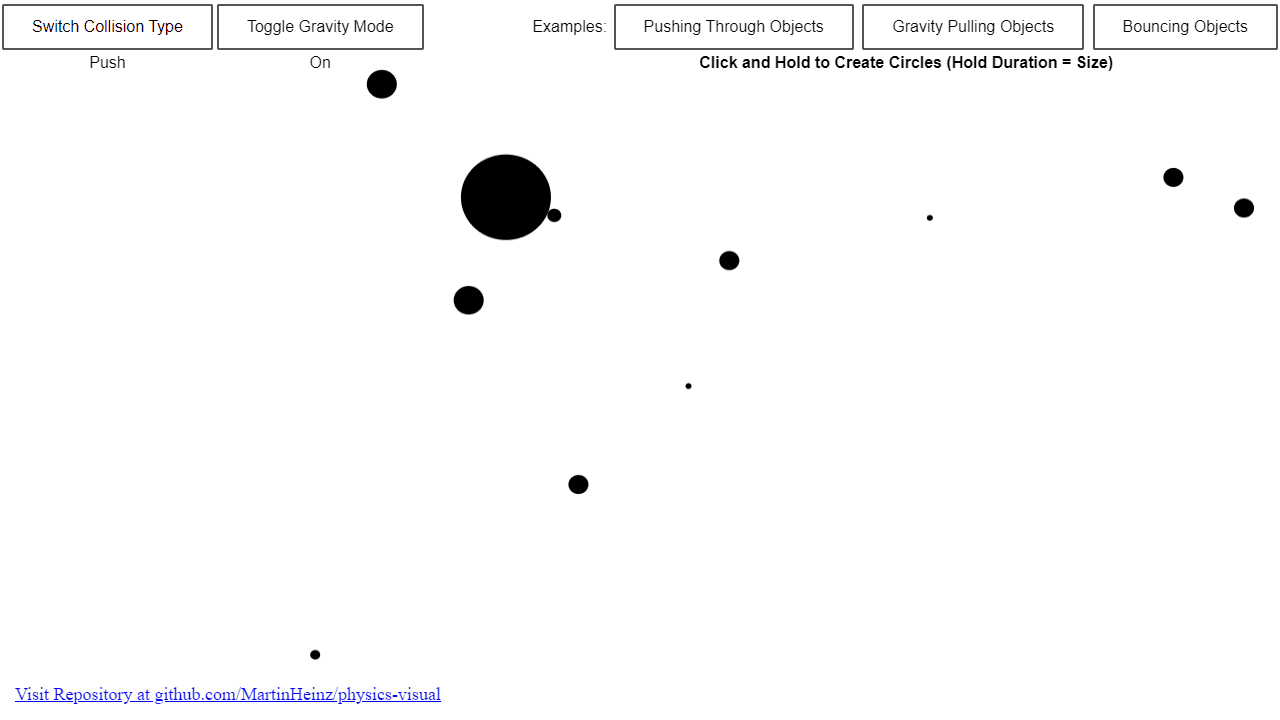
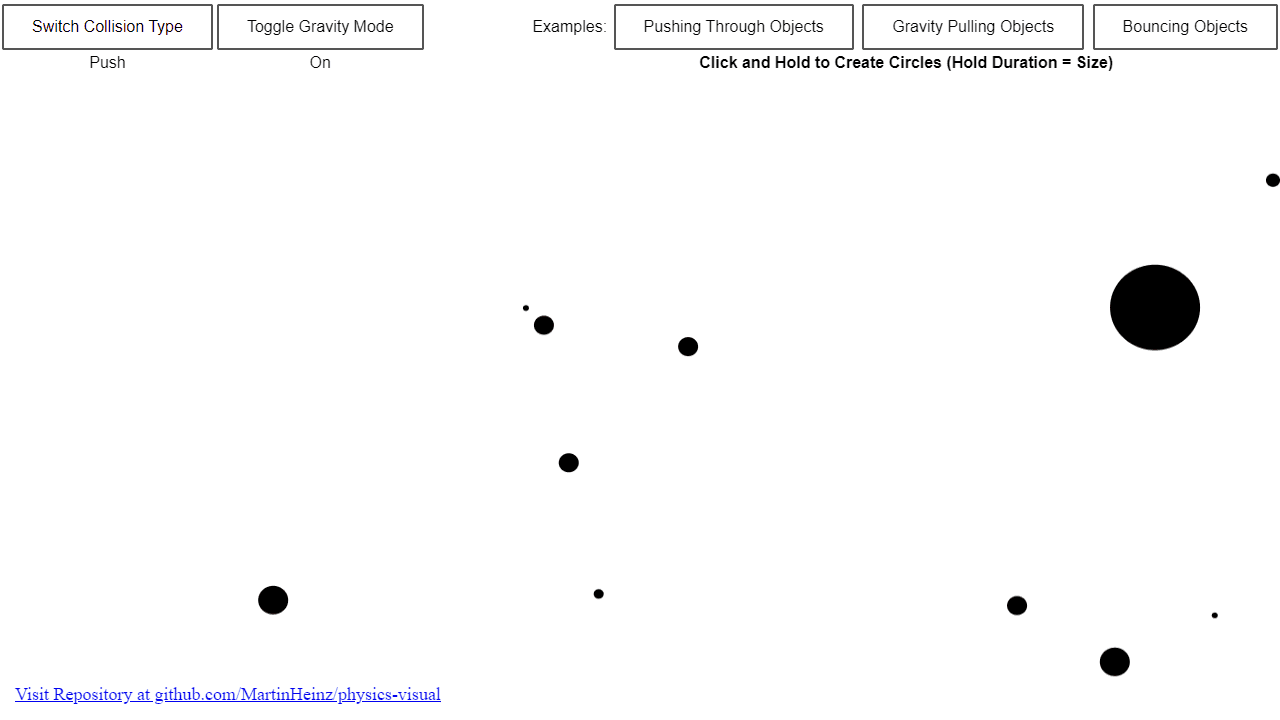
• Click and hold the left mouse button on the canvas to create circles - the longer you hold, the larger the circle becomes • Watch as circles interact with realistic 2D physics including gravity, collisions, and momentum • Use "Toggle Gravity Mode" button to turn gravity on/off - objects will fall downward when gravity is enabled • Use "Switch Collision Type" button to change how objects interact when they collide - toggle between "Push" mode (objects bounce off each other) and other collision behaviors • Try the example buttons in the top right to see preset demonstrations: - "Pushing Through Objects" - shows push collision mechanics - "Gravity Pulling Objects" - demonstrates gravitational effects - "Bouncing Objects" - displays elastic collision physics • Create multiple objects to observe complex interactions between them • Objects maintain momentum and react realistically to collisions based on their size and speed • Experiment with different combinations of gravity settings and collision types to explore various physics behaviors
Reviews
No written reviews yet. Be the first!
More from Interactive

An interactive particle sandbox. Drop sand, water, fire, and more and watch elements interact in a mesmerizing physics simulation.
by mohanad-80


