
Pattern Lock
Draw a pattern to unlock, just like on your phone. A smooth, canvas-based pattern lock you can try in your browser.
About Pattern Lock
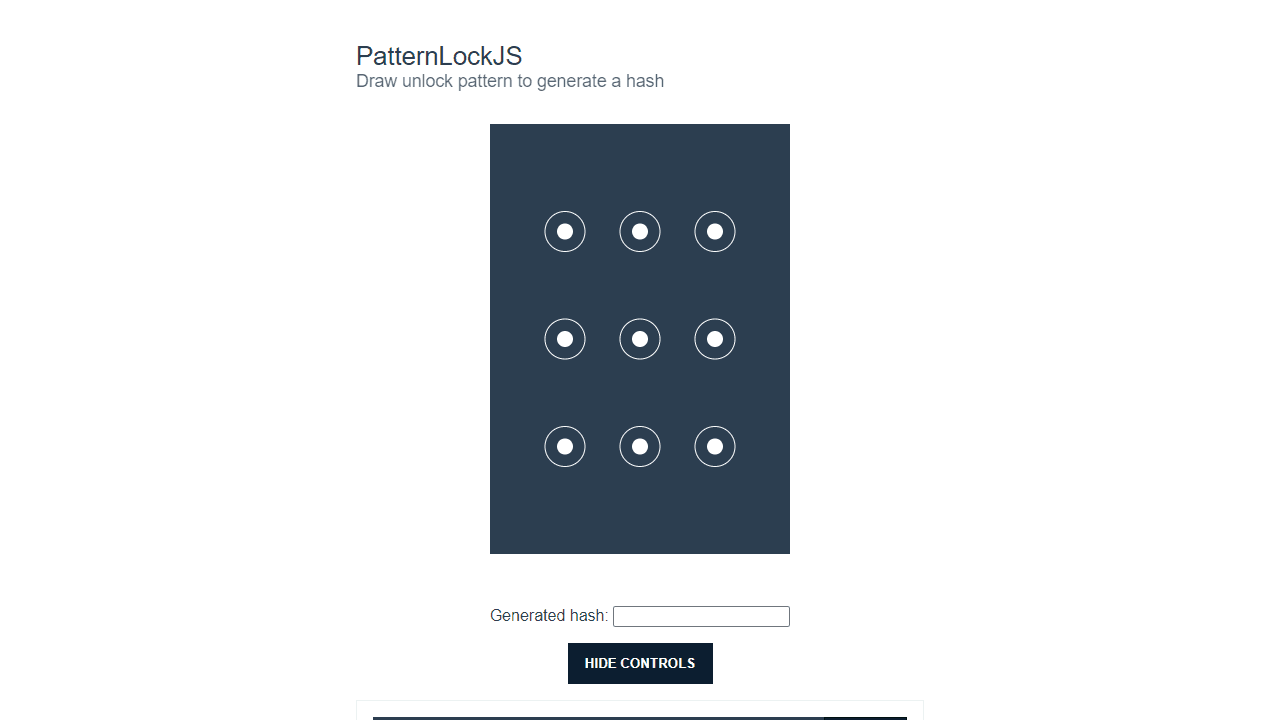
Draw a pattern across a grid of dots — the same gesture unlock you know from your phone, running right in the browser. Tap or click a starting dot, drag through a sequence, and release to register your shape. The canvas renders connecting lines in real time as your finger or cursor moves, making the interaction feel immediate and tactile.
It's a faithful recreation of the mechanism itself, which makes it genuinely interesting for anyone curious about how gesture-based security works. If you enjoy hands-on interactive experiments that expose the logic underneath everyday interfaces, this one is worth a few minutes. For something similarly satisfying to push around with your mouse, Fluid Simulation offers the same kind of direct, canvas-driven feedback.
Works best on a touchscreen where the swipe feels natural, though mouse input on desktop is fully supported.
Look inside
How to use
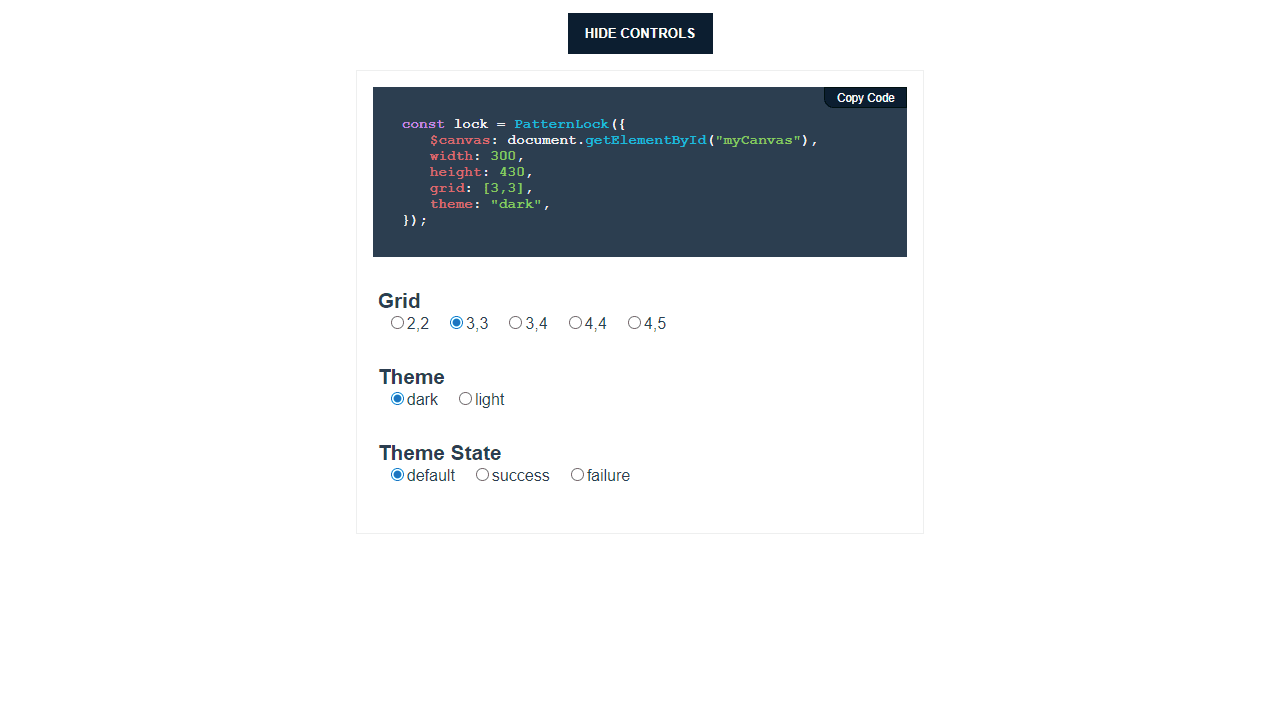
• Draw patterns by connecting dots on a 3x3 grid to create a unique lock pattern • Use your mouse to click and drag from one dot to another, or tap and drag on touch devices • Release to complete your pattern - the system will generate a unique hash for your drawn pattern • The pattern will turn green if it matches a preset password, or red if it doesn't match • Each dot can only be used once per pattern, and you must connect at least 4 dots • Use the control buttons to reset the pattern, change themes (light/dark), or adjust grid size • The app remembers successful patterns - try drawing the same pattern again to see it recognized • Your drawn path will be highlighted as you create the pattern, showing connected dots with lines • This tool can be used to test pattern lock security or as a web-based pattern authentication system
Reviews
No written reviews yet. Be the first!
More from Interactive

An interactive particle sandbox. Drop sand, water, fire, and more and watch elements interact in a mesmerizing physics simulation.
by mohanad-80


