Kubernetes Simulator
Learn Kubernetes through interactive 3D gameplay. Deploy pods, handle real incidents, and master kubectl commands in campaign, chaos, and sandbox modes.
About Kubernetes Simulator
You're handed a broken Kubernetes cluster and a terminal. Pods are crashing, deployments are misconfigured, and the clock is ticking. Kubernetes Simulator drops you into interactive 3D environments where you type real kubectl commands — actual ones, not abstractions — to deploy workloads, debug failing containers, and restore order before incidents spiral. Every action has visible consequences in the cluster view, so you can watch a pod spin up or die in real time.
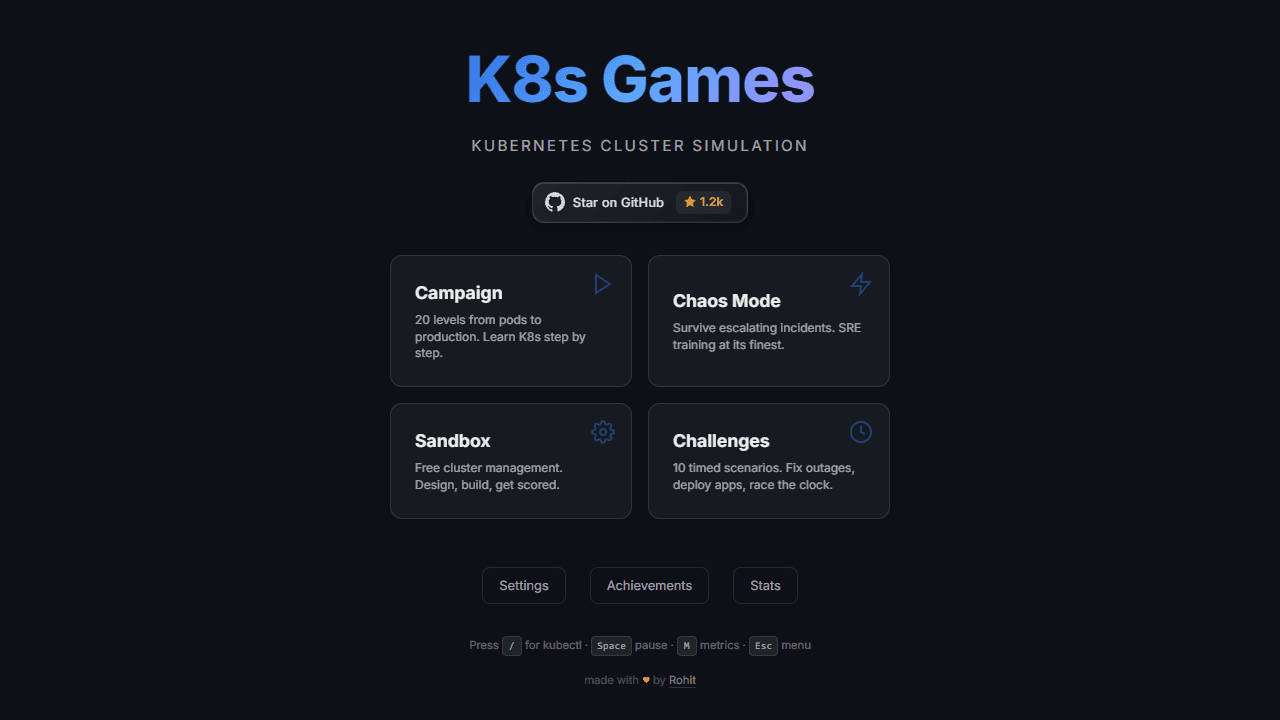
Three modes shape the experience. Campaign walks you through structured scenarios that build from basic deployments to multi-service architectures. Chaos mode throws random failures at a live cluster so you can practice incident response under pressure. Sandbox gives you a clean environment to experiment without consequences. It's a practical fit for anyone in hands-on technical education who learns by doing rather than reading slides.
No prior Kubernetes knowledge is required to start, but you'll want a keyboard — this is not a tap-friendly experience, and the command input is the whole point.
Look inside
How to use
• Select a game mode from the main menu (Campaign, Chaos, Sandbox, or Challenges) • Left-click resources from the left palette to place them in your 3D cluster • Drag resources to move them around the cluster • Click any resource to inspect its status, YAML, and kubectl details • Right-click resources for actions like Scale, Delete, Logs, or Restart • Press `/` to open the kubectl command bar and type real commands • Handle incidents as they appear - diagnose problems and fix them like a real site reliability engineer • Use mouse to rotate camera (left-drag), pan (right-drag), and zoom (scroll wheel) • Press `Space` to pause/resume, `M` for metrics dashboard, `?` for help, `Esc` for menu • Press number keys 1-9 to quick-select resources • Your goal varies by mode: complete levels in Campaign, survive chaos incidents, build optimal clusters in Sandbox, or race against time in Challenges
Reviews
No written reviews yet. Be the first!
More from Education
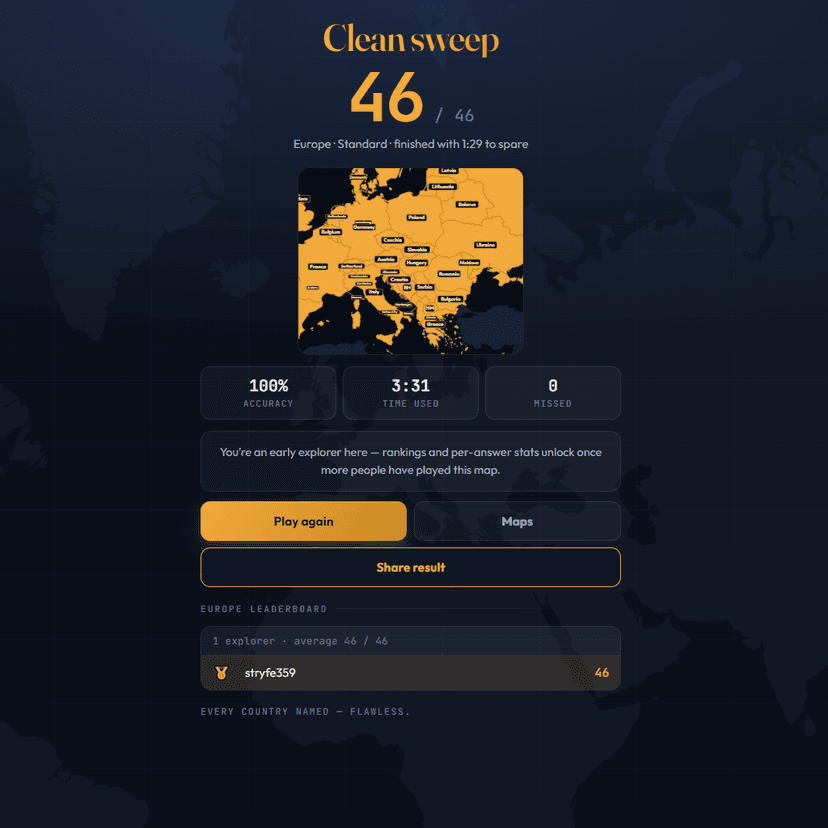
A geography speed-quiz. Type country names against the clock — every one you nail lights up the map. Eight maps (world + every continent), three paces, leaderboards, percentile standings, and a per-answer rarity stat that shows how many other players named each country.
by geodude