
Rotary Knob
A realistic rotary knob control you can twist with your mouse or finger. A satisfying, tactile web component for adjusting values.
About Rotary Knob
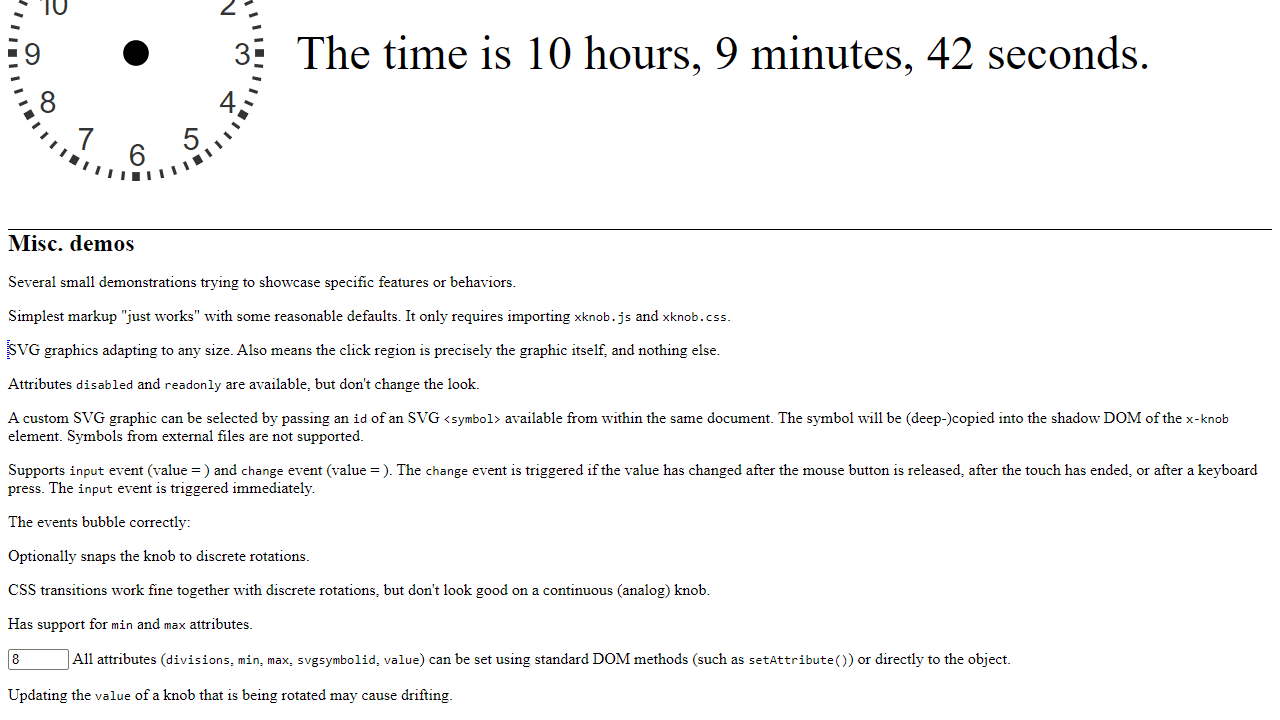
Grab the knob and twist. That's the whole invitation. Rotary Knob is a single, finely crafted dial you control by clicking and dragging with a mouse or swiping with a finger — and the motion feels genuinely weighted, the way a real hardware knob does when you turn it between your fingers. There's no score, no objective, just the quiet satisfaction of a control that responds exactly as you'd expect.
It's part of a small tradition of interactive web toys that exist purely to feel good to use. Developers might recognize it as a polished web component worth borrowing; everyone else will just enjoy spinning it for a minute or two without needing a reason.
Works best with a mouse for precise control, though touch input is fully supported — drag up to increase the value, drag down to decrease it.
Look inside
How to use
• Use mouse to drag and rotate the knob clockwise or counterclockwise to change its value • Touch devices: drag with your finger to rotate the knob • Keyboard: use arrow keys or other navigation keys when the knob is focused (click to focus) • The knob rotates to match your input and displays different positions based on its current value • Each knob can have different ranges and step values depending on how it's configured • The knob provides visual feedback by rotating its graphics as you interact with it • Some knobs may have limited rotation ranges while others can spin continuously • The current value is typically displayed nearby or can be read by checking connected output fields • Focus on a knob by clicking it, then use keyboard controls for precise adjustments
Reviews
No written reviews yet. Be the first!
More from Interactive

An interactive particle sandbox. Drop sand, water, fire, and more and watch elements interact in a mesmerizing physics simulation.
by mohanad-80


